Visual Studio 2017 -Having Error Issues With Build

John Smith 21 Reputation points
2022-04-14T04:22:47.003+00:00

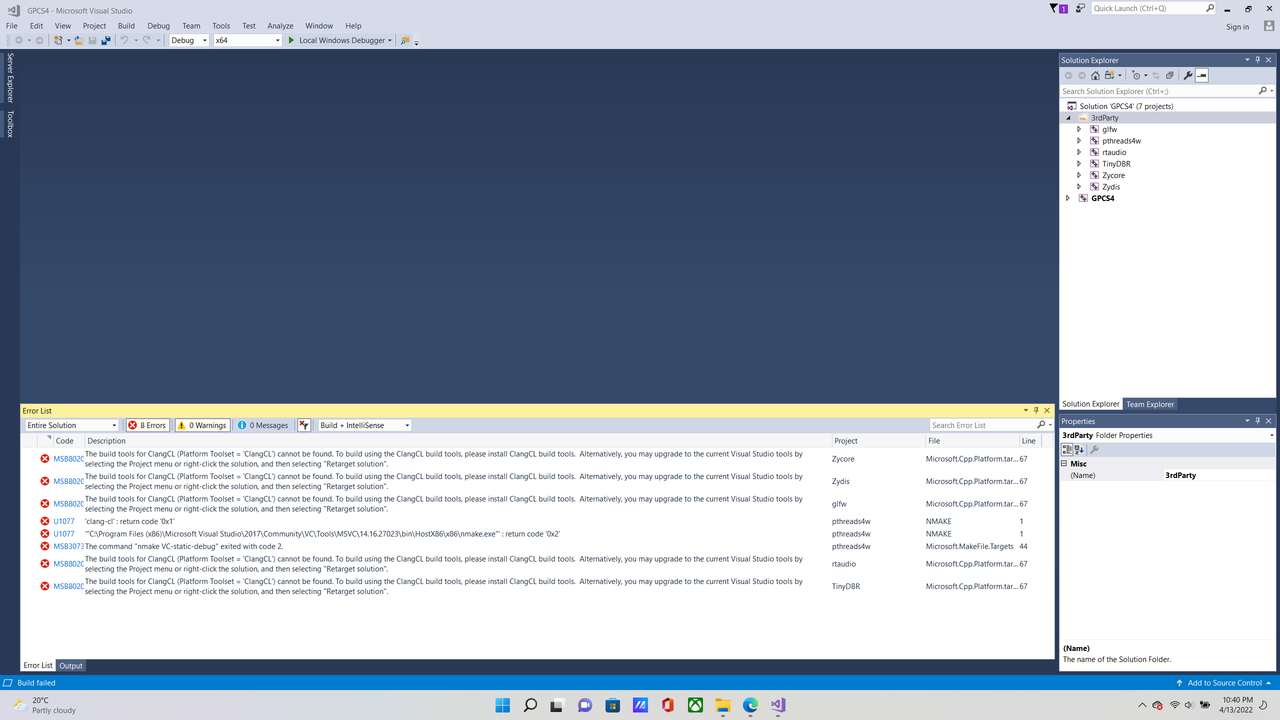
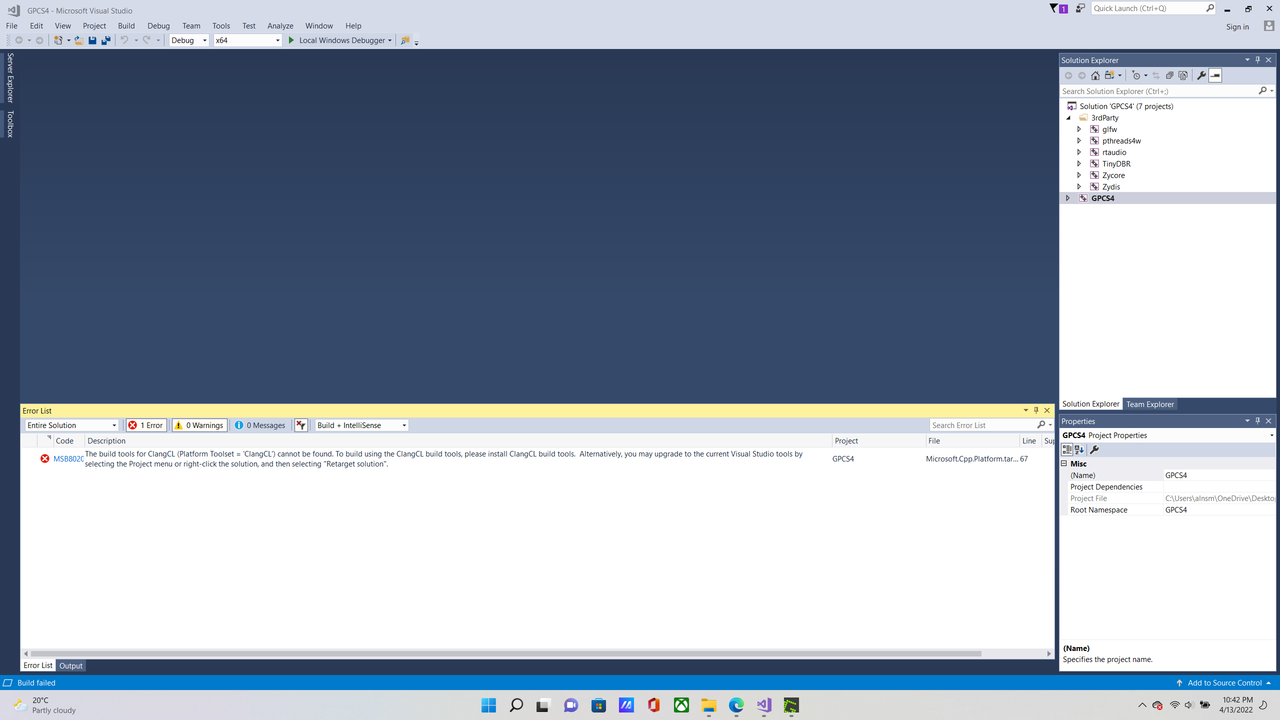
In Visual Studio 2017 in the Solution Explorer tab, when I right-click on a folder and select Build I get this error message

2022-04-13-22-40-12-Greenshot.png
2022-04-13-22-42-16-Greenshot.png

It says I need to install ClangCL build tools but where do I download it from?

During the installation I installed Desktop development with C++ with the default options and llvm.vsix with it.

Developer technologies | C++
A high-level, general-purpose programming language, created as an extension of the C programming language, that has object-oriented, generic, and functional features in addition to facilities for low-level memory manipulation.

Developer technologies | Visual Studio | Other
A family of Microsoft suites of integrated development tools for building applications for Windows, the web, mobile devices and many other platforms. Miscellaneous topics that do not fit into specific categories.
0 comments No comments
{count} votes

Answer accepted by question author
  1. Viorel 125.8K Reputation points
    2022-04-14T06:35:04.943+00:00

    Try installing CLang as explained in documentation: https://github.com/Inori/GPCS4/blob/master/Doc/DeveloperGuide.md#build-gpcs4.

    Also use the recommended or current version of Visual Studio.

    0 comments No comments

2 additional answers

Sort by: Most helpful
  1. Abdul Muiz Abdul Aziz 1 Reputation point
    2022-04-14T06:40:56.027+00:00

    You can download from here:

    https://releases.llvm.org/download.html

    0 comments No comments

  2. John Smith 21 Reputation points
    2022-04-14T15:28:28.173+00:00

    Don't really understand this part

    https://github.com/Inori/GPCS4/blob/master/Doc/DeveloperGuide.md#build-gpcs4
    3) Build pthreads4w manually:
    Open x64 Native Tools Command Prompt for VS 2019,
    cd to path: GPCS4\3rdParty\pthreads4w
    type nmake VC-static-debug then nmake VC-static

    In Native Tools Command Prompt, how do I type cd to path?


Your answer

Answers can be marked as 'Accepted' by the question author and 'Recommended' by moderators, which helps users know the answer solved the author's problem.