' cx='32' cy='32' r='32' /%3E%3Ctext x='50%25' y='55%25' dominant-baseline='middle' text-anchor='middle' fill='%23FFF' %3EH%3C/text%3E%3C/svg%3E)



You will need to use Powershell to do that.
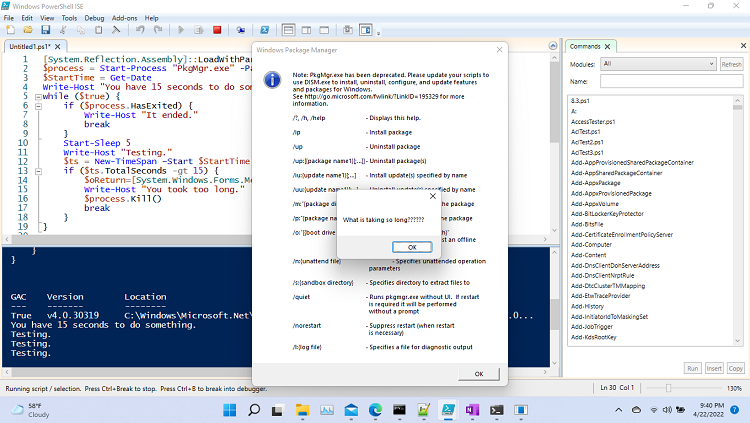
[System.Reflection.Assembly]::LoadWithPartialName("System.Windows.Forms")
$process = Start-Process "PkgMgr.exe" -PassThru
$StartTime = Get-Date
Write-Host "You have 15 seconds to do something."
while ($true) {
    if ($process.HasExited) {
        Write-Host "It ended."
        break
    }
    Start-Sleep 5
    Write-Host "Testing."
    $ts = New-TimeSpan –Start $StartTime –End (Get-Date)
    if ($ts.TotalSeconds -gt 15) {
        $oReturn=[System.Windows.Forms.Messagebox]::Show("What is taking so long??????")
        Write-Host "You took too long."
        $process.Kill()
        break
    }
}
This site shows how to generate a prompt.
https://michlstechblog.info/blog/powershell-show-a-messagebox/