Developer technologies | ASP.NET | Other
A set of technologies in .NET for building web applications and web services. Miscellaneous topics that do not fit into specific categories.
This browser is no longer supported.
Upgrade to Microsoft Edge to take advantage of the latest features, security updates, and technical support.
' cx='32' cy='32' r='32' /%3E%3Ctext x='50%25' y='55%25' dominant-baseline='middle' text-anchor='middle' fill='%23FFF' %3EDD%3C/text%3E%3C/svg%3E)
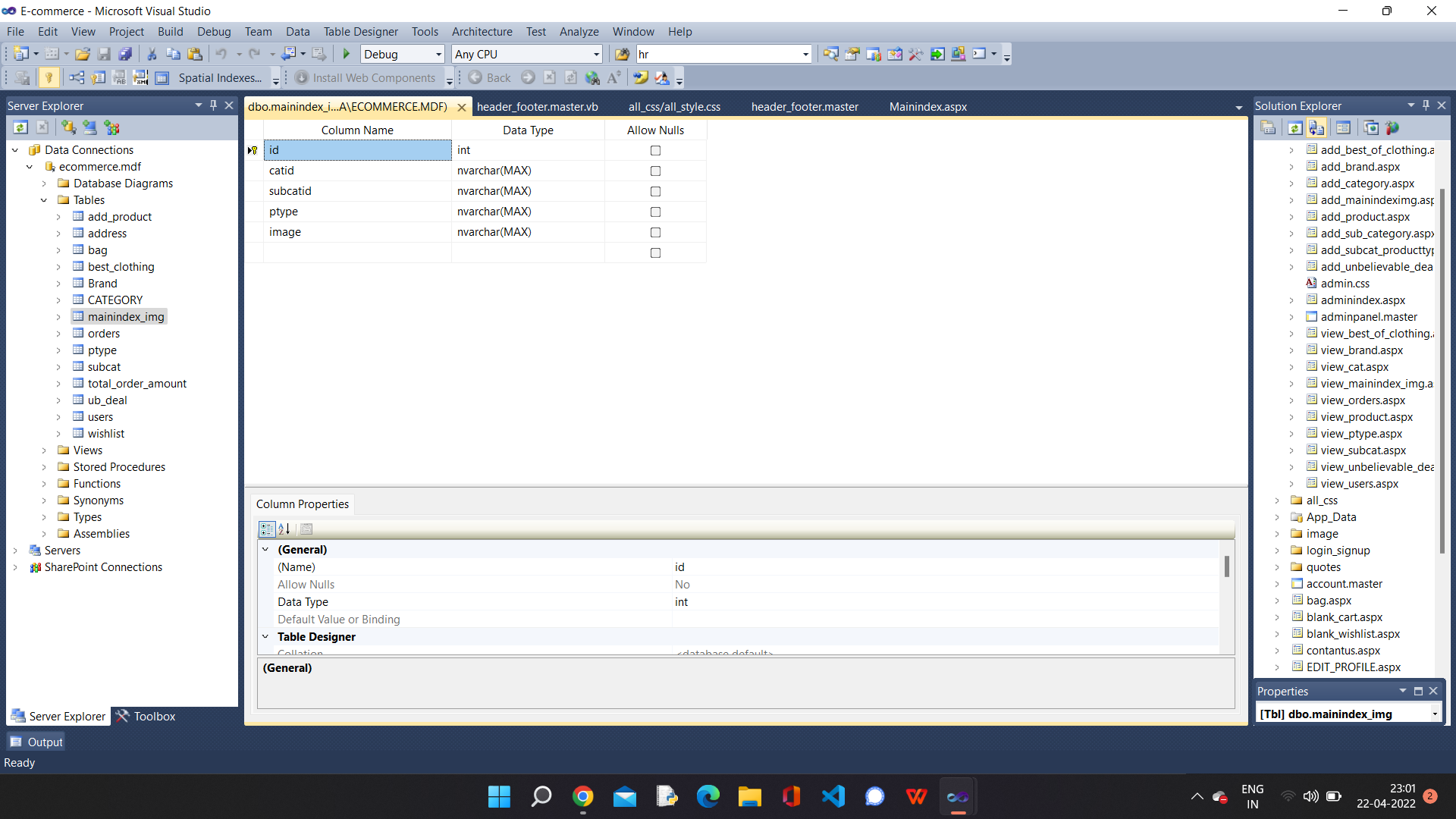
i want to add images from table mainindex_img dynamically to adrotator.
here at the top after the header


You did not share any code so it's impossible to figure out what the actual problem is. My best guess is the unknown add rotator you are using wants a URL to get the image(s) and that's where you are stuck. The standard approach in Web Forms is to create an image handler. An image handler is just a URL that executes custom logic that you get to write for fetching an image. Do an internet search and you'll find tons of examples. Image handler are very common in Web Forms.
https://www.google.com/search?q=asp.net+image+handler
Going forward please ask specific questions and stop tagging Web Forms questions as aspnet Core. As explained in your other thread(s), Web Forms does not exist in aspnet Core. When forum members click on aspnet Core we see your off-topic Web Forms questions.
Vb. Net is also the part the of asp. Net and these server side controls are also the part of asp. Net ok. I am not tagging irrelevantly.
Vb. Net is also the part the of asp. Net and these server side controls are also the part of asp. Net ok. I am not tagging irrelevantly.
You are mistaken. .NET Core is the latest development platform and does not include Web Forms or VB.NET web applications. ASP.NET Core has MVC and Razor Pages.
The old .NET Framework, the platform you are targeting, includes Web Forms and VB.NET. This information is openly documented.
Did you at least try to write an image handler? Are you able to fetch the image for the database? What add rotator are you using?
I don't know about latest update, but Microsoft. Net include VB. NET
' cx='32' cy='32' r='32' /%3E%3Ctext x='50%25' y='55%25' dominant-baseline='middle' text-anchor='middle' fill='%23FFF' %3ELH%3C/text%3E%3C/svg%3E)
Hi @Diksha dudi ,
Can you describe your needs in more detail? What does each data in the database mean?
I guess you might want to use AdRotator with a database, you can refer to the code below.
<asp:AdRotator id="AdRotator1" runat="server"/>
 Protected Sub Page_Load(ByVal sender As Object, ByVal e As System.EventArgs) Handles Me.Load
        Using con As SqlConnection = New SqlConnection("****")
            Using cmd As SqlCommand = New SqlCommand("SELECT * FROM mainindex_img", con)
                Dim sda As SqlDataAdapter = New SqlDataAdapter(cmd)
                Dim dt As DataTable = New DataTable()
                sda.Fill(dt)
                AdRotator1.DataSource = dt
                AdRotator1.DataBind()
            End Using
        End Using
    End Sub
Best regards,
Lan Huang
If the answer is the right solution, please click "Accept Answer" and kindly upvote it. If you have extra questions about this answer, please click "Comment".
Note: Please follow the steps in our documentation to enable e-mail notifications if you want to receive the related email notification for this thread.
Thank you for your reply. I'll try this
Actually i want this image to change on every on refresh which is coming from database.
But my problem is solved by sql query command ORDER BY NEWID(), which gives random output on every refresh.

Hi @Diksha dudi ,
The AdRotator control displays a randomly selected ad banner on a web page. Every time the page is refreshed, the displayed ad changes.
For details, you can check the documentation.
https://learn.microsoft.com/en-us/dotnet/api/system.web.ui.webcontrols.adrotator?view=netframework-4.8
Best regards,
Lan Huang
Yes i know that's why i want to use adrotator, but it is solved without it