
Is there anyone can follow this question?
@tbgangav-MSFT
This browser is no longer supported.
Upgrade to Microsoft Edge to take advantage of the latest features, security updates, and technical support.
' cx='32' cy='32' r='32' /%3E%3Ctext x='50%25' y='55%25' dominant-baseline='middle' text-anchor='middle' fill='%23FFF' %3EA%3C/text%3E%3C/svg%3E)
Steps:
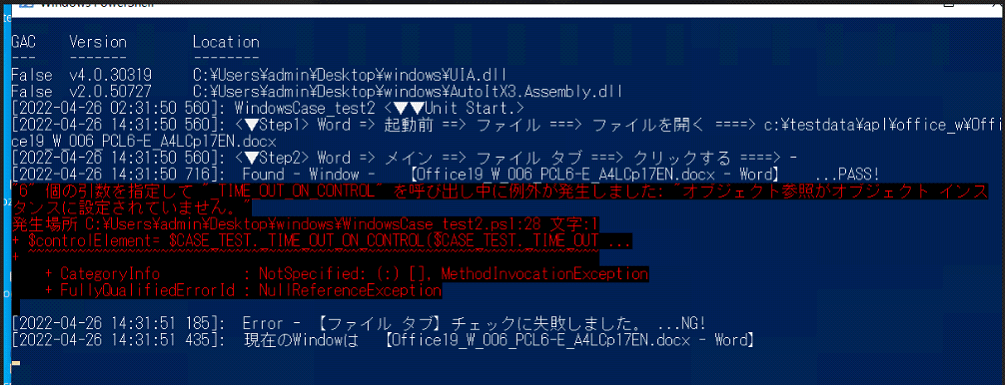
Question:
Is there something wrong with the document I used?
or Is there something wrong with the Microsoft Uiautomation API I used?
When I used other .docx document to test, exception above does not occur.
When I delete some data like this, the powershell script will be run OK.

Comments:
Microsoft Word document's File Tab UI infomation got by inspect.exe.

Is there anyone can follow this question?
@tbgangav-MSFT