Azure SQL Database
An Azure relational database service.
This browser is no longer supported.
Upgrade to Microsoft Edge to take advantage of the latest features, security updates, and technical support.
' cx='32' cy='32' r='32' /%3E%3Ctext x='50%25' y='55%25' dominant-baseline='middle' text-anchor='middle' fill='%23FFF' %3EC%3C/text%3E%3C/svg%3E)
Hi all! So I am having problems connecting to my Azure SQL database. I am trying to do this with python by following the instructions here:
https://learn.microsoft.com/en-us/sql/connect/python/pyodbc/step-3-proof-of-concept-connecting-to-sql-using-pyodbc?view=sql-server-ver15
My code:
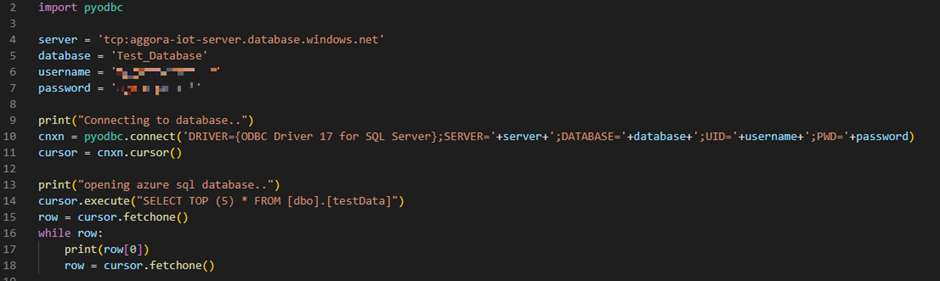
The results when run:

I have installed pyodbc and confirmed that I have ODBC driver 17 installed:

I performed a trace on the azure server, which seems to suggest that the company firewall is not an issue (though would seek advice on this):

Tried pretty much every suggestion here:
https://stackoverflow.com/questions/18860620/cannot-establish-connection-to-sql-server-using-pyodbc-on-windows-7
Including defining the connection string parameters as keyword arguments:
cnxn = pyodbc.connect(driver='{ODBC Driver 17 for SQL Server}', SERVER=server, DATABASE=database, UID=username, PWD=password)
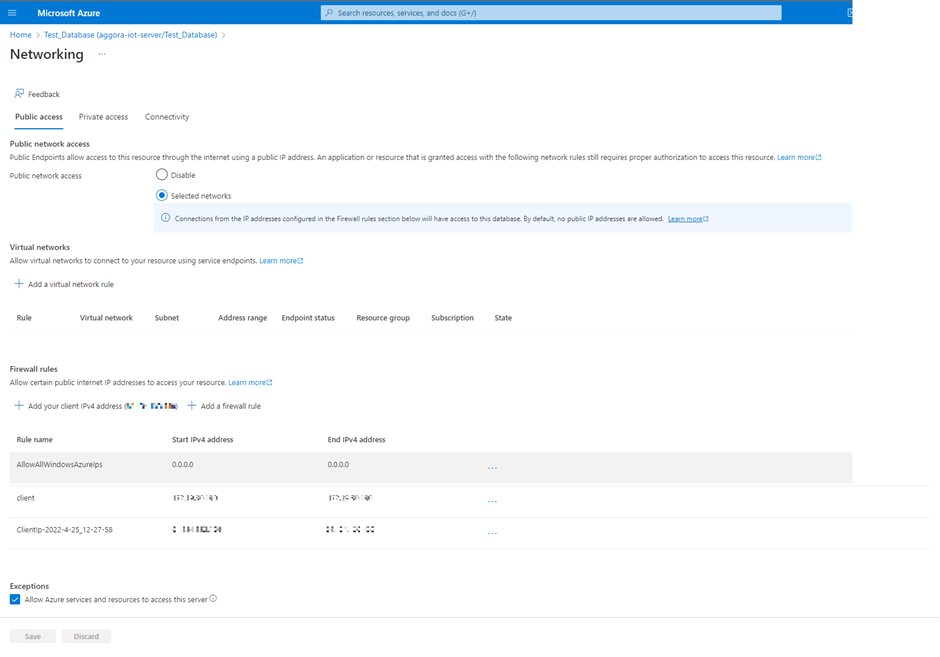
I have set the public access firewall settings for the database within the Azure Hub following the instructions here: IP firewall rules - Azure SQL Database and Azure Synapse Analytics | Microsoft Learn

My settings:
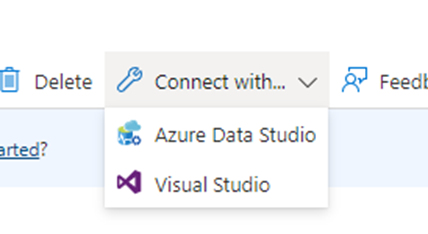
I then tried to connect to the database with Visual Studio Code from with the Azure Hub:
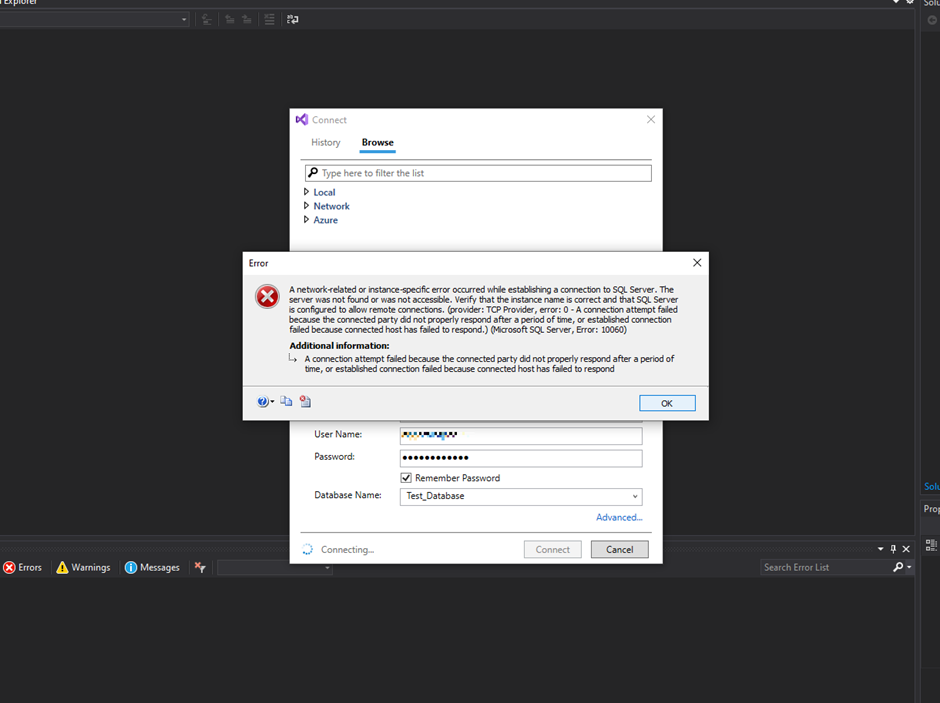
However, I had similar luck:
Could anyone offer me any advice on what the problem may be and how I can overcome this to connect to my Azure SQL database?
Thanks in advance!

Hi, @ChrisU Thanks for the ask and for using the Microsoft Q&A platform.
As we understand the ask here is you are trying to connect to Azure SQL DB using Python and you are facing the issue.
Can you please confirm how your Azure SQL DB is using SQL Authentication or using AAD? so I can reproduce the issue, also have you tried connecting Azure SQL using SSMS?
Regards
Geetha

You need port TCP port 1433 but you also need to know if you are able to resolve the name of the Azure SQL logical server (xxx.database.windows.net) to an IP address. If you ping the name of the Azure SQL logical server you will see the ping will fail but it should also return the current IP address of the server, if that does not happen on your corporate network then you may have problems to connect to Azure SQL, even if you use the IP address, as the IP address changes over time.
Hi ChrisU-9274 Happy to see that your issue is now resolved and thanks for sharing the resolution with us
Adding to Alberto you can also find more information in this document on the ports.
Thanks, @Alberto Morillo for your input and support.
Regards
Geetha
Hi, ChrisU-9274 Thanks for providing your feedback if you find the above @Alberto Morillo 's reply useful. If yes, do click on 'Mark as answer' link in the above reply. This will help other community members facing similar queries to refer to this solution.
Regards
Geetha
Hi Geetha and thanks for your response. I have since investigated this further and by using a phone hotspot connection and it is now working. So it must have been a firewall issue on my companies network. Do you have any idea what ports need to be open on a firewall to allow these sorts of connections to an Azure SQL database?