Developer technologies | ASP.NET | Other
A set of technologies in .NET for building web applications and web services. Miscellaneous topics that do not fit into specific categories.
This browser is no longer supported.
Upgrade to Microsoft Edge to take advantage of the latest features, security updates, and technical support.
' cx='32' cy='32' r='32' /%3E%3Ctext x='50%25' y='55%25' dominant-baseline='middle' text-anchor='middle' fill='%23FFF' %3EGO%3C/text%3E%3C/svg%3E)
I'm developing a website using ASP.net and am using the default navbar that ASP.net generates with Site.Master. I deleted the Site.MobileMaster since I want the navbar to be there for mobile users as well but it doesn't reshape itself and becomes long, causing the user needs to scroll to the left to find the default dropdown menu. How can I make it so the navbar only takes the necessary space on a mobile screen?
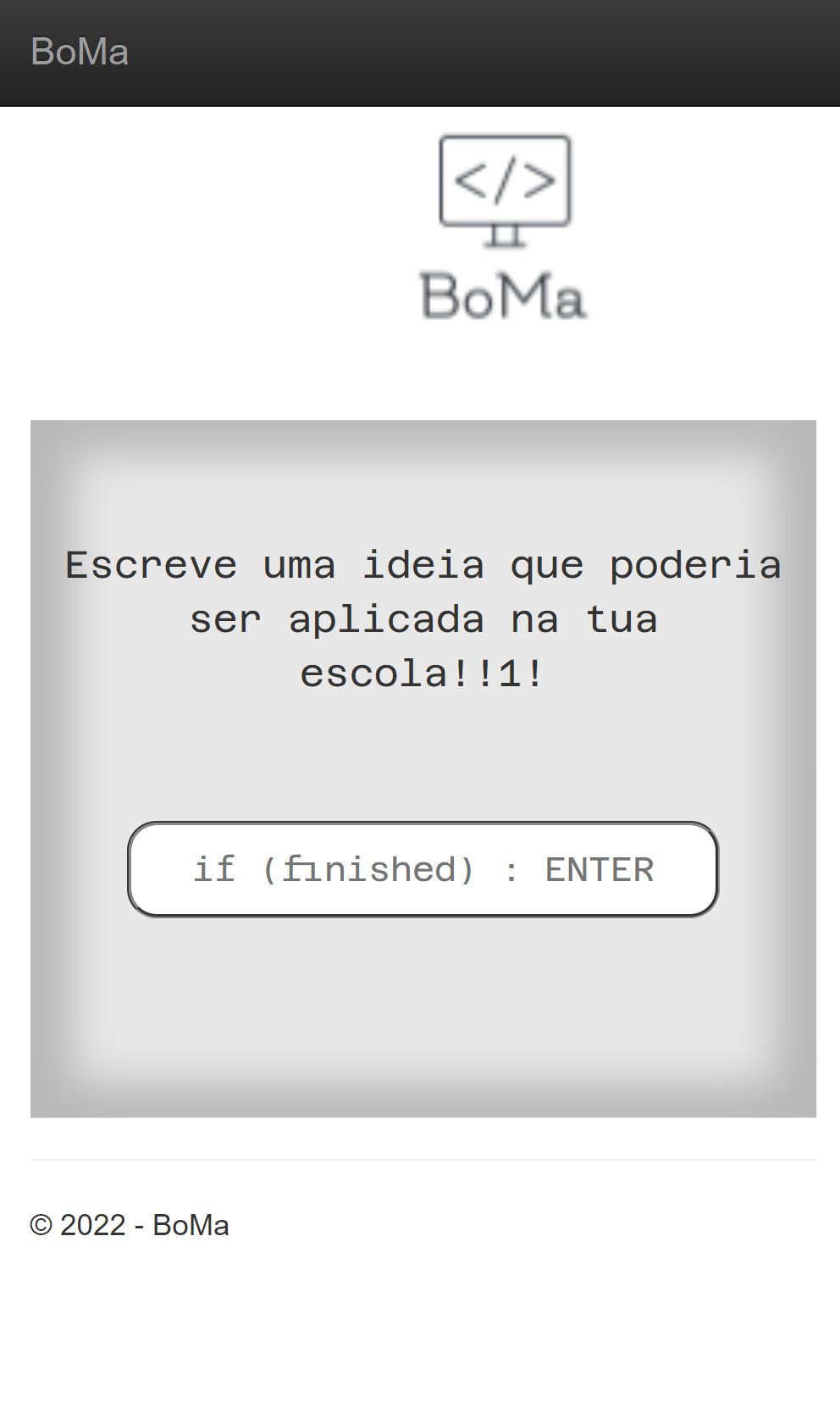
And when I scroll right:

The code for the NavBar is the following:
<div id="myNavBar" class="navbar navbar-inverse navbar-fixed-top">
        <script type="text/javascript">
    function autocollapse() {
        var navbar = $('#myNavBar');
        navbar.removeClass('collapsed');
        if (navbar.innerHeight() > 50)
            navbar.addClass('collapsed'); // collapse mode
    }
$(document).on('ready', autocollapse);
$(window).on('resize', autocollapse);
        </script>
        <div class="container">
            <div class="navbar-header">
                <button type="button" class="navbar-toggle" data-toggle="collapse" data-target=".navbar-collapse">
                    <span class="icon-bar"></span>
                    <span class="icon-bar"></span>
                    <span class="icon-bar"></span>
                </button>
                <a class="navbar-brand" runat="server" href="~/">BoMa</a>
            </div>
            <div class="navbar-collapse collapse">
                <ul class="nav navbar-nav">
                    <li><a runat="server" href="~/">Home</a></li>
                    <li><a runat="server" href="~/About">Sobre Mim</a></li>
                    <li><a runat="server" href="~/AI">Como funciona?</a></li>
                </ul>
            </div>
        </div>
    </div>