Microsoft 365 and Office | SharePoint | For business | Windows
A group of Microsoft Products and technologies used for sharing and managing content, knowledge, and applications.

This browser is no longer supported.
Upgrade to Microsoft Edge to take advantage of the latest features, security updates, and technical support.
' cx='32' cy='32' r='32' /%3E%3Ctext x='50%25' y='55%25' dominant-baseline='middle' text-anchor='middle' fill='%23FFF' %3EAS%3C/text%3E%3C/svg%3E)
Hi,
I came across one issue with sharepoint sharing, not sure what is the actual workflow here.
I tried sharing a file to the user within the same organization, it shows "Link is sent" with green mark but actually no sharing happens, user doesn't get any email and the file isn't shared as well.
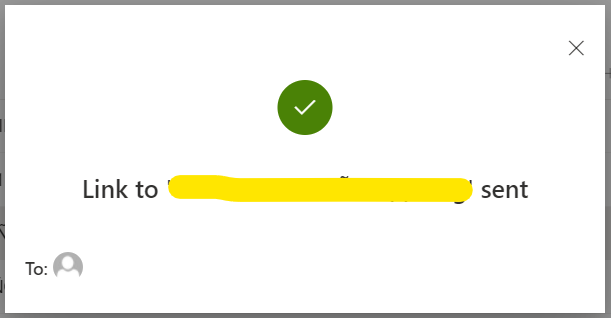
Also, if we take the case that probably all the files are already shared with all the users in the organization, so it should show some error regarding this.
Can someone please explain this?
Regards
Aman

is this file shared from OneDrive or from some doclib in another SPO site?
' cx='32' cy='32' r='32' /%3E%3Ctext x='50%25' y='55%25' dominant-baseline='middle' text-anchor='middle' fill='%23FFF' %3EED%3C/text%3E%3C/svg%3E)
Thank you for your question.
We are currently looking into this issue and will give you an update as soon as possible.
Thank you for your understanding and support.
It is shared from SP.
Unfortunately, I cannot reproduce the issue in my test. You could try below tips to troubleshoot the issue.
1.Whether all users occur this issue?
2.Could you please confirm that whether email address you shared is correct?
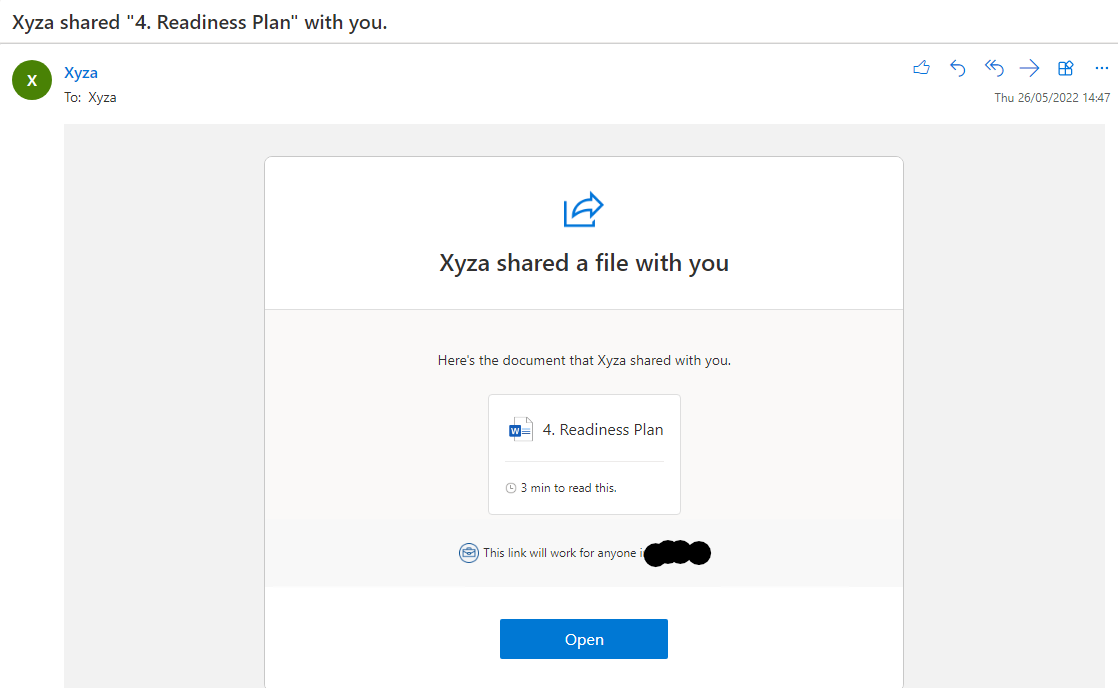
3.Check if the email sent to the user is in the Junk Email folder in outlook.
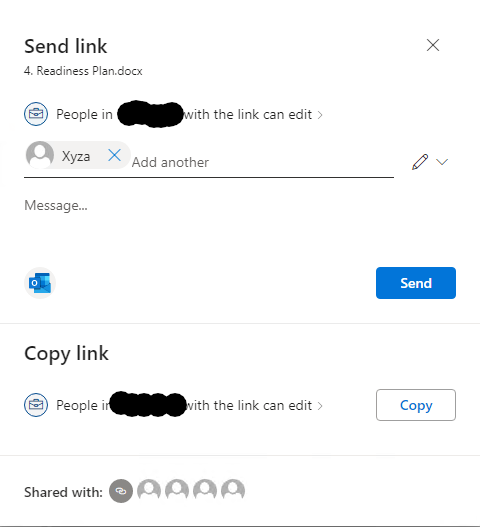
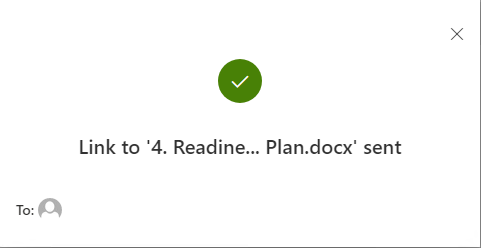
My sharing steps are as follows, you could check it.
If the answer is helpful, please click "Accept Answer" and kindly upvote it. If you have extra questions about this answer, please click "Comment".
Note: Please follow the steps in our documentation to enable e-mail notifications if you want to receive the related email notification for this thread.
I’m checking how the things are going on about this issue. Whether the answer helps you?
If there is any problem with this issue, feel free to let me know.
I am looking forward to your feedback if there is any update.
Please remember to update this thread if you have any progress.
Thank you for your understanding.
Hi @Emily Du-MSFT
Sorry for the late response.
Actually I am still able to reproduce this issue.
I am using the SP handled by the organization. So, all the users of that organization already have access to all the files. Now, if I try to share any file within my organization, it says that "link has been sent", but no sharing is actually done and no email received to the shared user.
So, here it should be some error like "You cannot share the file within the organization" if the members already have given access.
Steps I am following to reproduce this issue -
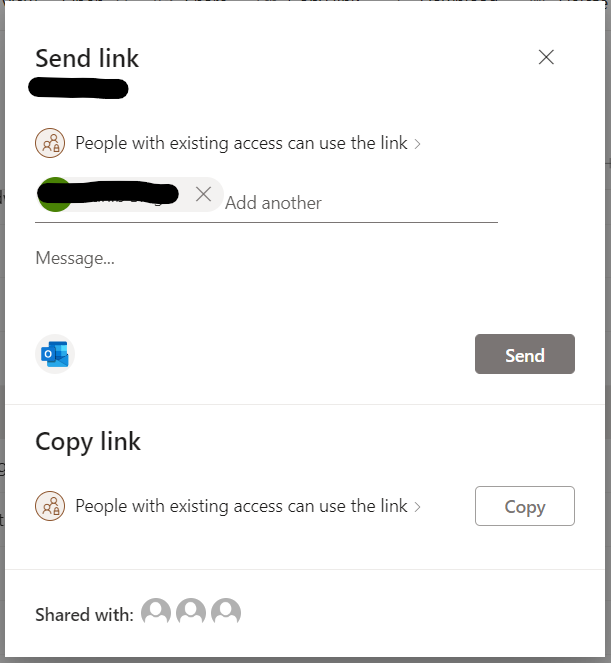
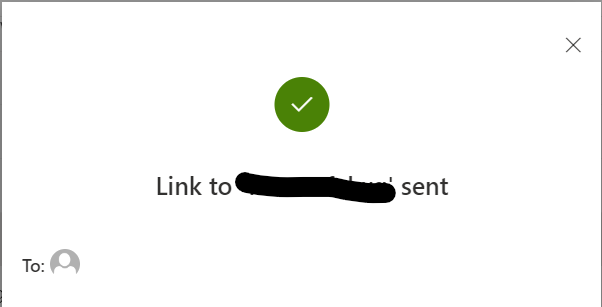
So, the user with whom I have shared the file belongs to my organization and after the 2nd step, no email received to that user.
Please, let me know your thoughts.
Regards
Aman