Microsoft 365 and Office | SharePoint | For business | Windows
A group of Microsoft Products and technologies used for sharing and managing content, knowledge, and applications.

This browser is no longer supported.
Upgrade to Microsoft Edge to take advantage of the latest features, security updates, and technical support.
' cx='32' cy='32' r='32' /%3E%3Ctext x='50%25' y='55%25' dominant-baseline='middle' text-anchor='middle' fill='%23FFF' %3EAM%3C/text%3E%3C/svg%3E)
Hello,
I created a mobile button with power automate and I'd like to share this with users outsite our sharepoint. How do this?
Thank you
Angelo

Hi @Angelo Malfitano ,
You could try sharing the link with external users. Per my test, use your own email account to share with external users via email, and users can log in with an external email account. If you still have questions, you can go to the Power Automate forum for more professional help. Below is my test:
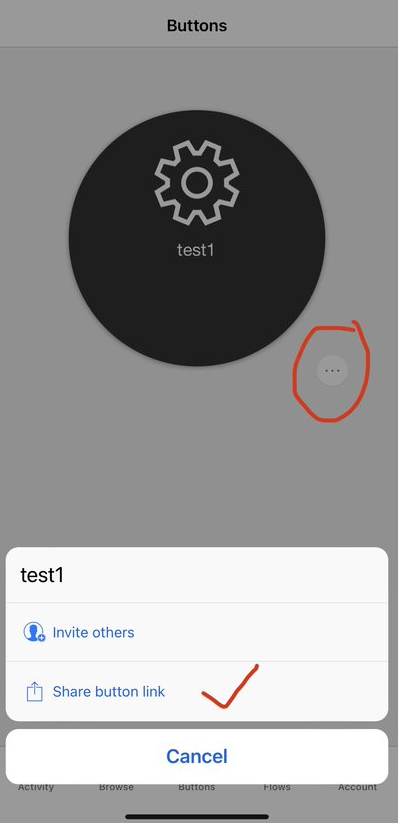
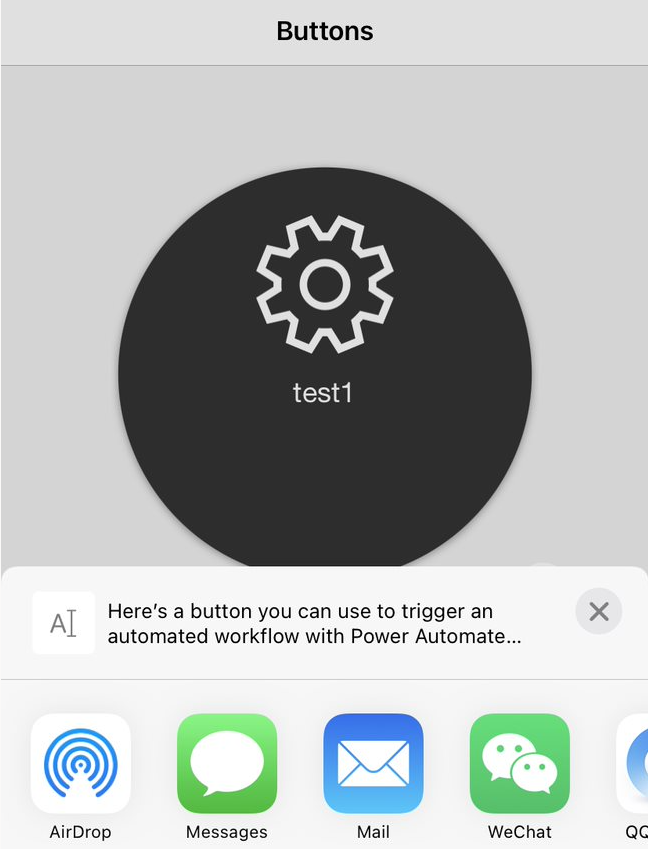
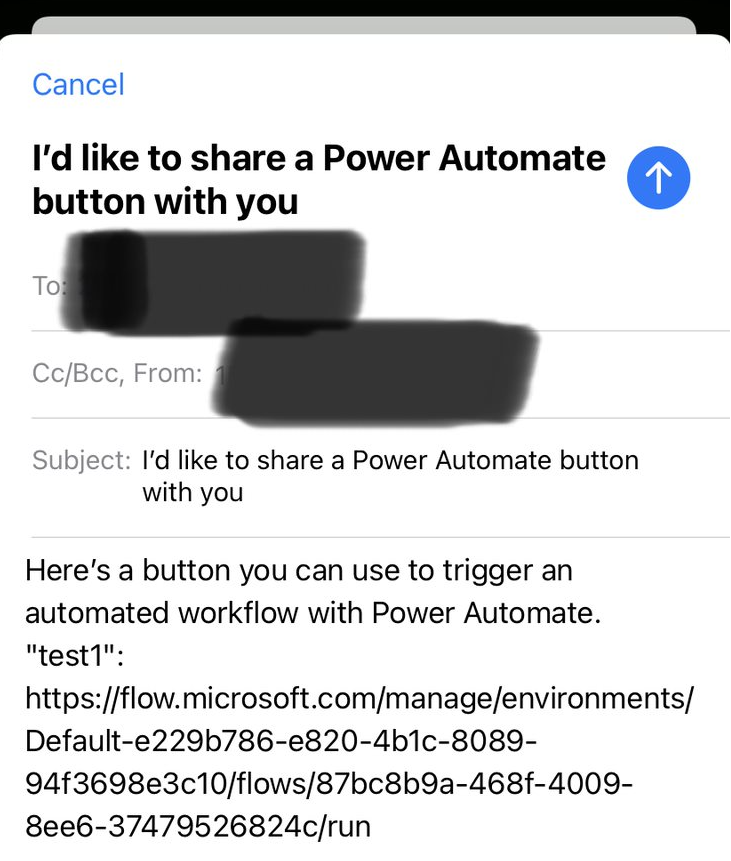
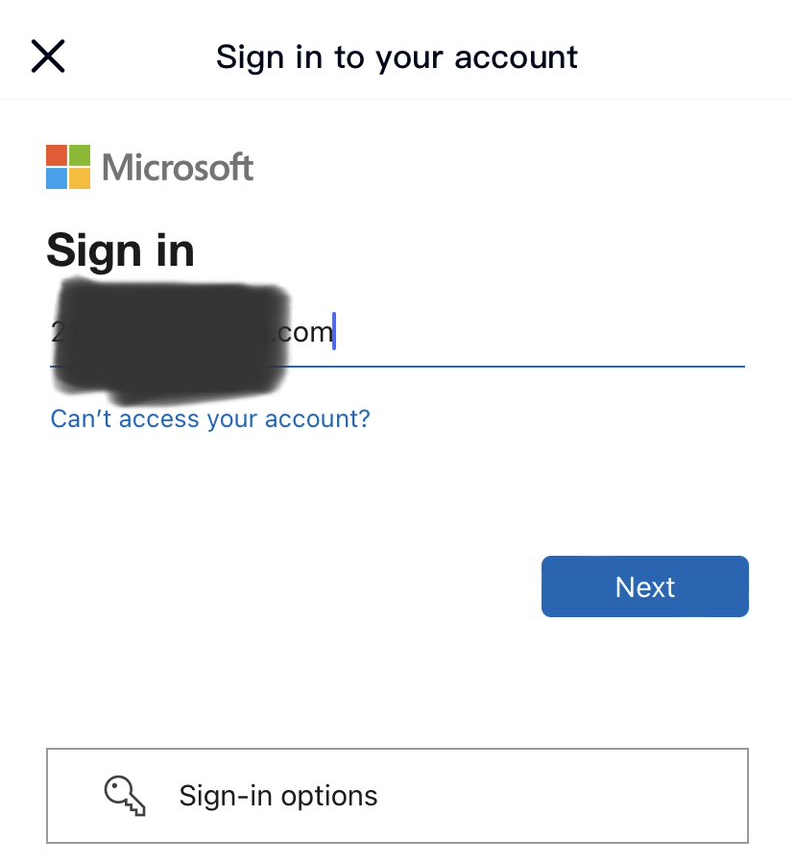
If the answer is helpful, please click "Accept Answer" and kindly upvote it. If you have extra questions about this answer, please click "Comment".
Note: Please follow the steps in our documentation to enable e-mail notifications if you want to receive the related email notification for this thread.
Hi @Angelo Malfitano ,
Is there any update on this thread? Comment here if you still need any help.
Hi @Angelo Malfitano ,
1.I would like to ask you how you created and where to use this button, and whether users outside our sharepoint are your guest users.
2.If used and created in the Power Automate mobile app, the official documentation states that the button can be shared with other users or groups within the organization, but it is not clear if external sharing is possible.
Reference: Share button flows in Power Automate
If the answer is helpful, please click "Accept Answer" and kindly upvote it. If you have extra questions about this answer, please click "Comment".
Note: Please follow the steps in our documentation to enable e-mail notifications if you want to receive the related email notification for this thread.
Hello @Xuyan Ding - MSFT ,
Thank you for your reply.
I try to explain my project.
I have to create a landing page with a button and when the user click on this I have to update a excel sheet with date/time.
I already created excel file with a table then
I created a button on power automate with yes/no question and final I created a flow to update excel table.
It works without any issue but for internal users in my sharepoint.
The problem is that I need to share this button for all external users.
I don’t know if I have to set in different way the current configuration or I have to use an other software. Do you have any idea?
I hope to explain it more clearly.
Thank you for your help
Angelo