Numpy/MatPlotLib reported as missing, but code works

Andrew Milburn 1 Reputation point
2022-05-31T18:32:55.593+00:00

I am trying to swap to VS for my Python work, rather than PyCharm, as I use it for everything else.
Going through the VS/Python tutorials ( i.e. in the https://learn.microsoft.com/en-us/visualstudio/python/tutorial-working-with-python-in-visual-studio-step-05-installing-packages?view=vs-2022 series)

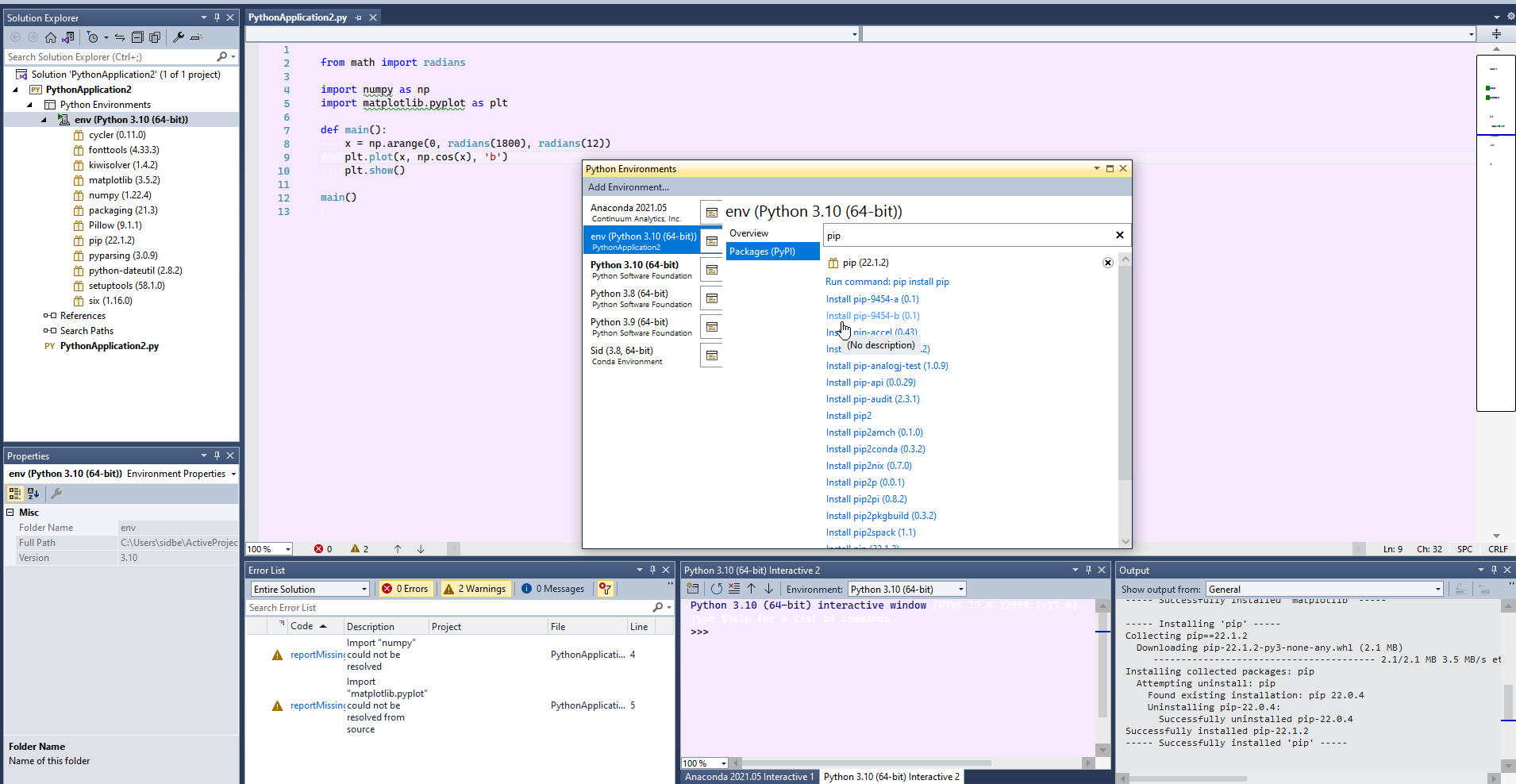
I can run the program in the screenshot, but Numpy & MatPlotLib come up with the green squiggly line:
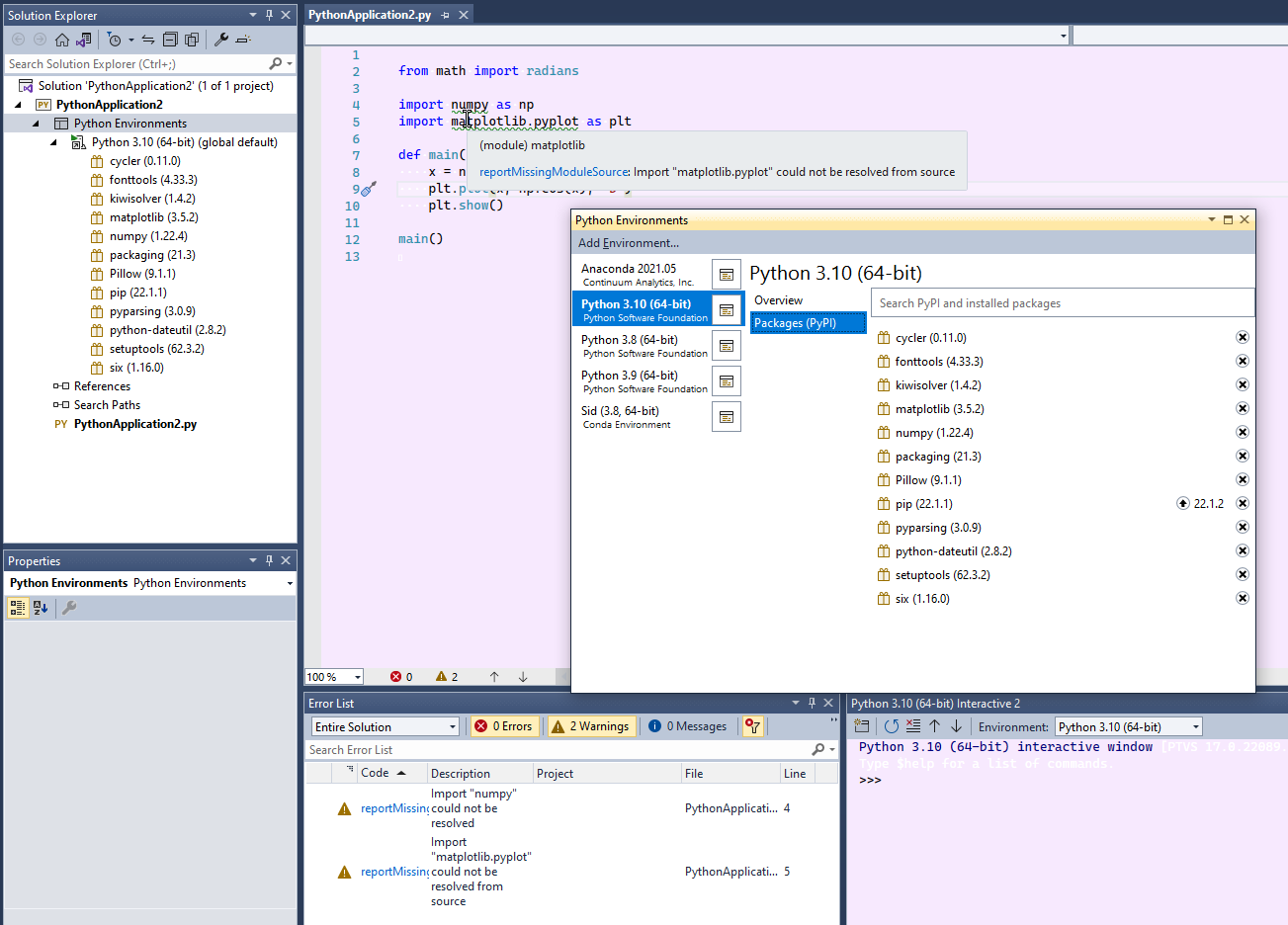
207204-2022-05-31-19-26-27-pythonapplication2-microsoft-v.png

As I said, the program runs fine, so I guess that this isn't a problem, but I'm generally paranoid about warnings that I don't understand
I've tried swapping the default environment to Anaconda and creating a new project, uninstalling and reinstalling the two packages and creating a new environment with just the two packages with no change.

What exactly is the problem here?
Cheers for any advice

Developer technologies | Visual Studio | Other
A family of Microsoft suites of integrated development tools for building applications for Windows, the web, mobile devices and many other platforms. Miscellaneous topics that do not fit into specific categories.
0 comments No comments
{count} votes

3 answers

Sort by: Most helpful
  1. Lee Stott 11 Reputation points Microsoft Employee
    2022-05-31T18:43:44.69+00:00

    Hi @Andrew Milburn

    As your running this on your local machine you simply need to install the required libraries

    In you code install numpy and matplotlib

    To Install python libraries https://docs.python.org/3/installing/index.html

    Use the following command above the current code

    pip install numpy
    pip install matplotlib

    in the code before your load the libraries


  2. Lee Stott 11 Reputation points Microsoft Employee
    2022-05-31T19:00:18.223+00:00

  3. Tianyu Sun-MSFT 34,691 Reputation points Microsoft External Staff
    2022-06-01T06:03:50.933+00:00

    Hi @Andrew Milburn ,

    Welcome to Microsoft Q&A forum.

    If you try to reopen/reload your project, will it work?

    Reopen: File > Close Solution > select this Python project and reopen it.

    Reload: right-click this Python project > Unload Project > Right-click it again > Reload Project.

    • Update:

    Sometimes, resetting VS, restarting VS or repairing VS may work.

    Best Regards,
    Tianyu

    • If the answer is the right solution, please click "Accept Answer" and kindly upvote it. If you have extra questions about this answer, please click "Comment".
      Note: Please follow the steps in our documentation to enable e-mail notifications if you want to receive the related email notification for this thread.

Your answer

Answers can be marked as 'Accepted' by the question author and 'Recommended' by moderators, which helps users know the answer solved the author's problem.