Azure SQL Database
An Azure relational database service.
This browser is no longer supported.
Upgrade to Microsoft Edge to take advantage of the latest features, security updates, and technical support.
' cx='32' cy='32' r='32' /%3E%3Ctext x='50%25' y='55%25' dominant-baseline='middle' text-anchor='middle' fill='%23FFF' %3EA%3C/text%3E%3C/svg%3E)
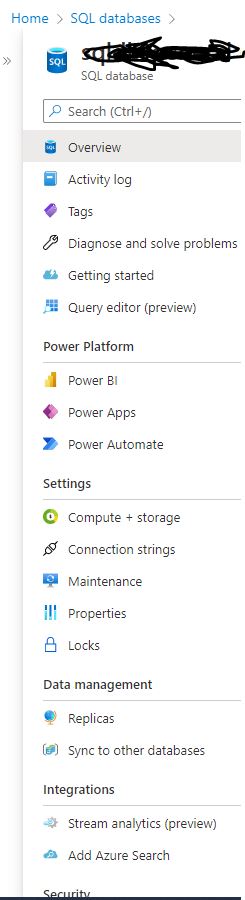
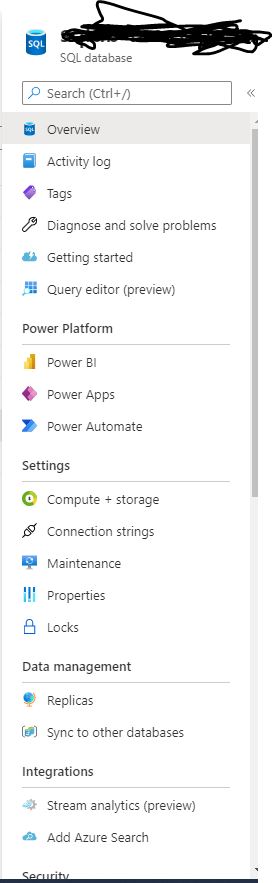
Hi we have Azure SQL databases for my company. I joined recently and given access to azure portal. when i see SQL database I cant find backups under "data management" and Active directory admin under "settings" . please see the screen shots . Any one can guide please

Hi @Ashwan Thank you for posting your question on Microsoft Q&A and for using Azure services.
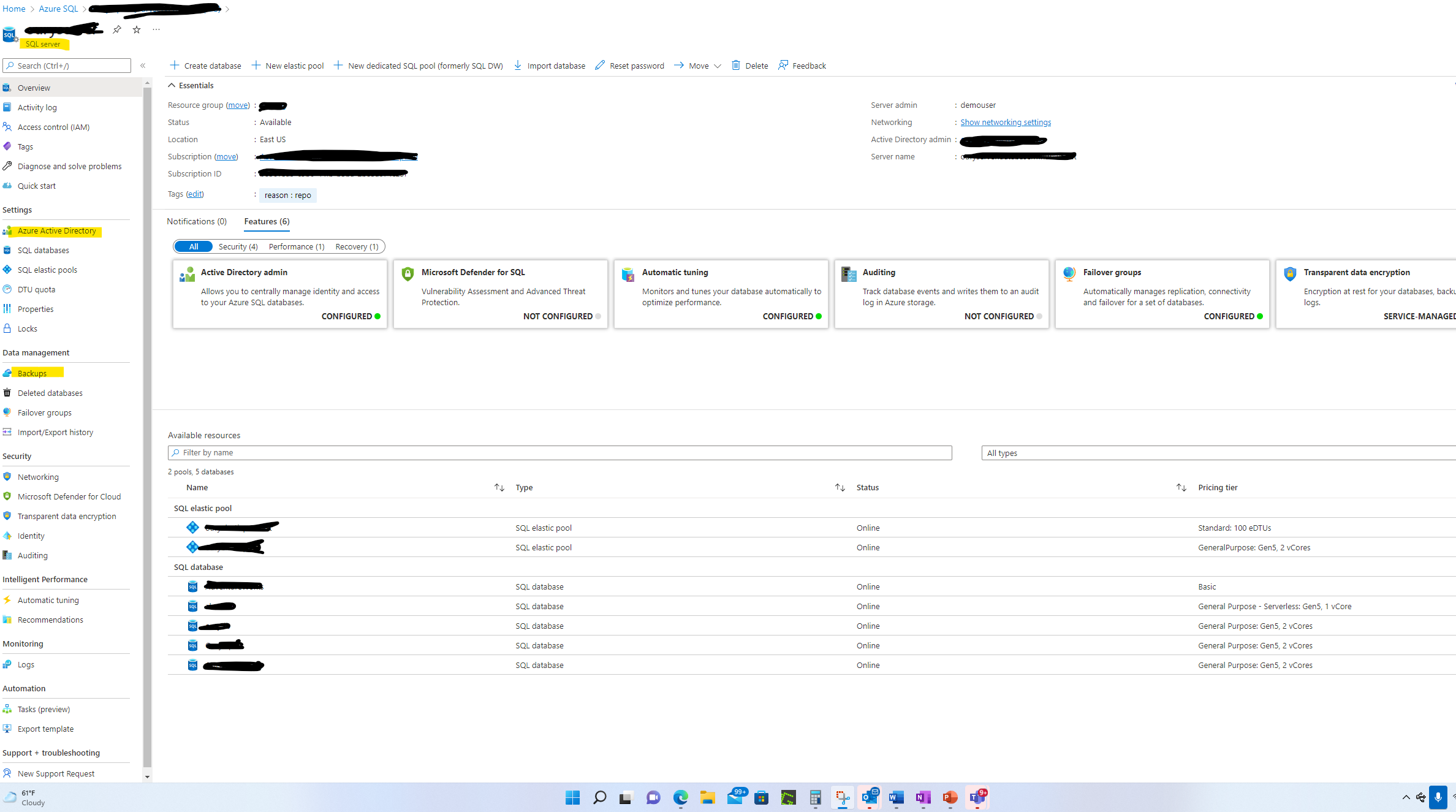
My understanding is that you are not able to see back up and active directory under your Azure SQL.
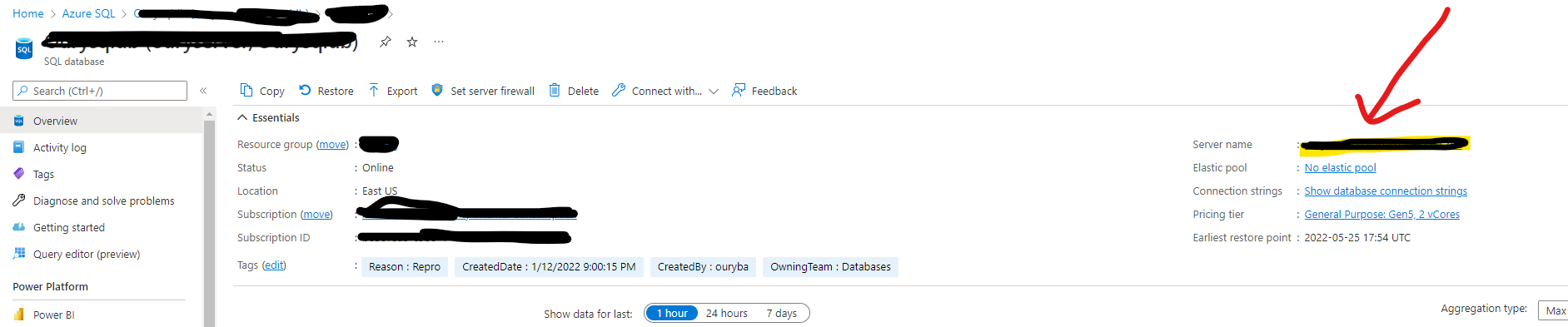
Those will appear under the server name. Please see screen shot below
Regards,
Oury
Hi @Ashwan Please do mark as accept answer if the above answer was helpful.
Regards,
Oury
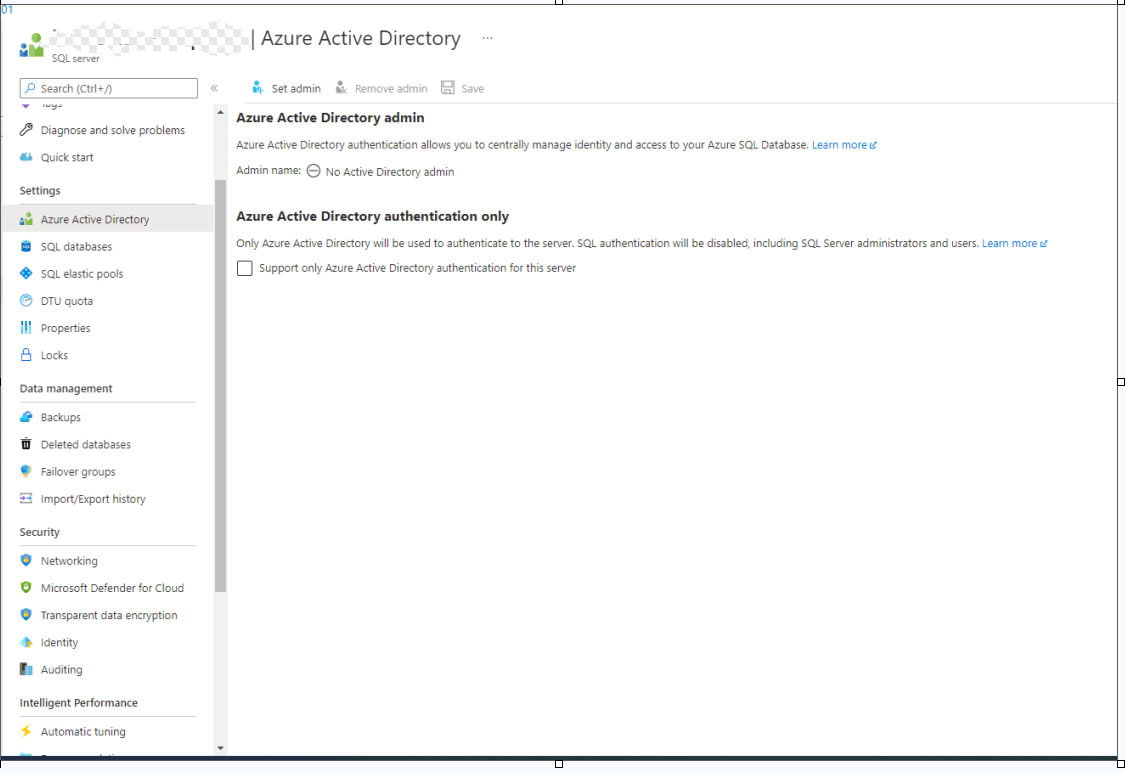
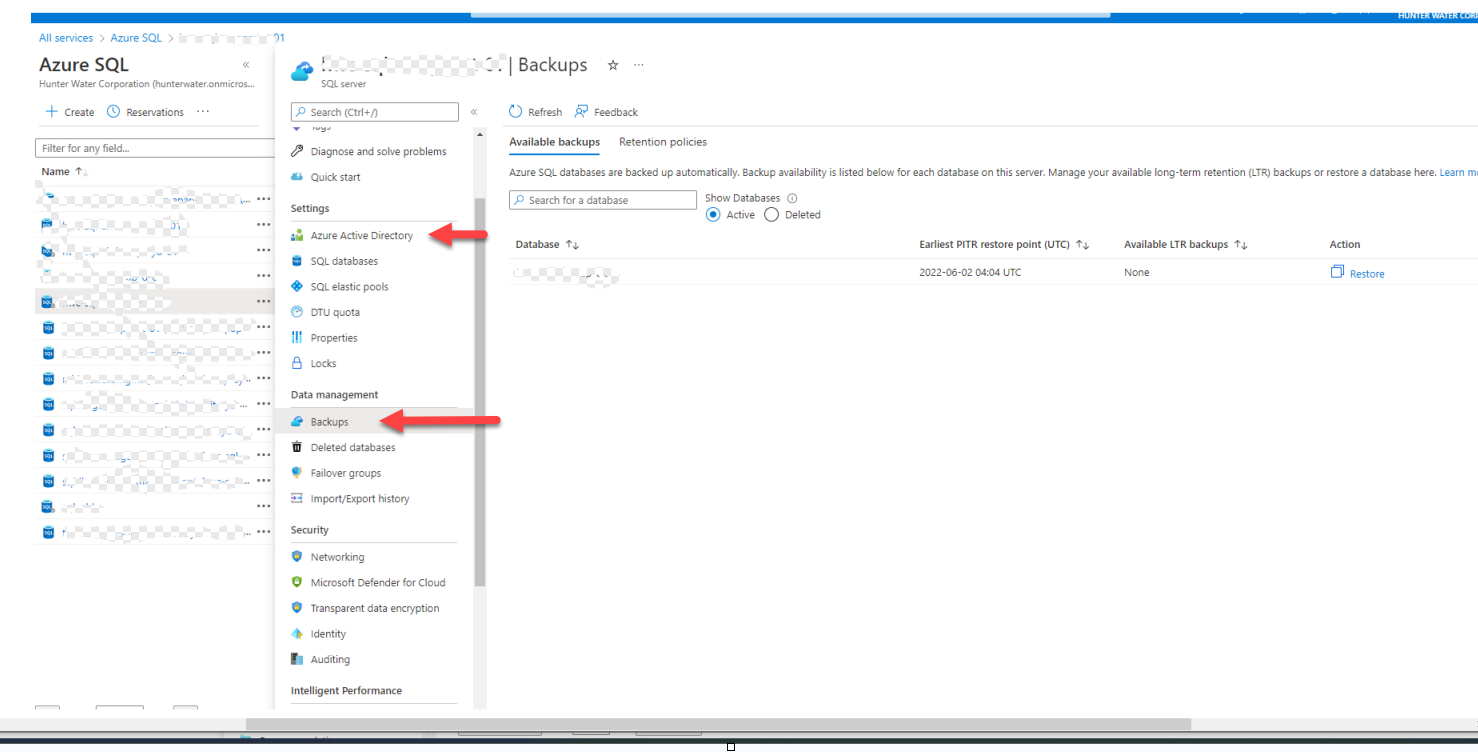
@Oury Ba-MSFT thank you for the reply. I can see backups and Azure active directly . How ever
a. Backup: I cant see what level of backups, Full backups, transactional log backups , backup history
b. Azure active directory: How do we find AAD group permission granted on this DB
c. Are you able confirm is this DB belongs to Azure Manged SQL or just SQL Database. ?
d. What do we have replacement of agent service which I need to run jobs update statistics, fragmentation scripts , other scripts .
many thanks
Hi @Ashwan
a. Backup: I can't see what level of backups, Full backups, transactional log backups, backup history
Azure SQL databases are backed up automatically, Azure SQL Database uses SQL Server technology to create full backups every week, differential backups every 12-24 hours, and transaction log backups every 5 to 10 minutes. When you restore a database, the service determines which full, differential, and transaction log backups need to be restored. You can monitor total backup storage consumption for each backup type (full, differential, transaction log) over time as described in Monitor consumption. see Automated backups - Azure SQL Database for more details
*b. Azure active directory: How do we find AAD group permission granted on this DB? *
If users are in an Azure AD Group and have permissions granted to a specific resource in Azure, for example a VM, you'll have to go to that VM and check the Access Control (IAM) tab to see what permissions the Group has. If you have a ton of role assignments within that resource, you can type the name into the search box at to find the Azure AD group role assignment. Is that what you're asking?

c. Are you able confirm is this DB belongs to Azure Managed SQL or just SQL Database.?
Could you please try this query from https://stackoverflow.com/questions/21582195/how-to-test-if-database-is-hosted-on-sql-azure
d. What do we have replacement of agent service which I need to run jobs update statistics, fragmentation scripts, other scripts.
Please clarify a bit more your ask.
Regards,
Oury
Hi @Ashwan
I tried to analyze the below question you asked, and I believe you are referring to Elastic jobs in Azure SQL.
*d. What do we have replacement of agent service which I need to run jobs update statistics, fragmentation scripts, other scripts. *
Azure SQL database used Elastic job to create, run and manage jobs. The following article explains this in more details. Create, configure, and manage elastic jobs (preview)
Regards,
Oury
Hi OuryBa-MSFT, You are nicely explained . Thank you so much
b. Azure active directory: How do we find AAD group permission granted on this DB? yes my question was what permissions are granted on SQL database. ex we have SQL database . now that group can access to that DB. I am not able to find what level of permission on them. ex loginmanager, dbmanager or etc(Azure portal level)
d. What do we have replacement of agent service which I need to run jobs update statistics, fragmentation scripts, other scripts.?
I have to schedule DB reorg scripts to run .
e. We have Azure SQL databases , what kind of maintenance process we should do compare to on prem. ex update stats, index rebuild
many thanks
Hi @Ashwan
Azure active directory: How do we find AAD group permission granted on this DB? yes my question was what permissions are granted on SQL database. ex we have SQL database . now that group can access to that DB. I am not able to find what level of permission on them. ex loginmanager, dbmanager or etc.(Azure portal level)
Run this query on master DB:
SELECT DP1.name AS DatabaseRoleName, isnull (DP2.name, 'No members') AS DatabaseUserName FROM sys.database_role_members AS DRM
RIGHT OUTER JOIN sys.database_principals AS DP1 ON DRM.role_principal_id = DP1.principal_id
LEFT OUTER JOIN sys.database_principals AS DP2 ON DRM.member_principal_id = DP2.principal_id
WHERE DP1.type = 'R' ORDER BY DP1.name;
d. What do we have replacement of agent service which I need to run jobs update statistics, fragmentation scripts, other scripts.?
In replacement of agent service, we have elastic jobs update statistics. The document I shared above contains all info needed. Let me know if it does not.
e. We have Azure SQL databases, what kind of maintenance process we should do compare to on prem. ex update stats, index rebuild
How to maintain Azure SQL Indexes and Statistics
Regards,
Oury
Hi @Oury Ba-MSFT , thanks for the script.
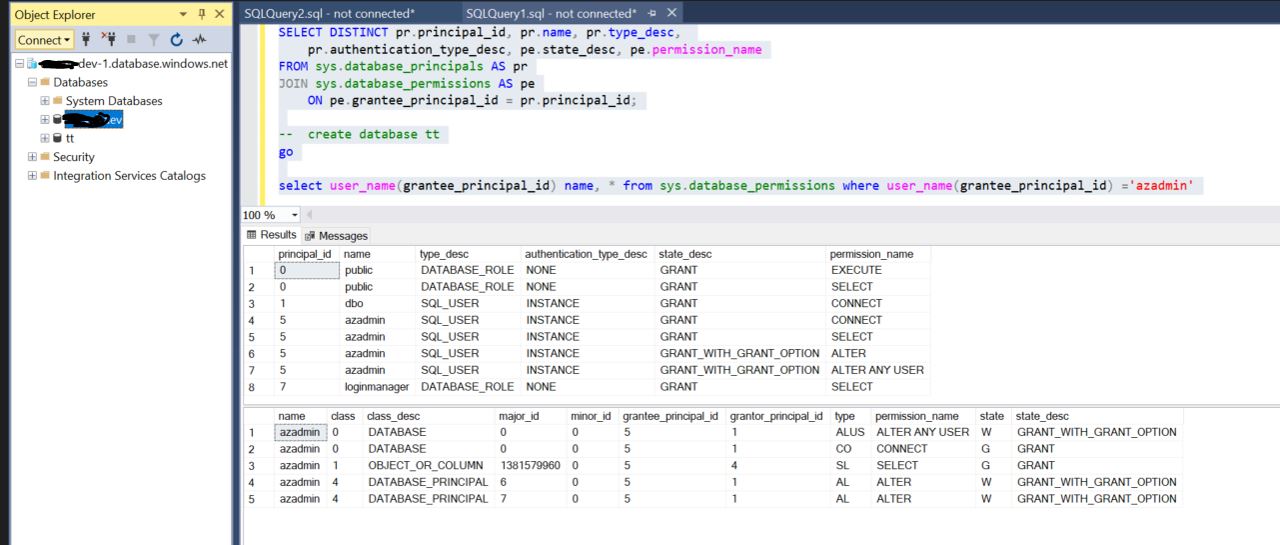
I created fresh SQL database and , azadmin is the user when provision the SQL Database through AZure portal. from that user I can create DB, add table etc etc. to create login /DB initially must have loginmanager / dbmanager permissions . but I cant see any of those . but any thing can do fro azadmin. Is that possible to explain why ? .you can see azadmin permissions