Developer technologies | Universal Windows Platform (UWP)
A Microsoft platform for building and publishing apps for Windows devices.
This browser is no longer supported.
Upgrade to Microsoft Edge to take advantage of the latest features, security updates, and technical support.
' cx='32' cy='32' r='32' /%3E%3Ctext x='50%25' y='55%25' dominant-baseline='middle' text-anchor='middle' fill='%23FFF' %3EJL%3C/text%3E%3C/svg%3E)
The problem has occurred after switching to Windows 11 from 10. It is probably a bug that MS can fix but, in that case, I do not know which way the error should be reported. I therefore first turn to the forum in the hope that someone here is aware of the problem.
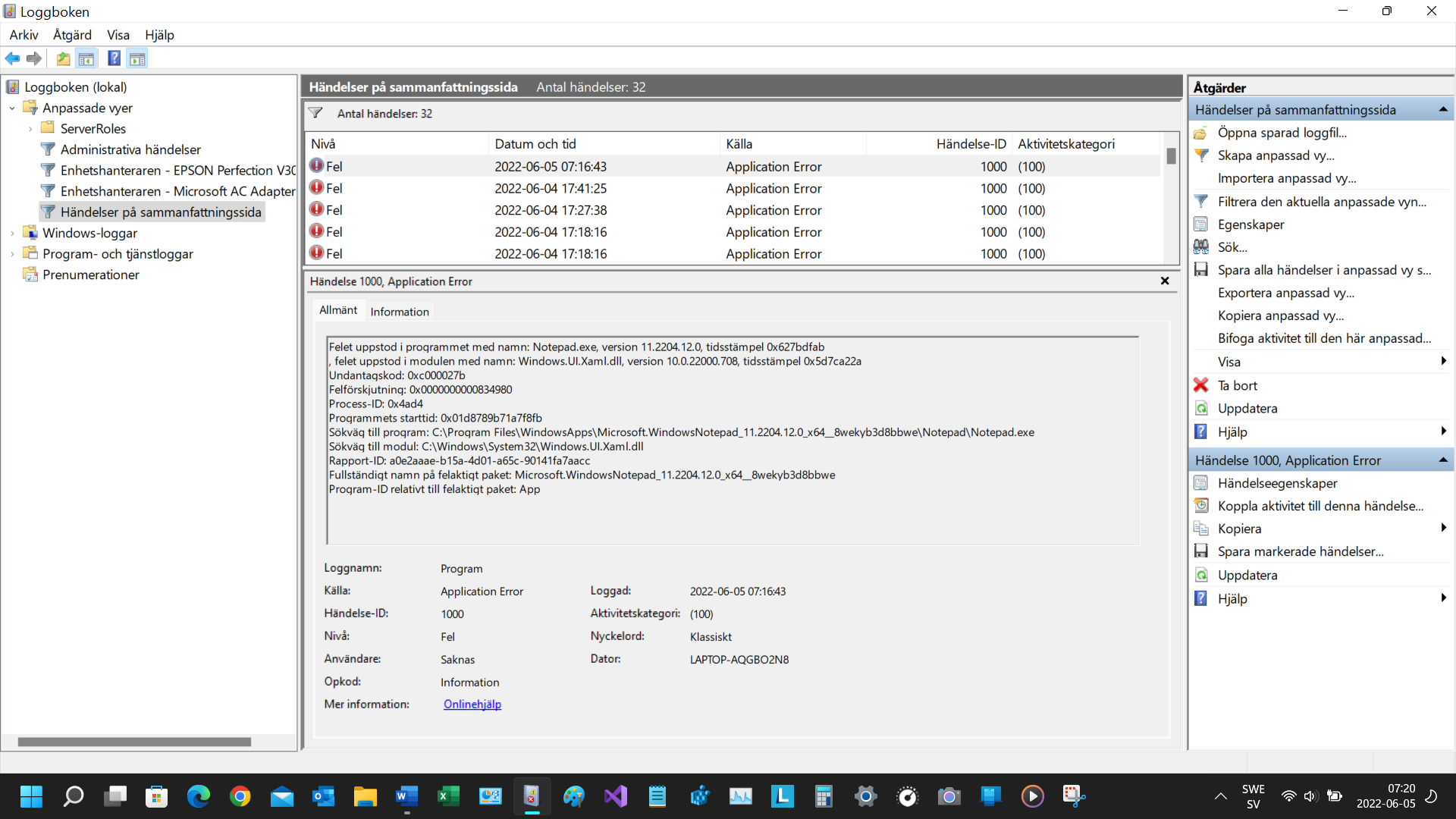
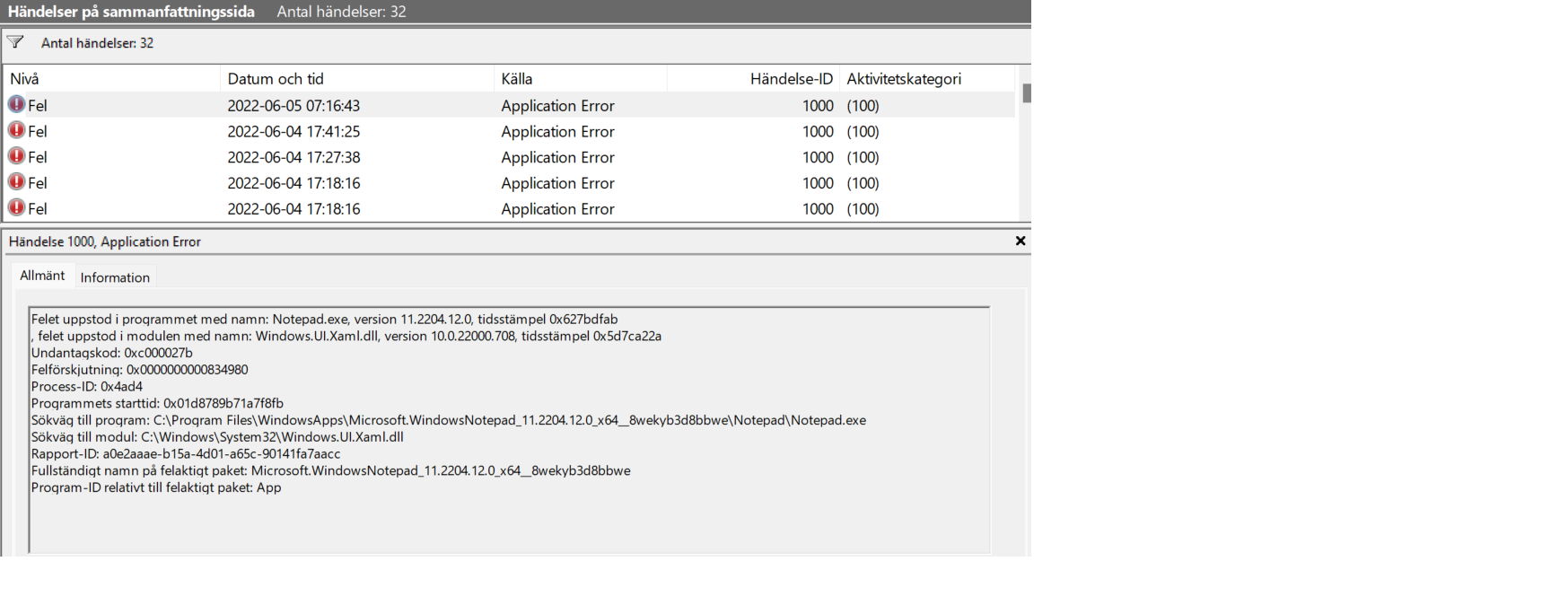
Receives no error code other than in the Logbook.
The same problem arises regardless of whether I call VB.net directly or run Visual Studio (VS) 2019
I have updated the operating system and VS
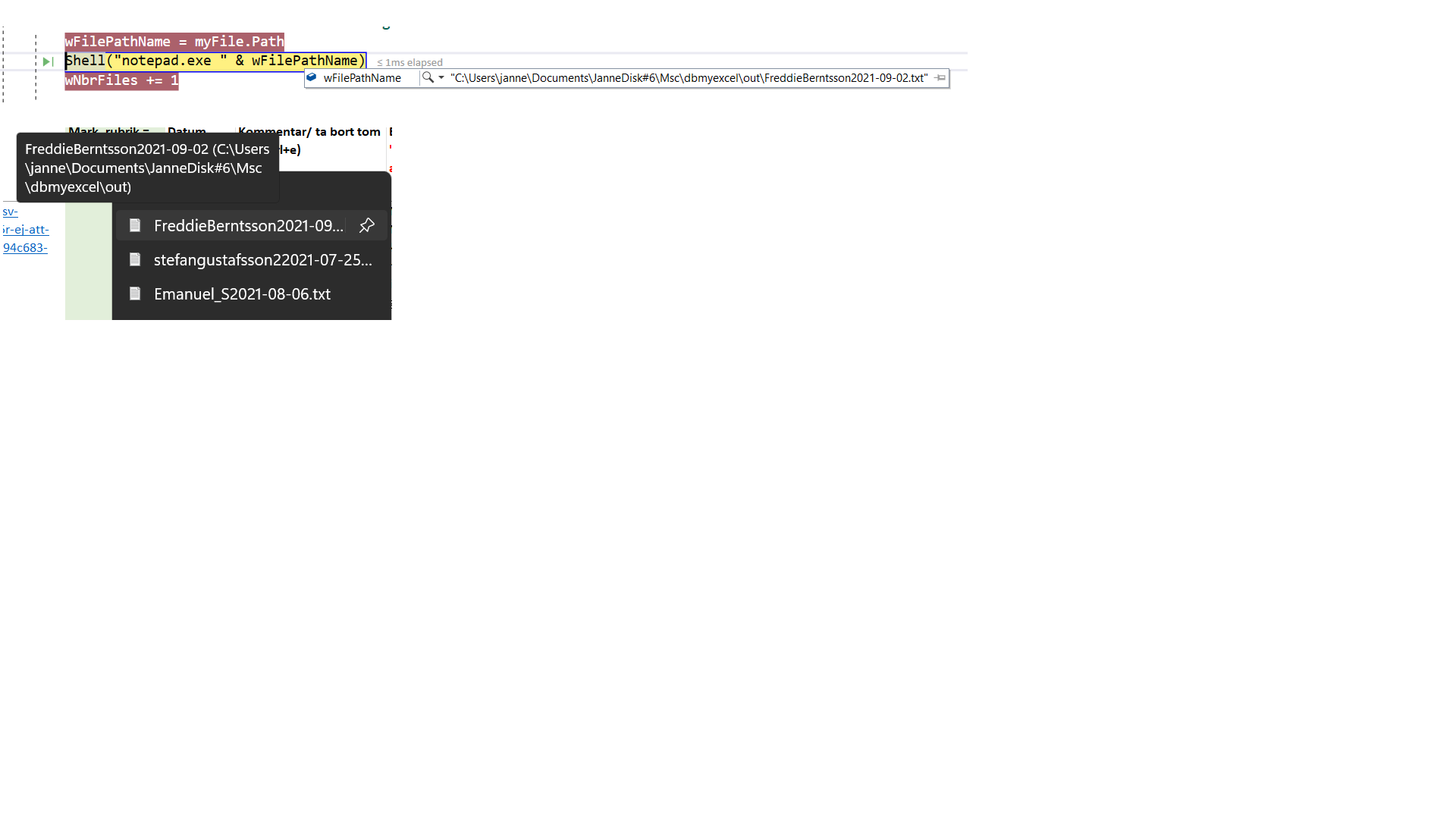
Opening a file directly with Notepad works well. But if I use a VB.net program which in turn runs notepad.exe it does not work, i.e., the file does not open.
If I right-click on the Notepad button, the requested file is in that list. If I then select the file in the list, the file opens as it should.
See attached images
Sincerely
Janne

Try the alternatives:
Process.Start("notepad.exe", wFilePathName)
or
Shell("notepad.exe """ & wFilePathName & """", Style:=AppWinStyle.NormalFocus)
Thank you for a quick answer.
Shell("notepad.exe """ & wFilePathName & """", Style:=AppWinStyle.NormalFocus)
solved my problem.
Janne

Viorel-1 's answer looks answer your question, If the answer is the right solution, please click "Accept Answer" and kindly upvote it.