
Attempting to connect via FTP produces error with no details
' cx='32' cy='32' r='32' /%3E%3Ctext x='50%25' y='55%25' dominant-baseline='middle' text-anchor='middle' fill='%23FFF' %3EDR%3C/text%3E%3C/svg%3E)
Dan R
1
Reputation point
Hello,
I attempted to get help with a live agent about this who re-directed me here.
I'm trying to connect to my FTP server from an external network. I believe I have the settings on the client correct to allow for FTP through the firewall, but when attempting to access the server, the file explorer reports the following message:
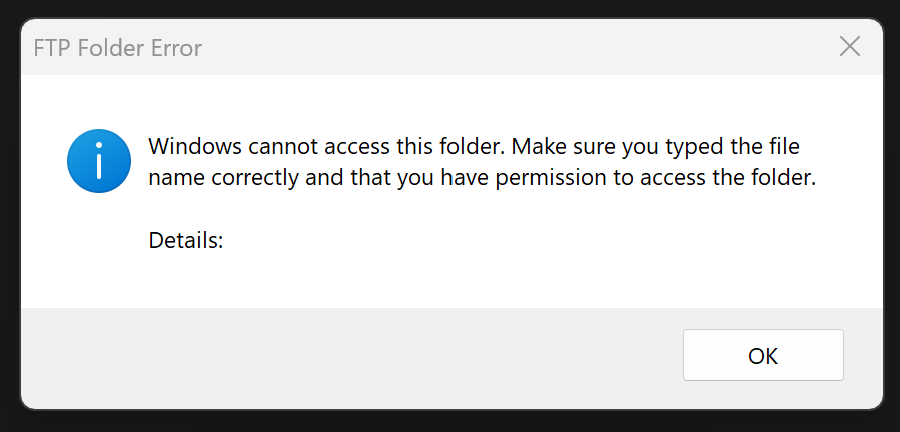
The address being used is in the form of ftp://hostname.com where hostname.com has been verified to work for other applications accessing the same device. The ports for FTP are open and settings configured for both the client and server.
Any help would be appreciated!
Windows for business | Windows Client for IT Pros | User experience | Other
Sign in to answer