Exchange Online
A cloud-based service included in Microsoft 365, delivering scalable messaging and collaboration features with simplified management and automatic updates.
This browser is no longer supported.
Upgrade to Microsoft Edge to take advantage of the latest features, security updates, and technical support.
' cx='32' cy='32' r='32' /%3E%3Ctext x='50%25' y='55%25' dominant-baseline='middle' text-anchor='middle' fill='%23FFF' %3EIS%3C/text%3E%3C/svg%3E)
Hello. I'm using Office 365 Business.
In the desktop version, when I create a contact in the outlook application in the "people" section, they do not appear on my phone.
On my phone, I added contacts to my Exchange account (office 365) to the application. I have a similar problem with my phone, when I create a contact, they do not appear on the computer. I use the latest version of android and Samsung galaxy s20
A cloud-based service included in Microsoft 365, delivering scalable messaging and collaboration features with simplified management and automatic updates.
' cx='32' cy='32' r='32' /%3E%3Ctext x='50%25' y='55%25' dominant-baseline='middle' text-anchor='middle' fill='%23FFF' %3EKY%3C/text%3E%3C/svg%3E)
Hi @Ilya St
Have you checked this link: Can't sync calendar and contacts with my phone or tablet
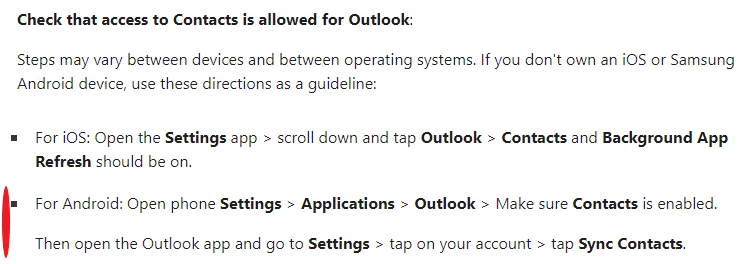
Please make sure the Outlook application have access to contacts on and Sync Contacts is enabled in the application.
If the answer is helpful, please click "Accept Answer" and kindly upvote it. If you have extra questions about this answer, please click "Comment".
Note: Please follow the steps in our documentation to enable e-mail notifications if you want to receive the related email notification for this thread.
Thank you for your information.
But I use the built-in "contacts" application from Samsung
Thanks for the clarification.
If possible please download Outlook for Android application and see if the contacts can be synced correctly.