Azure AI Bot Service
An Azure service that provides an integrated environment for bot development.
This browser is no longer supported.
Upgrade to Microsoft Edge to take advantage of the latest features, security updates, and technical support.
' cx='32' cy='32' r='32' /%3E%3Ctext x='50%25' y='55%25' dominant-baseline='middle' text-anchor='middle' fill='%23FFF' %3EPV%3C/text%3E%3C/svg%3E)
Provision failure
{"name":"CREATE_RESOURCES_ERROR","message":"Error - ","stack":"Error\n at new CustomizeError (/Applications/Bot Framework Composer.app/Contents/Resources/app.asar.unpacked/extensions/azurePublish/dist/extension.js:276830:25)\n at createCustomizeError (/Applications/Bot Framework Composer.app/Contents/Resources/app.asar.unpacked/extensions/azurePublish/dist/extension.js:276835:10)\n at AzureResourceMananger.createResourceGroup (/Applications/Bot Framework Composer.app/Contents/Resources/app.asar.unpacked/extensions/azurePublish/dist/extension.js:277599:13)\n at runMicrotasks (<anonymous>)\n at processTicksAndRejections (internal/process/task_queues.js:95:5)\n at async BotProjectProvision.create (/Applications/Bot Framework Composer.app/Contents/Resources/app.asar.unpacked/extensions/azurePublish/dist/extension.js:278451:40)\n at async AzurePublisher.asyncProvision (/Applications/Bot Framework Composer.app/Contents/Resources/app.asar.unpacked/extensions/azurePublish/dist/extension.js:278951:34)"}. See provision.VedAzureComposerBot.log in your bot folder
' cx='32' cy='32' r='32' /%3E%3Ctext x='50%25' y='55%25' dominant-baseline='middle' text-anchor='middle' fill='%23FFF' %3ERM%3C/text%3E%3C/svg%3E)
@Prasanth Vedantam Thanks for the question. Can you please add more details about the steps that you performed.
' cx='32' cy='32' r='32' /%3E%3Ctext x='50%25' y='55%25' dominant-baseline='middle' text-anchor='middle' fill='%23FFF' %3ERK%3C/text%3E%3C/svg%3E)
What's with Microsoft, they never fix the issues.
I tried both ways, using the importing existing resources and create a new resource, Having error in both
1) If you using the existing resources...below is the what I did.
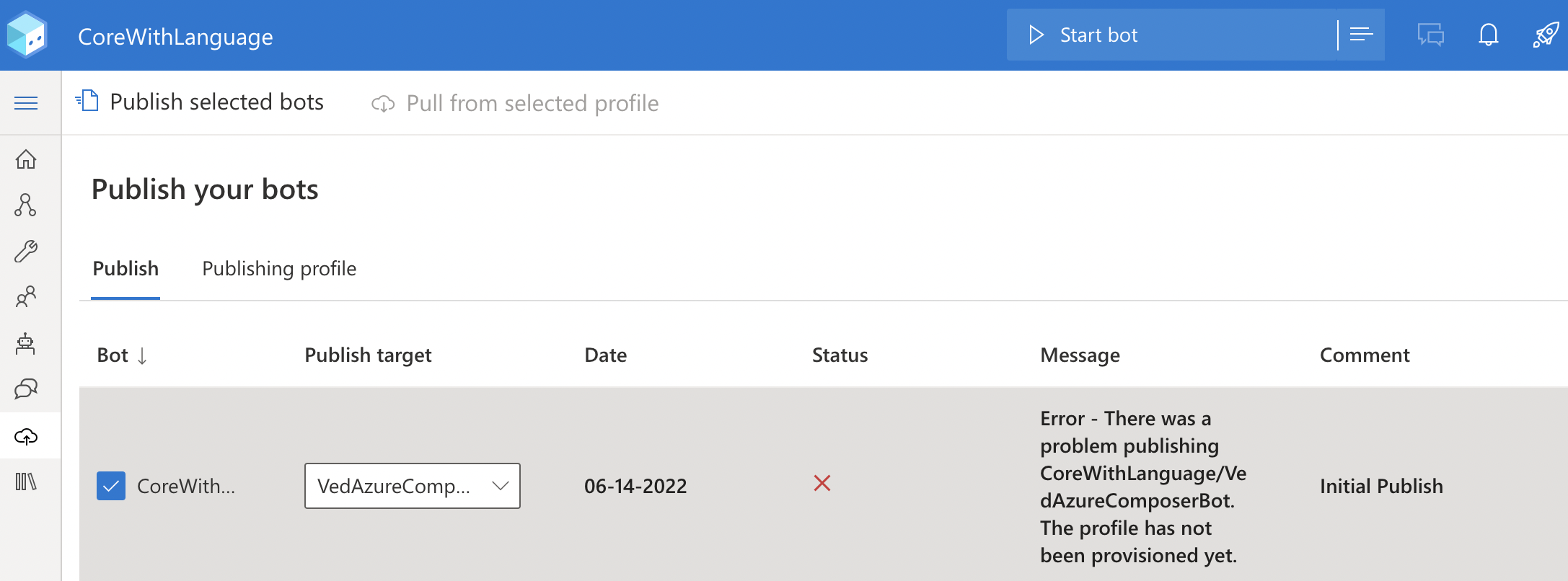
2) If by creating a new resources , here is the
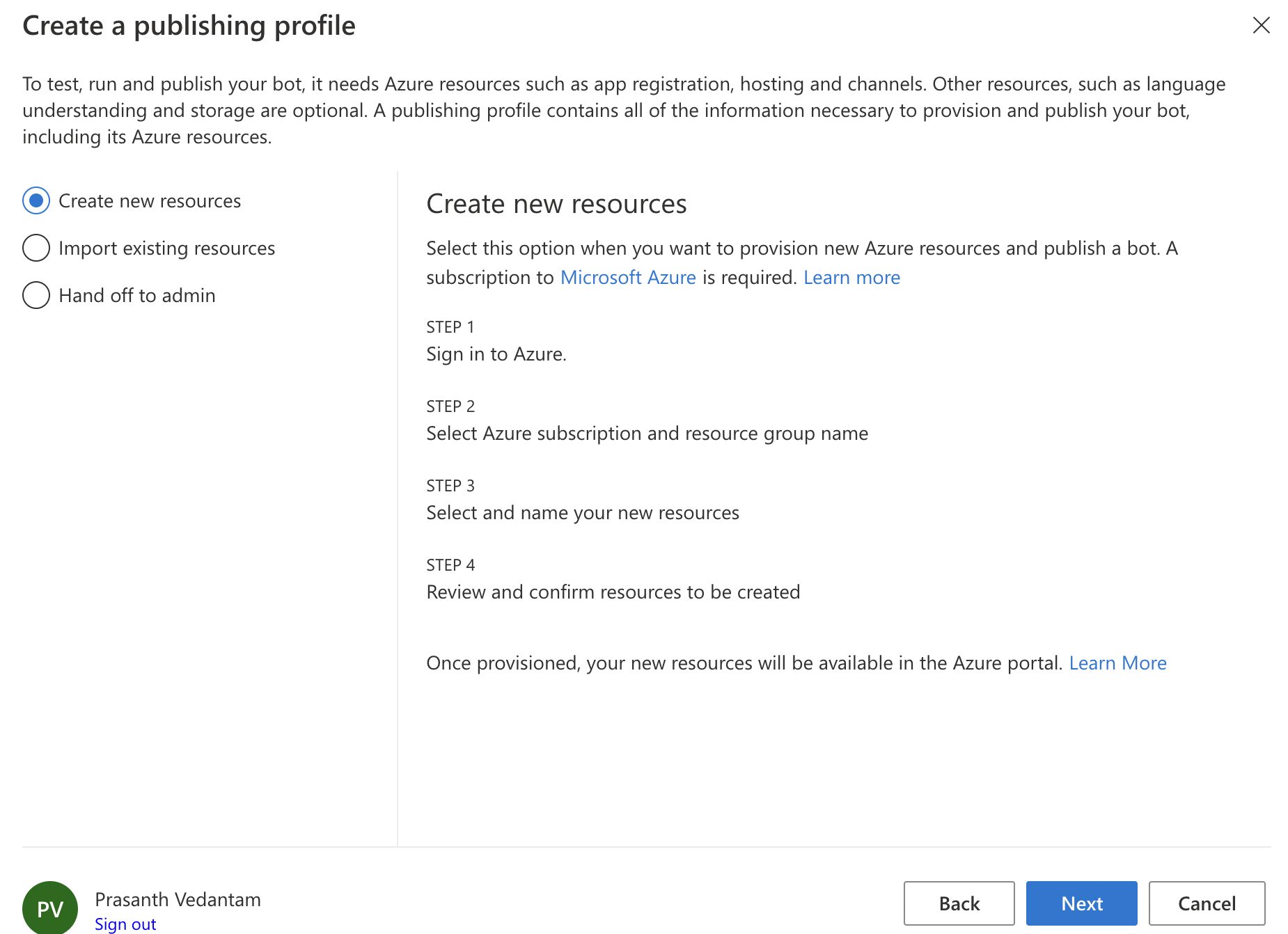
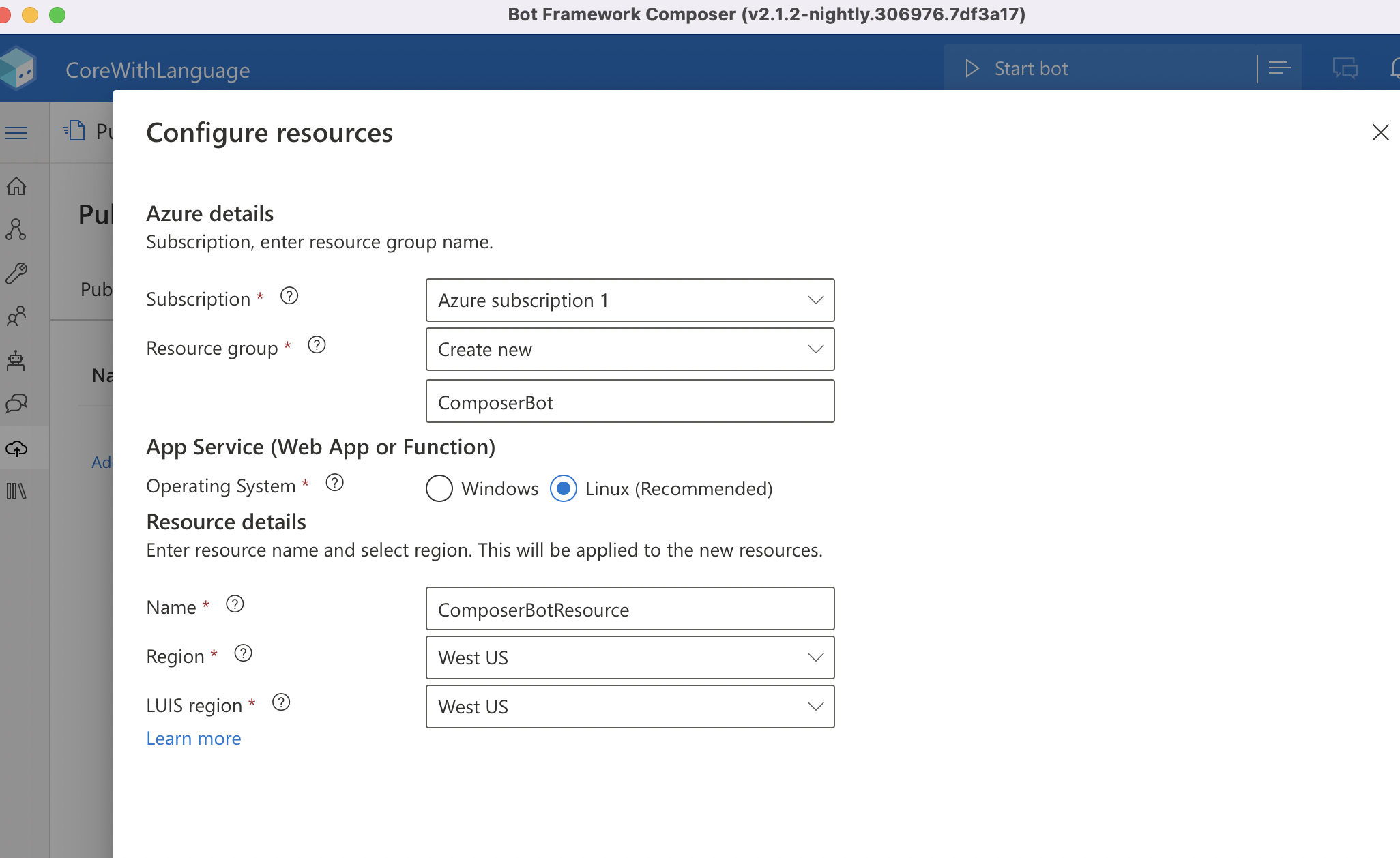
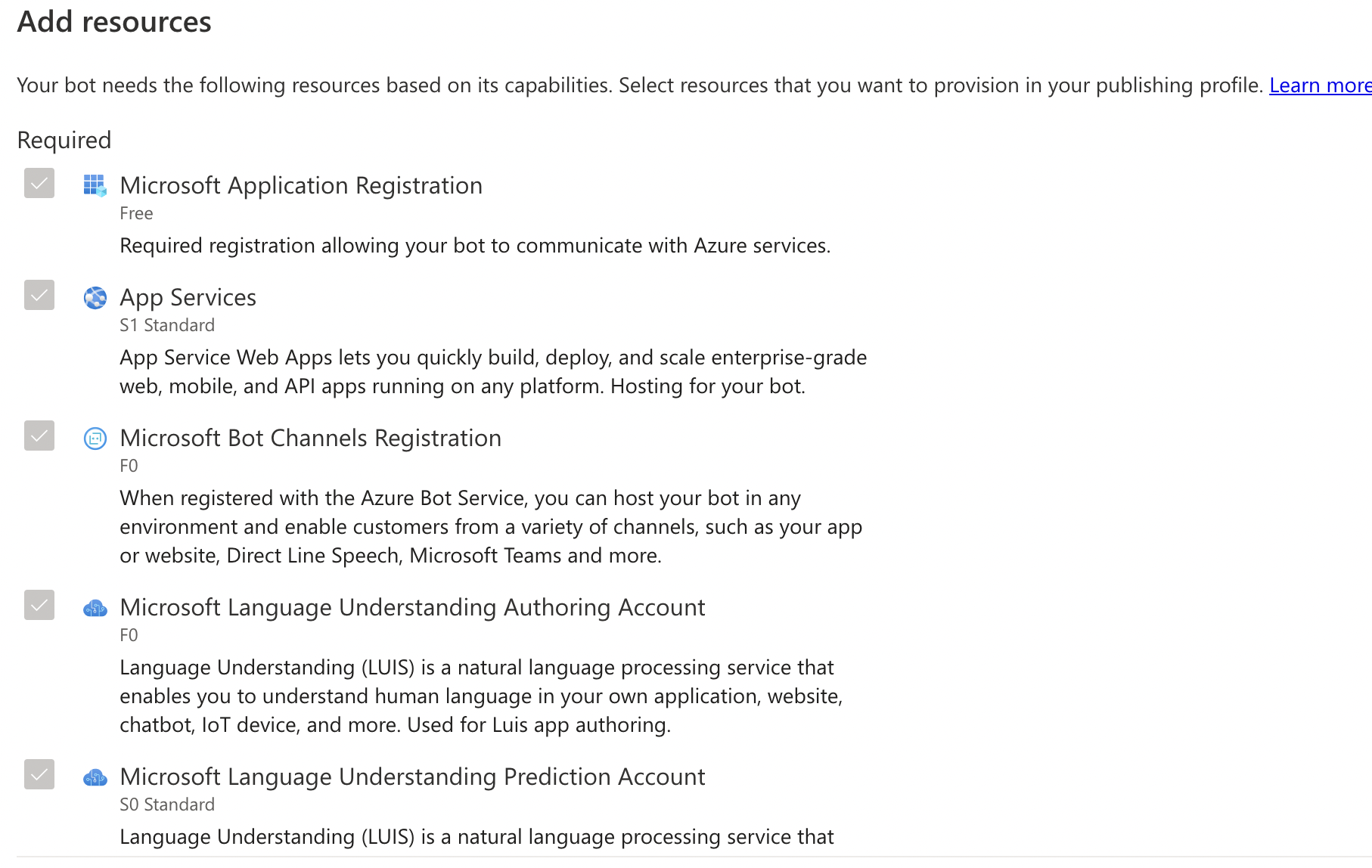
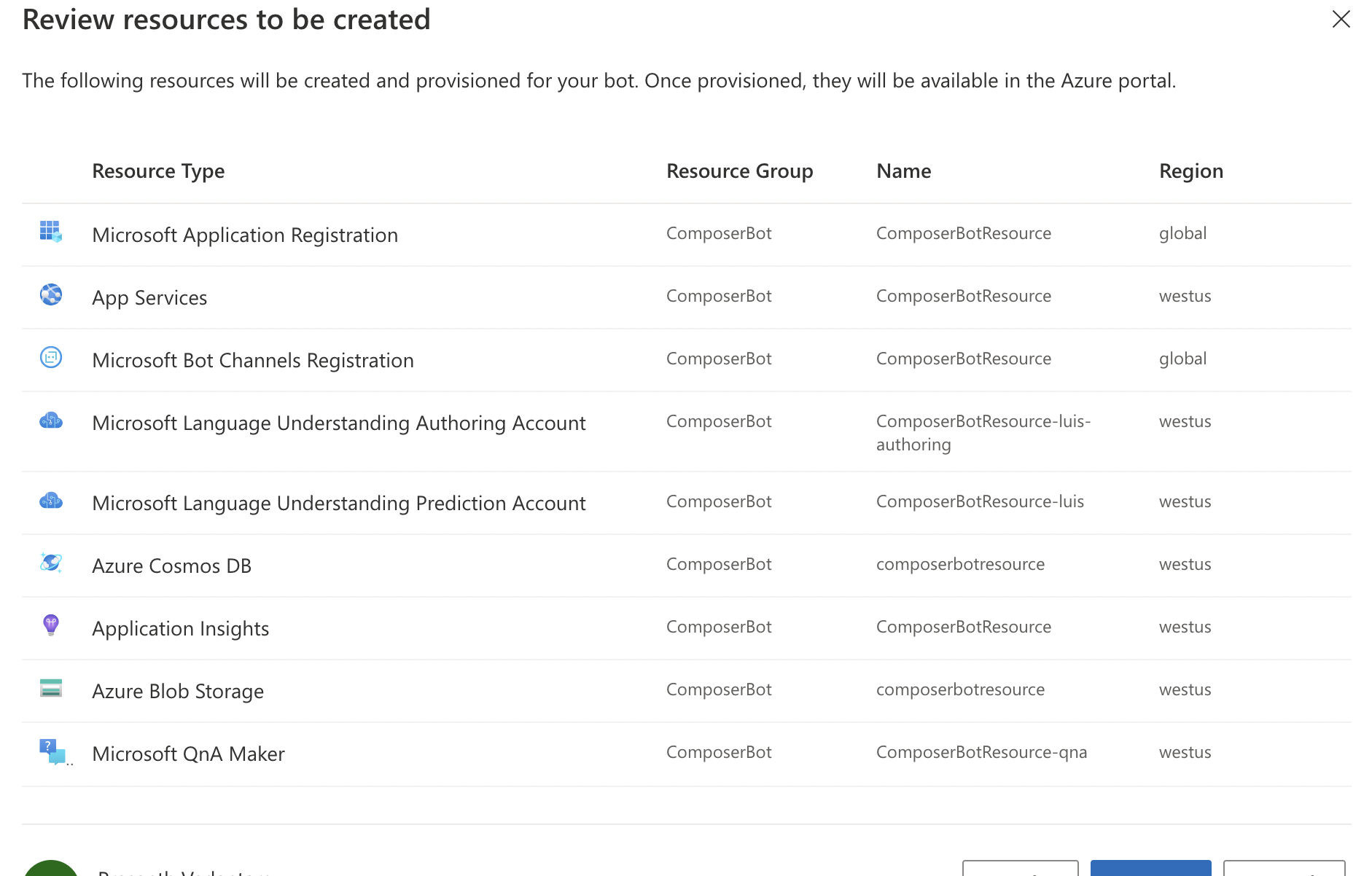
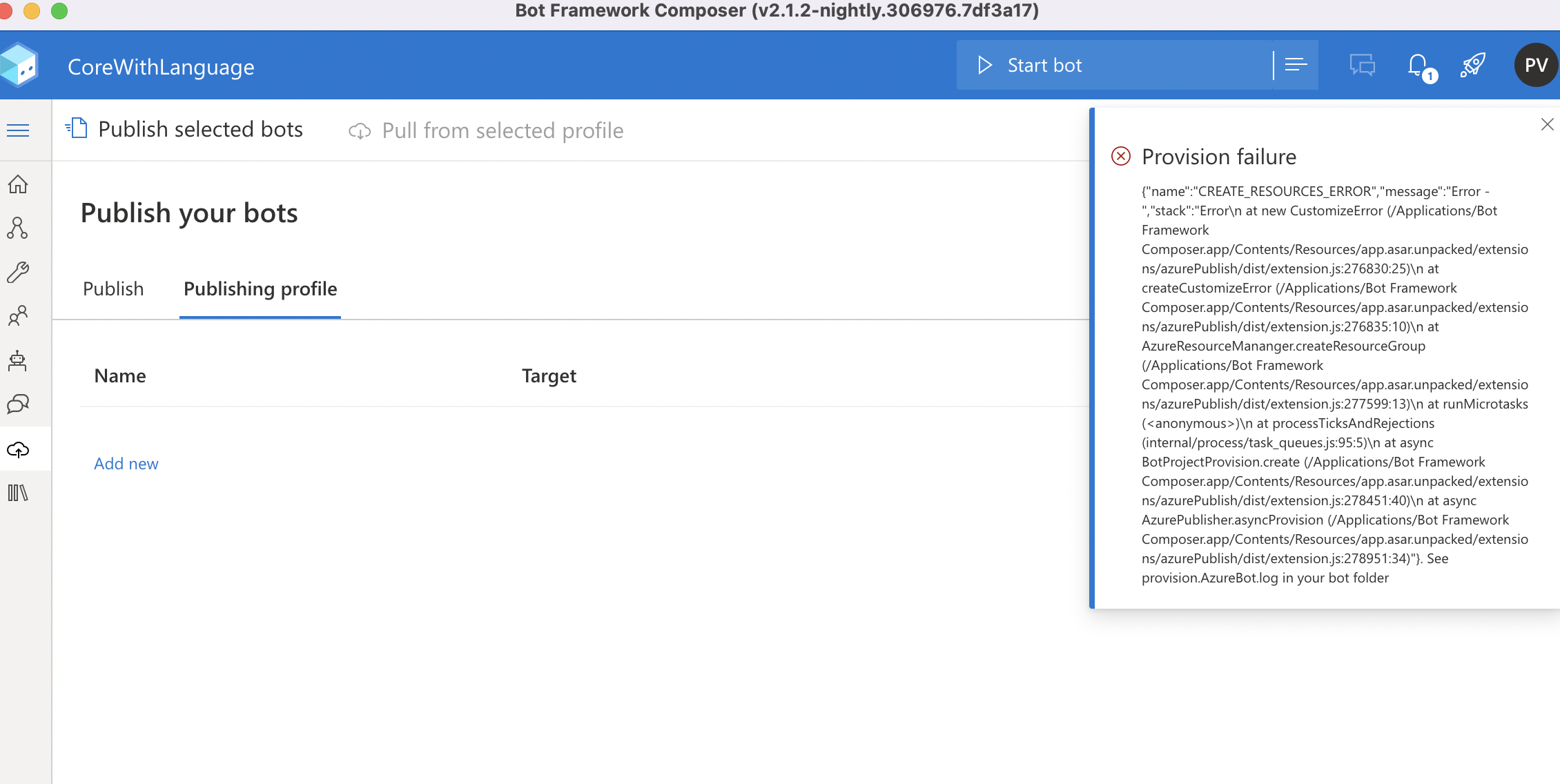
' cx='32' cy='32' r='32' /%3E%3Ctext x='50%25' y='55%25' dominant-baseline='middle' text-anchor='middle' fill='%23FFF' %3EA%3C/text%3E%3C/svg%3E)
Do you have permission to create new resources in the location in which you are attempting to create them? It looks like for some reason you are unable to create anything.
' cx='32' cy='32' r='32' /%3E%3Ctext x='50%25' y='55%25' dominant-baseline='middle' text-anchor='middle' fill='%23FFF' %3EJ%3C/text%3E%3C/svg%3E)
Hi. I have the same problem as this post. Is there a solution? Thanks