Azure Virtual Machines
An Azure service that is used to provision Windows and Linux virtual machines.
This browser is no longer supported.
Upgrade to Microsoft Edge to take advantage of the latest features, security updates, and technical support.
' cx='32' cy='32' r='32' /%3E%3Ctext x='50%25' y='55%25' dominant-baseline='middle' text-anchor='middle' fill='%23FFF' %3ESA%3C/text%3E%3C/svg%3E)
I stopped (deallocated) VM. After that. I can't start VM. Error. Allocation failed.
Error details
Win10T1: Allocation failed. We do not have sufficient capacity for the requested VM size in this zone.
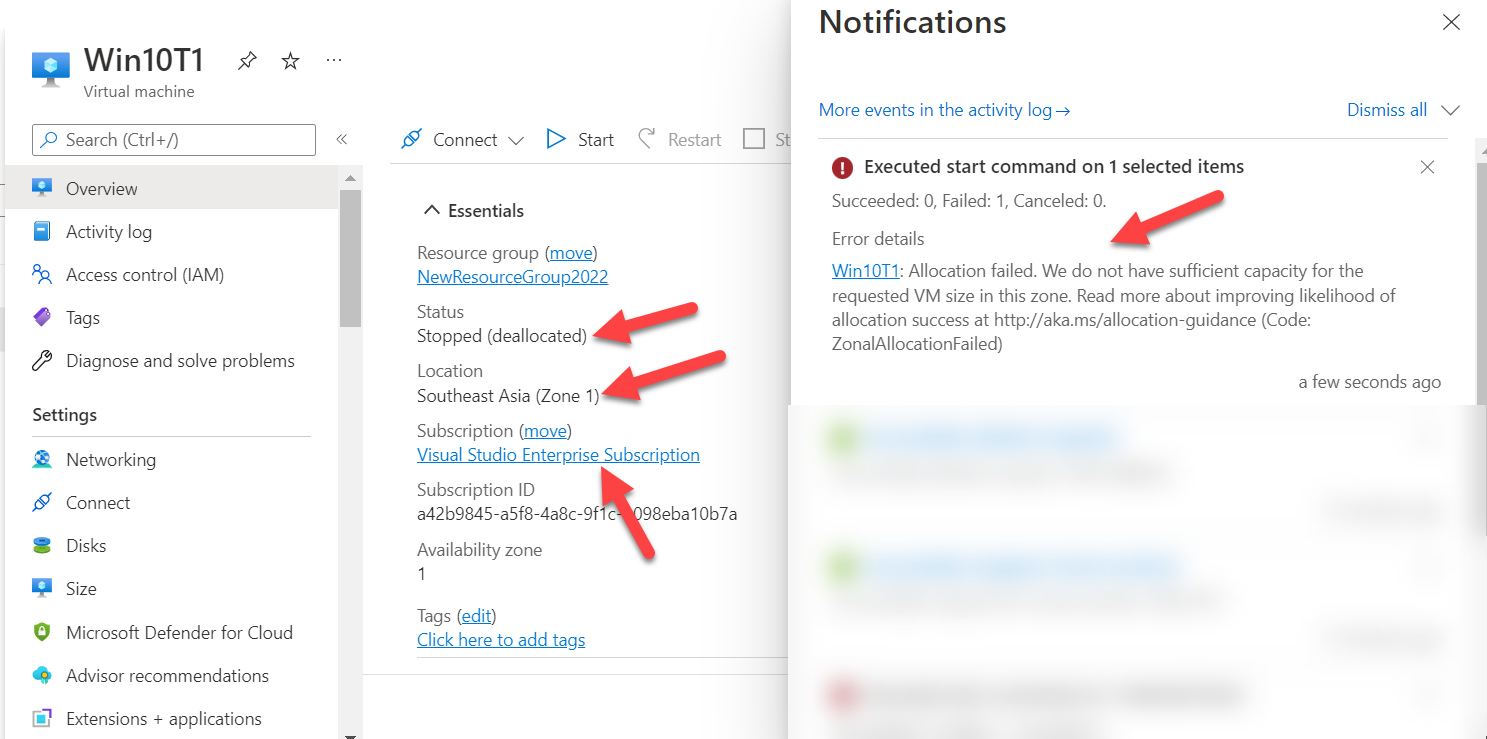
I try change size vm. i can't change vm size. All vm size in Southeast Asia - not available
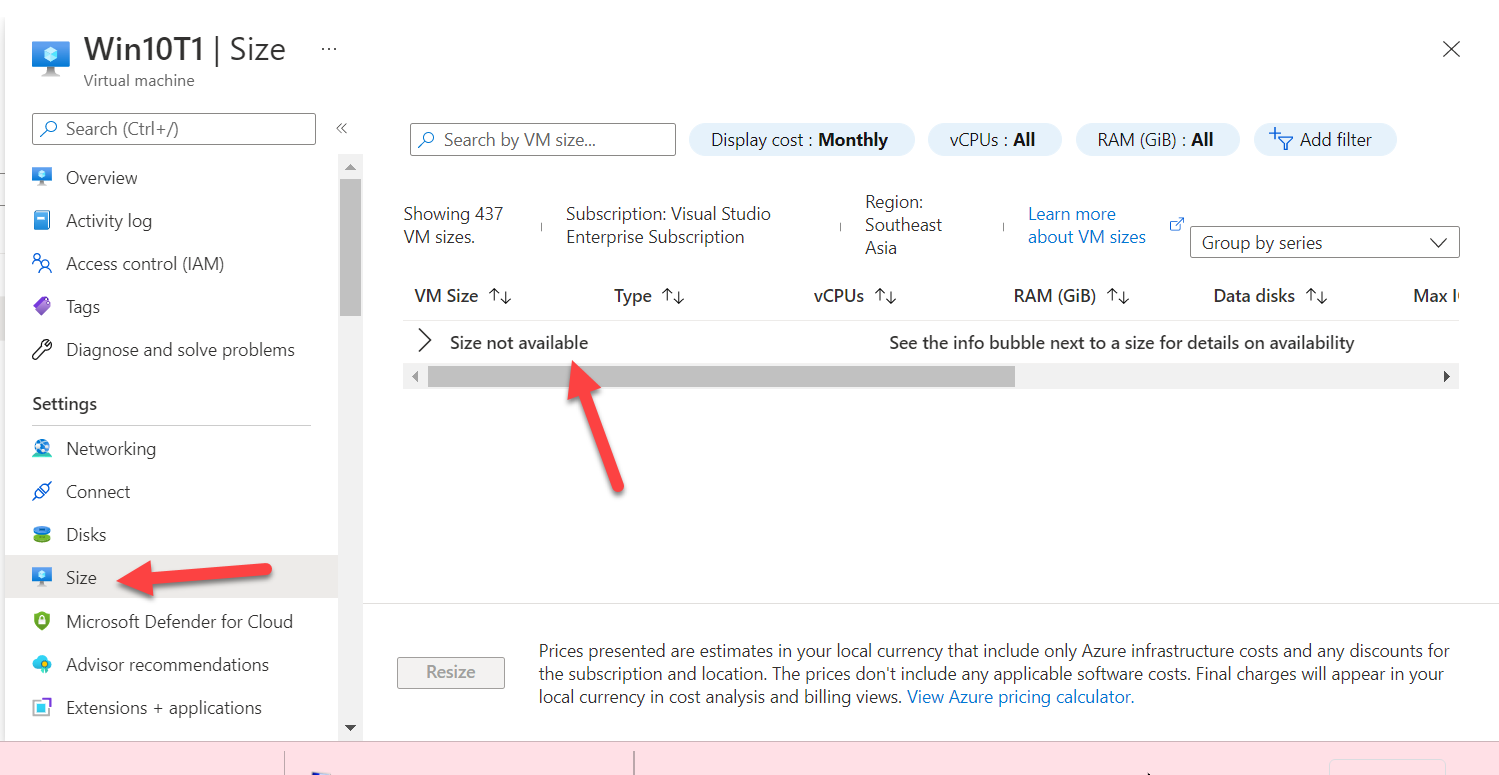
I try create new VM in Southeast Asia - size not available.
but if I select difference zone (East Asia) when crate new VM - Size is more size Available.
I want start my existing VM - Win10T1 But it error Allocation failed.
what should i do?
An Azure service that is used to provision Windows and Linux virtual machines.
' cx='32' cy='32' r='32' /%3E%3Ctext x='50%25' y='55%25' dominant-baseline='middle' text-anchor='middle' fill='%23FFF' %3EKM%3C/text%3E%3C/svg%3E)
Firstly, apologies for inconvenience this issue may have caused.
You may notice that some VM sizes are unavailable for certain subscription types in your region as it experiences high demand.
It could be related to the capacity issue. You can see more details in the below sticky thread for updates on this.
You can check to see if SKUs are available for your subscription in a given region by using the az vm list-skus command (as well as in the portal):
https://learn.microsoft.com/en-us/azure/azure-resource-manager/troubleshooting/error-sku-not-available?tabs=azure-cli#solution
To overcome this issue, I would recommend creating VM in other regions.
This my VM have many configured.
Is it possible to move existing VM to another region? To be able to choose the vm size

Yes, it is possible. Find the region where you see sufficient resources available along with other pre-requisites. I see a good reference here: https://learn.microsoft.com/en-us/azure/resource-mover/tutorial-move-region-virtual-machines