Microsoft Security | Microsoft Entra | Other
Additional Microsoft Entra services and features related to identity, access, and network security

This browser is no longer supported.
Upgrade to Microsoft Edge to take advantage of the latest features, security updates, and technical support.
' cx='32' cy='32' r='32' /%3E%3Ctext x='50%25' y='55%25' dominant-baseline='middle' text-anchor='middle' fill='%23FFF' %3EDS%3C/text%3E%3C/svg%3E)
When trying to verify my custom domain name I get the following error:
This domain has been previously configured on sunvtech.onmicrosoft.com using an existing Azure AD or Office 365. To verify this domain name, you will first need to remove the domain name from the existing directory. Click here for more information.
I am not aware of where sunvtech.onmicrosoft.com might be used and when I try to login with multiple email addresses it says they don't exist. How can I locate where this is currently being used to remove it?

Hello @David Scott
Thank you for your post.
I would like to suggest to review the following aspects below:

Then, you will see the next output:

Also, you can take a look at it like this:
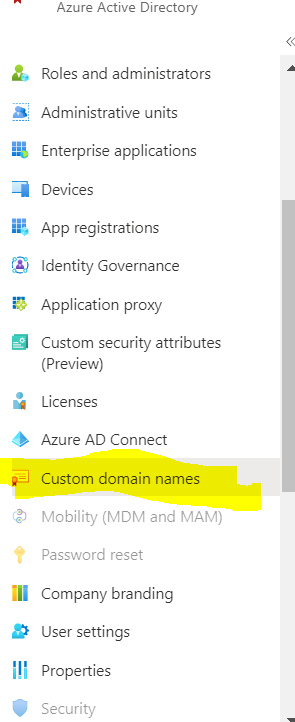
Looking forward to your feedback,
Best Regards,
Please "Accept the answer" if the information helped you. This will help us and others in the community as well.
I can get this far the issue is when I try to verify the domain name, it says its being used in another account and does not tell me where.
is this one the same you are referring to?
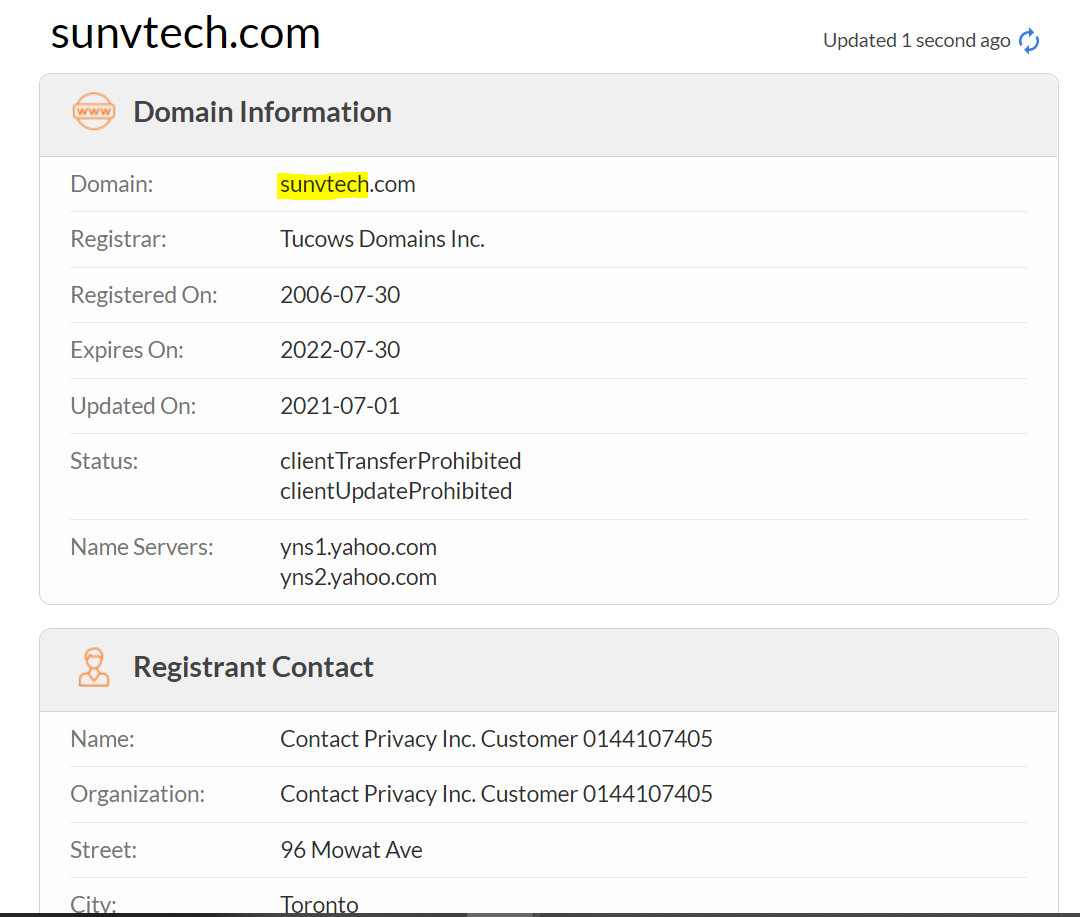
Yes and I own that domain and added TXT record as instructed, however then when I try to verify am told that This domain has been previously configured on sunvtech.onmicrosoft.com and I am not sure where it was used so I can release it

Your issue seems similar to https://learn.microsoft.com/en-us/answers/questions/864786/index.html which references this MSDN post. "Can't verify domain" error message when you try to verify a domain in Office 365 might be of help. The domain could be tied to a MPN subscription in which case you would mitigate from that subscription.