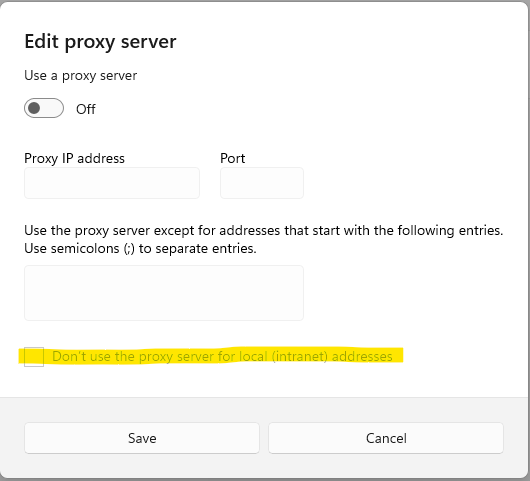
Hello All,
Thanks in advance.
I am trying to configure O365 MP.
As per the MP guide tried to edit the following config file. Once i edited the Microsoft.EnterpriseManagement.Monitoring.Console.exe.config file the SCOM Reporting tab is not loading. Network team confirmed we are using correct proxy. Any Help.
===================================================================
Configure proxy connection.
To use a proxy server for the Microsoft 365 MP wizard queries, perform the following steps:
- First, you will need to edit the Monitoring Console configuration file. It can be found in the following location:
C:\Program Files\Microsoft System Center <SCOM Version>\Operations Manager\Console\Microsoft.EnterpriseManagement.Monitoring.Console.exe.config
Add the following lines in the configuration section of the configuration file:
<system.net>
<defaultProxy enabled="true" useDefaultCredentials="true">
<proxy proxyaddress="http://xxx.xx.x.xx:xxxx" bypassonlocal="false" />
<bypasslist></bypasslist>
</defaultProxy>
</system.net>
Note: proxyaddress value must be entered as follows: http://ProxyIPaddress:Port, for example http://192.168.0.200:8080
=====================================================================================
Regards,
Anu
' cx='32' cy='32' r='32' /%3E%3Ctext x='50%25' y='55%25' dominant-baseline='middle' text-anchor='middle' fill='%23FFF' %3EA%3C/text%3E%3C/svg%3E)