Developer technologies | .NET | Blazor
A free and open-source web framework that enables developers to create web apps using C# and HTML, developed by Microsoft.
This browser is no longer supported.
Upgrade to Microsoft Edge to take advantage of the latest features, security updates, and technical support.

Hi there,
I have a Blazor Server app and I have a list of inventories on a razor page. When a user selects a row and edits, I would like to check if this user has an appropriate role to update the data.
Here is a sample edit page;
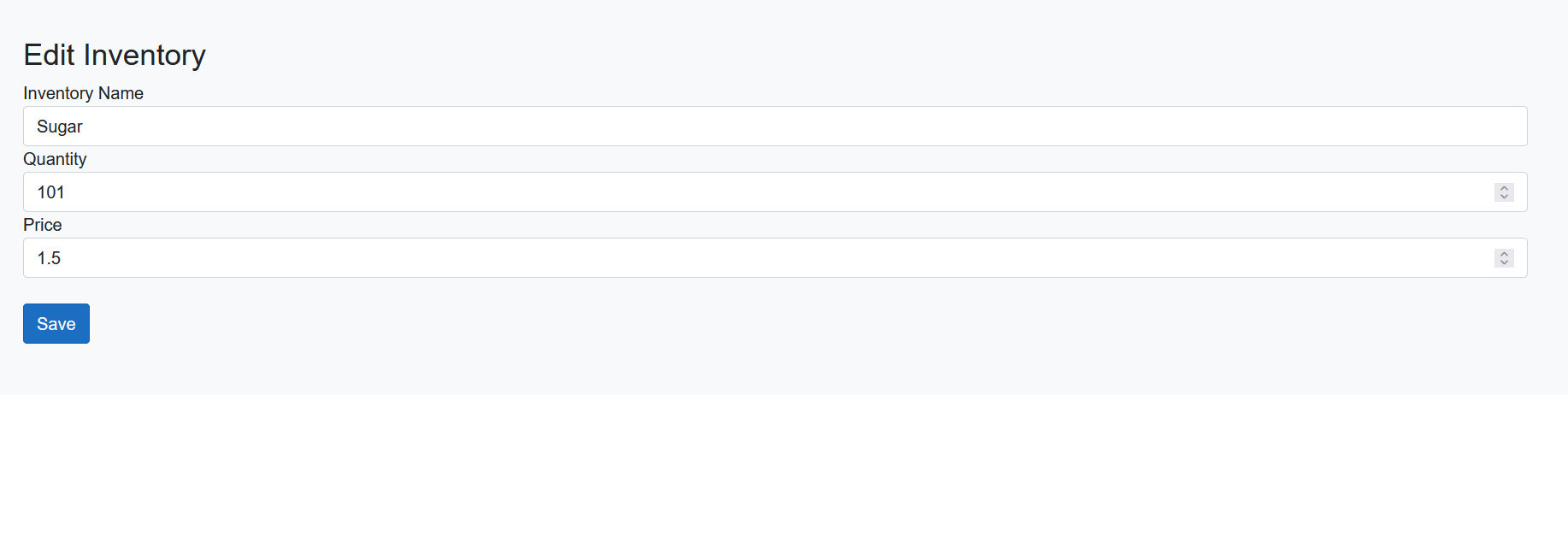
Let's say this user can only edit the quantity. Is there a way to do this?
Thanks in advance.
' cx='32' cy='32' r='32' /%3E%3Ctext x='50%25' y='55%25' dominant-baseline='middle' text-anchor='middle' fill='%23FFF' %3EA%3C/text%3E%3C/svg%3E)
Hi @Cenk ,
Using <AuthorizeView> is also similar right?
Yes, you are right. The AuthorizeView component supports role-based or policy-based authorization.
For role-based authorization, use the Roles parameter:
<AuthorizeView Roles="admin, superuser">
    <p>You can only see this if you're an admin or superuser.</p>
</AuthorizeView>
More information, see Role-based and policy-based authorization.
If the answer is the right solution, please click "Accept Answer" and kindly upvote it. If you have extra questions about this answer, please click "Comment".
Note: Please follow the steps in our documentation to enable e-mail notifications if you want to receive the related email notification for this thread.
Best regards,
Dillion
' cx='32' cy='32' r='32' /%3E%3Ctext x='50%25' y='55%25' dominant-baseline='middle' text-anchor='middle' fill='%23FFF' %3EBS%3C/text%3E%3C/svg%3E)
inject the user and role mangers then:
        @if (context.User.IsInRole("some role"))
        {
            <InputText id="foo" @bind-Value="model.foo" />
        }
        else
        {
            <span class="field">@model.foo</span>
        }
Thank you @Bruce (SqlWork.com) , displaying and hiding data based on roles is a clever way :) Using <AuthorizeView> is also similar right?