Azure Logic Apps
An Azure service that automates the access and use of data across clouds without writing code.
This browser is no longer supported.
Upgrade to Microsoft Edge to take advantage of the latest features, security updates, and technical support.
' cx='32' cy='32' r='32' /%3E%3Ctext x='50%25' y='55%25' dominant-baseline='middle' text-anchor='middle' fill='%23FFF' %3ERA%3C/text%3E%3C/svg%3E)
While creating a custom connector for API calls which are using access token to authorize, it is required to set custom authorization header in custom connector action as we don't have suitable authentication type which is provided by default. So we need to get the token using client credentials only and set it in Authorization header but it shows an error if we use "Authorization" header in request section and won't allow to save the connector. So can you suggest any way to set Authorization header and pass bearer token into that header at runtime in custom connector or any other alternatives to achieve this task?
' cx='32' cy='32' r='32' /%3E%3Ctext x='50%25' y='55%25' dominant-baseline='middle' text-anchor='middle' fill='%23FFF' %3EJM%3C/text%3E%3C/svg%3E)
@Rushit Ajudiya Thanks for reaching out. From the description I understand that you wanted to set Authorization header in request section of logic app custom connector with the token generated using client credential flow.
Currently, client credentials grant type is not supported by custom connectors please refer this document: https://learn.microsoft.com/en-us/connectors/custom-connectors/connection-parameters#oauth-20
You can also leave your feedback on our feedback page https://feedback.azure.com/d365community/forum/cb47c115-7926-ec11-b6e6-000d3a4f032c?filter=top
as an alternative you can use Http action with request url and with the required authorization type
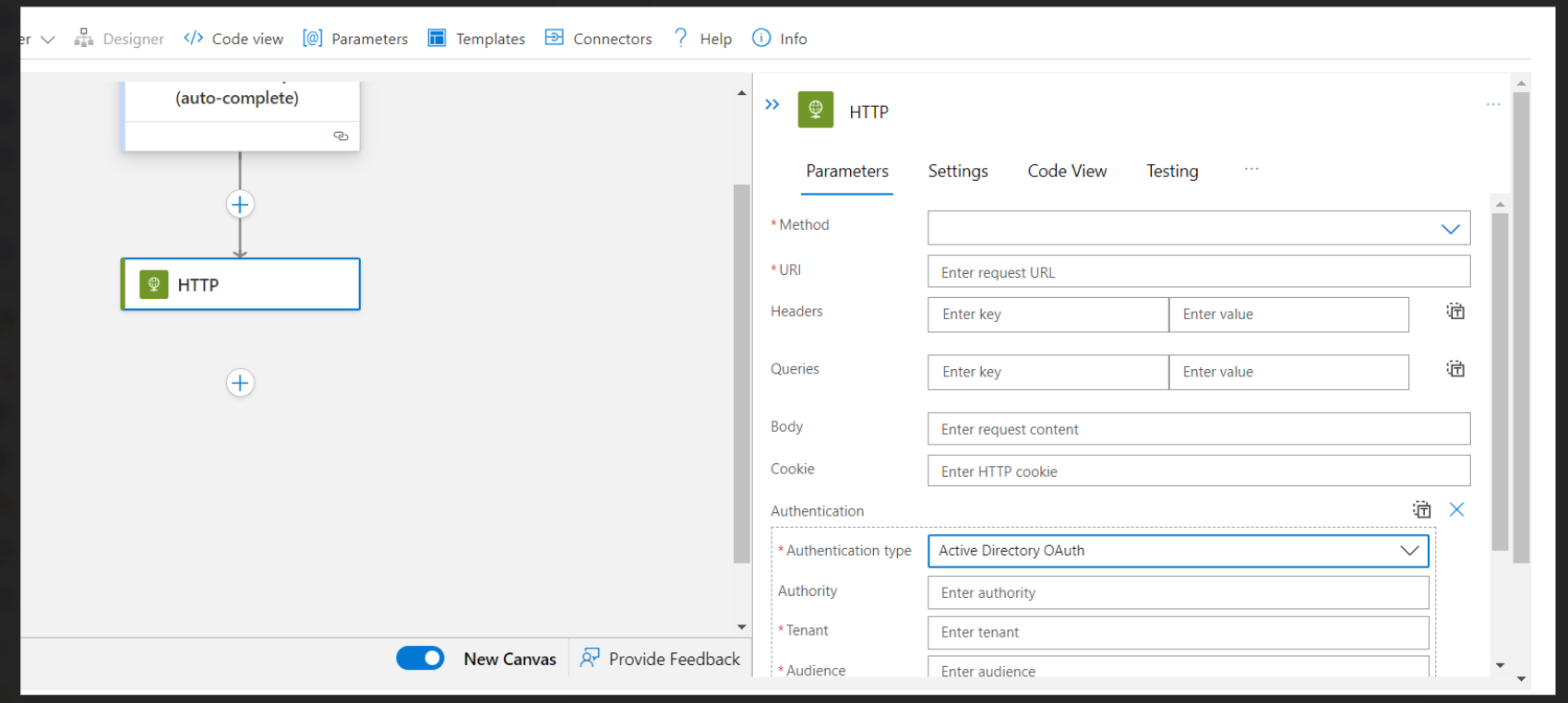
please let me know incase of further queries, I would be happy to assist you.