DNS issues on windows server

dss ds 531 Reputation points
2022-07-17T02:42:06.05+00:00

Running DCDIAG to teat health of domain fails at "DNS lookup fails"

I have 2 VM in (both DC, as one migrated to the other, in host-only environment, but no forwarders listed..) nor conditional.

AD/DNS is on same VM so dns is
Ipv4 Properties : 172.16.245.130 (Primary)
DNS : 172.16.245.130 (1st DC)
Alternative DNS : 172.16.245.132. (2nd DC)

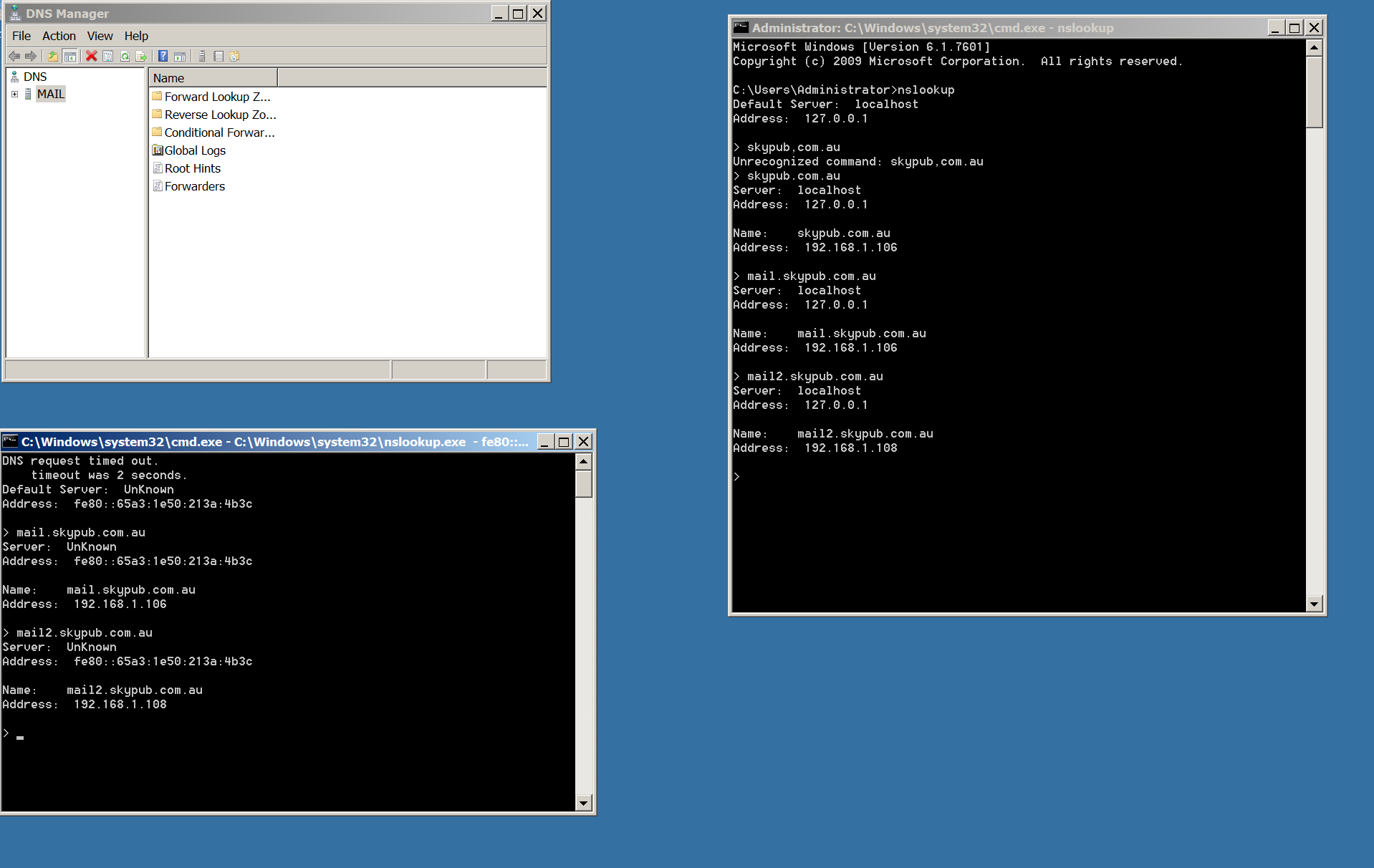
Host A records are entered correctly and IP, via nslookup, resolves fine but domain name does not

What else could be the issue?

Ping resolves fine between servers via ip and domain name.

Windows for business | Windows Server | User experience | Other
{count} votes

Answer accepted by question author
  1. Anonymous
    2022-07-18T02:44:41.777+00:00

    On mail I'd add server's own static ip address (192.168.1.106) listed for DNS, then do ipconfig /flushdns, ipconfig /registerdns, restart the netlogon service

    (not sure why the addressing is different than in original post)

    The dcdiag renders limited info from the event logs for last 24 hrs so it difficult to get a complete picture but I'd try to cleanup any system and DFS Replication event log errors before trying to add again.

    If problems persist then put up a new set of files to look at.

    --please don't forget to upvote and Accept as answer if the reply is helpful--


2 additional answers

Sort by: Most helpful
  1. Anonymous
    2022-07-17T11:57:04.72+00:00

    Please run;

    Dcdiag /v /c /d /e /s:%computername% >C:\dcdiag.log
    repadmin /showrepl >C:\repl.txt
    ipconfig /all > C:\dc1.txt
    ipconfig /all > C:\dc2.txt

    then put unzipped text files up on OneDrive and share a link.

    0 comments No comments

  2. dss ds 531 Reputation points
    2022-07-18T02:29:31.317+00:00
    0 comments No comments

Your answer

Answers can be marked as 'Accepted' by the question author and 'Recommended' by moderators, which helps users know the answer solved the author's problem.