Microsoft Security | Microsoft Graph
An API that connects multiple Microsoft services, enabling data access and automation across platforms

This browser is no longer supported.
Upgrade to Microsoft Edge to take advantage of the latest features, security updates, and technical support.
' cx='32' cy='32' r='32' /%3E%3Ctext x='50%25' y='55%25' dominant-baseline='middle' text-anchor='middle' fill='%23FFF' %3EVS%3C/text%3E%3C/svg%3E)
I have a file named 'F%5cAustin%5cFinance%5cIBM BPO Vendor Master%5cVendor Processing%5cNares...doc' which I created on windows and later uploaded it to onedrive.
I am trying two API calls on this file
1./drive/root:/{file-path} where the name of the file is encoded, using url encoding.
This API call succeeds and returns a driveItem
2./drive/items/$folderId/children('{name of the file}')
This API fails with Bad Request. Error in query syntax. It doesn't matter if the name of the file is not encoded or encoded.
I just wanted to know is there particular way of encoding that MS supports for all it's API calls.

It is good to check the unsupported file/folder names which are reserved in OneDrive. Following link will give you the list
onedrive-addressing-driveitems
----------
--please don't forget to upvote and Accept as answer if the reply is helpful--
This document talks about the encoding of the path characters which I am doing for the first API call and it succeeds. My problem is on the second API call, which even when I follow the same encoding scheme marks it as a bad request.
' cx='32' cy='32' r='32' /%3E%3Ctext x='50%25' y='55%25' dominant-baseline='middle' text-anchor='middle' fill='%23FFF' %3EZY%3C/text%3E%3C/svg%3E)
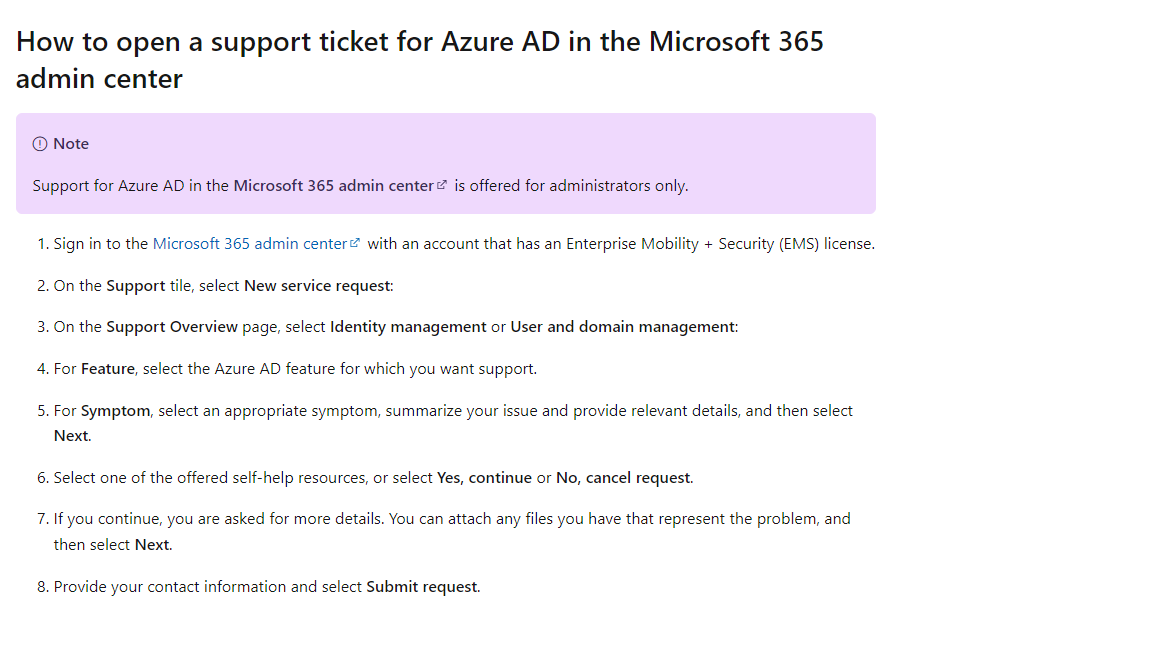
Hi @Vinanth S Bharadwa , I did the related tests and encountered the same problem, I recommend opening a support ticket to see if the back office engineer has a better solution