Microsoft 365 and Office | SharePoint | Development
The process of building custom applications and tools that interact with Microsoft SharePoint, including SharePoint Online in Microsoft 365.

This browser is no longer supported.
Upgrade to Microsoft Edge to take advantage of the latest features, security updates, and technical support.
' cx='32' cy='32' r='32' /%3E%3Ctext x='50%25' y='55%25' dominant-baseline='middle' text-anchor='middle' fill='%23FFF' %3ETB%3C/text%3E%3C/svg%3E)
Hi, I already know that it is not possible to reference lookup fields in a calculated field in a Sharepoint list. This seems like a fairly basic use case to me and I am not sure why it cannot be addressed. But regardless, I am looking for a suitable workaround.
Having done some research into potential solutions, I have already tried using a Power Apps flow that triggers when a new list item is created or modified, to update another field in my list. This works but it can take a little time to run, which is not ideal.
What I am looking to do is concatenate several fields, some of which are lookup fields, into a single text string that can be displayed in the Modern Calendar View in Sharepoint. I came across a way to do this using JSON, but it only works in the list view, not the calendar view. The use case is that I am creating a bookings calendar for some robots that we rent out to students. A field called "BookingSummary" should contain a "robot" field, "site" field and "user" field concatenated together. Both the "robot" and "user" fields are lookups from other lists.
Here is the json that worked in the list view but not the Calendar view:
{
"$schema": "https://developer.microsoft.com/json-schemas/sp/v2/column-formatting.schema.json",
"elmType": "div",
"txtContent": "= [$Robot.lookupValue] + ' - ' + [$Site] + '' +' - ' +[$User.lookupValue]"
}
Please can someone help me to make this work in calendar view?
Thanks!

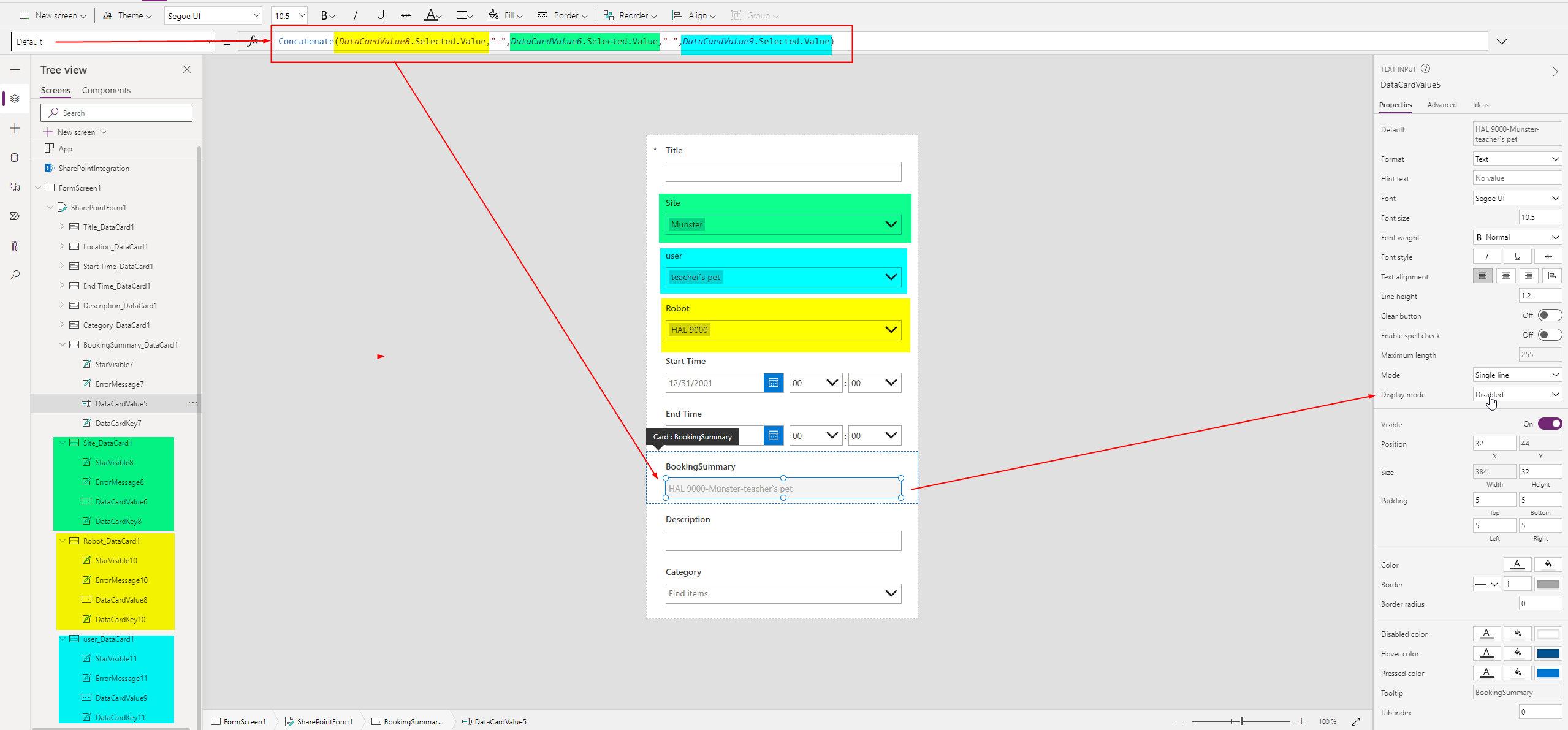
How about to modify the SharePoint form with Power Apps and calculate the content of the field BookingSummary instead of manipulating the view only.
The fields visibility could be changed or the so-called display mode set to disabled (greyed out)
Suggestion:
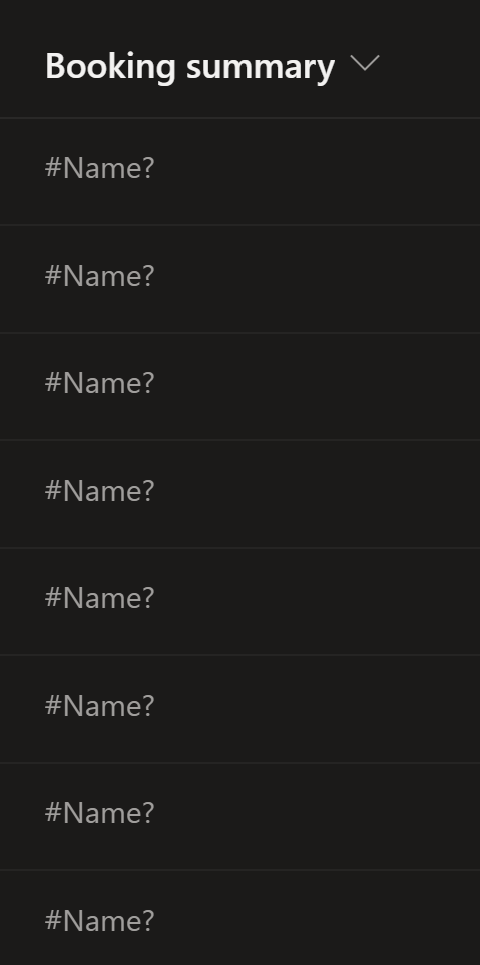
Thanks Micca, I've tried what you suggested and built a form view in Power Apps, however, the concatenated title does not appear in the booking calendar when I select "Booking Summary" as the title to be displayed. I am simply getting this:
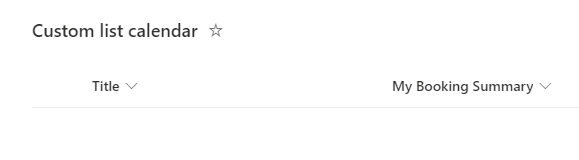
I could just guess, but assume the – to be referenced – internal name of the column is a different one than what you have as display name.
If you open the lists´ settings and open the column for editing you will see the internal name of the column within the address bar of your browser.
Displayname
internal field name
