Microsoft 365 and Office | SharePoint | For business | Windows
A group of Microsoft Products and technologies used for sharing and managing content, knowledge, and applications.

This browser is no longer supported.
Upgrade to Microsoft Edge to take advantage of the latest features, security updates, and technical support.
' cx='32' cy='32' r='32' /%3E%3Ctext x='50%25' y='55%25' dominant-baseline='middle' text-anchor='middle' fill='%23FFF' %3EMS%3C/text%3E%3C/svg%3E)
I have a Location column in a Microsoft List. When searching for a community name in British Columbia, I came across 3 communities that have an extra "," before "British Columbia". This causes the community name to appear out of order in my List. First image shows what I see when searching for the community name in the location column:

Second image shows how said community appears in List view. (out of alphabetical order):
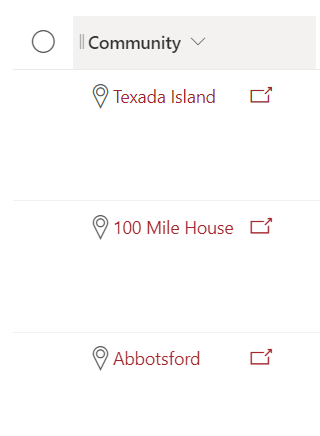
The other 2 problematic communities are:
All 3 communities are in British Columbia (BC), Canada.

Hi @Mandy Sal ,
Are you using column formatting?
What is the actual name of the 'community' column? Is it 'Location: Street', 'Location: City' or 'Location'?
Could you please show me your whole Json script of column formatting to have a check?
I'm not using column formatting. The name of this column is 'Location: City'.
Hi @Mandy Sal ,
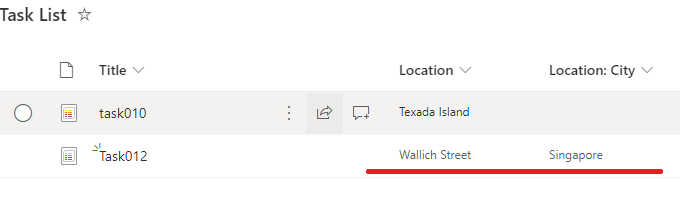
Per my tests, it is displayed only the black text in location: city column. (Without column formatting)
According to your screenshot, there are two icons.
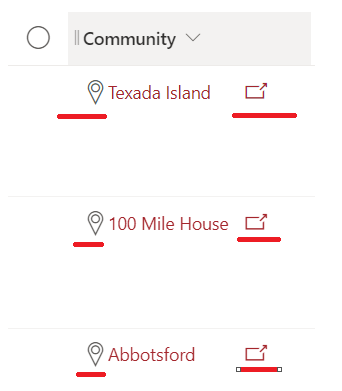
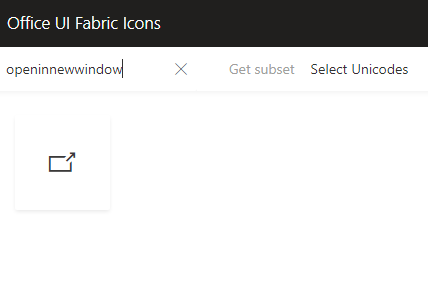
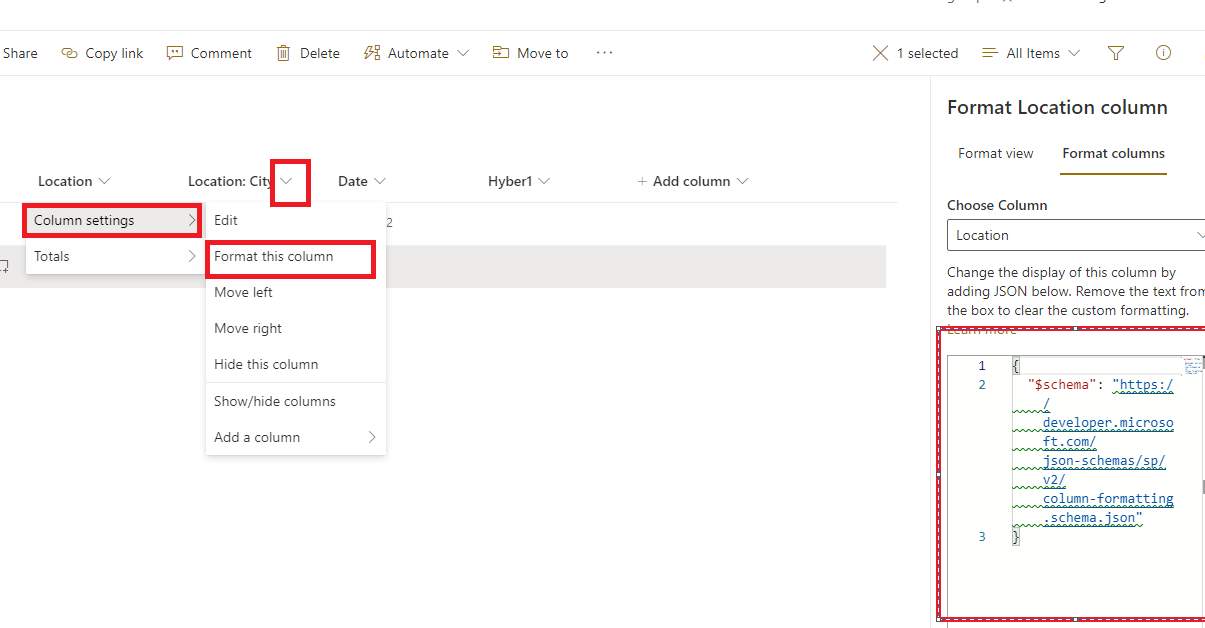
Both icons can be added through formatting. I have search this icon resource in Office UI Fabric Icons. So your location column should have been formatted.
It is recommended that check your column format.
If the answer is helpful, please click "Accept Answer" and kindly upvote it. If you have extra questions about this answer, please click "Comment".
Note: Please follow the steps in our documentation to enable e-mail notifications if you want to receive the related email notification for this thread.