
Hello Thanks for your answer,
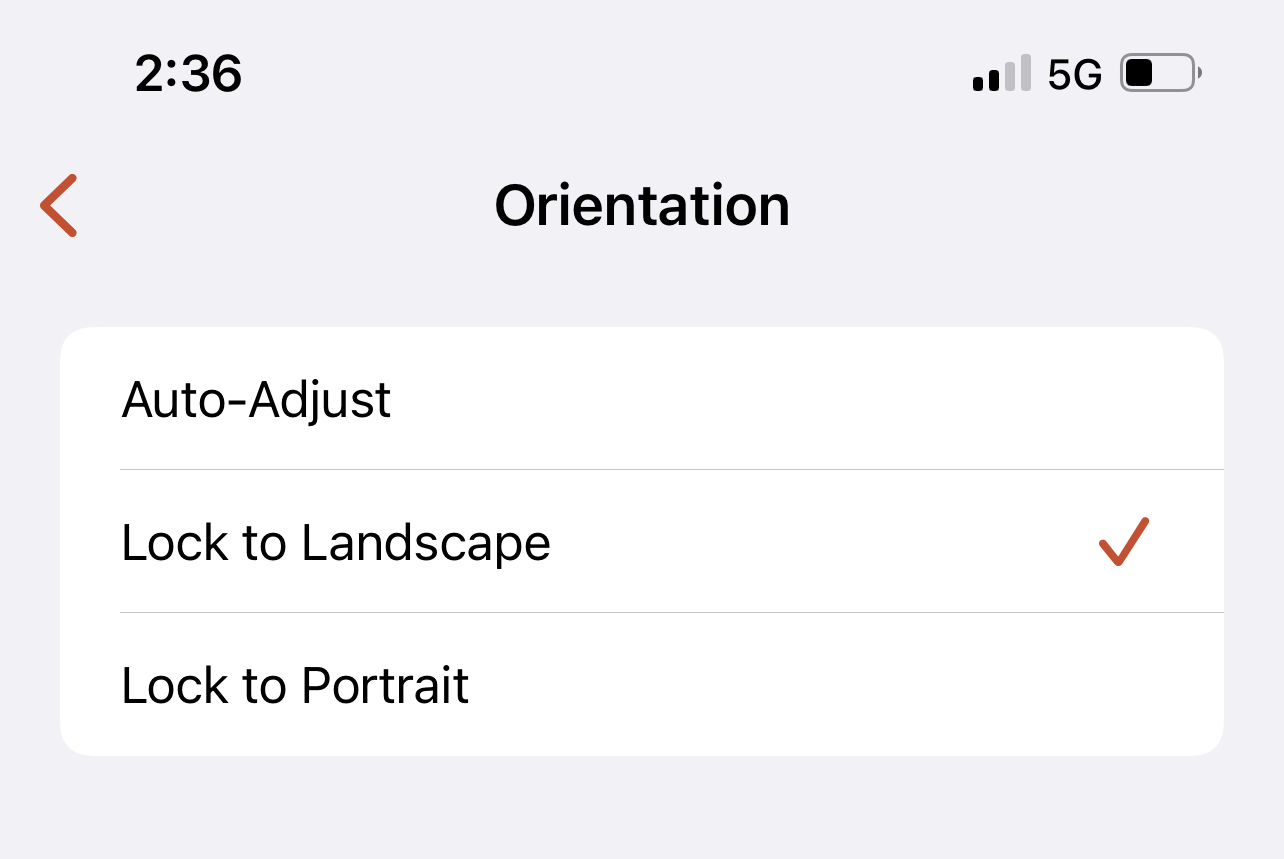
Already checked Lock to Landscape but i did not solve this problem.
One more thing: I've updated the iOS 16 beta 2 version. Before updating iOS, Remote Desktop Client was functioning properly.
This browser is no longer supported.
Upgrade to Microsoft Edge to take advantage of the latest features, security updates, and technical support.
' cx='32' cy='32' r='32' /%3E%3Ctext x='50%25' y='55%25' dominant-baseline='middle' text-anchor='middle' fill='%23FFF' %3EAA%3C/text%3E%3C/svg%3E)
Hello
I use Remote Desktop Client on a regular basis, but recently there was a small issue.
I installed the RD Client version 10.4.2 (5170) on my iPhone 12 Pro max. When I connect any accounts, the display orientation is set to Landscape, but it seems to be in Portrait when I connect.
I'm awaiting your response.
Hello Thanks for your answer,
Already checked Lock to Landscape but i did not solve this problem.
One more thing: I've updated the iOS 16 beta 2 version. Before updating iOS, Remote Desktop Client was functioning properly.

In the Remote Desktop application, Open Settings and under Display Tab, select the orientation and then select Orientation to "Lock to Landscape".
Also check the resolution section and make sure you are using the appropriate values...