' cx='32' cy='32' r='32' /%3E%3Ctext x='50%25' y='55%25' dominant-baseline='middle' text-anchor='middle' fill='%23FFF' %3ES%3C/text%3E%3C/svg%3E)


Indeed you did:
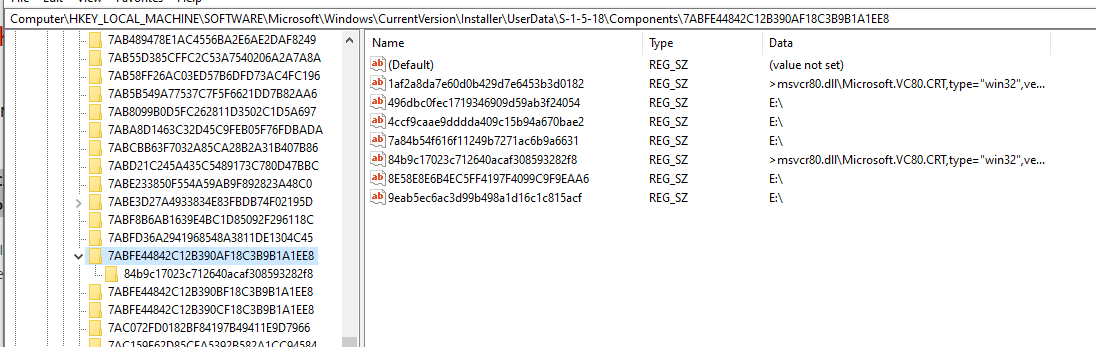
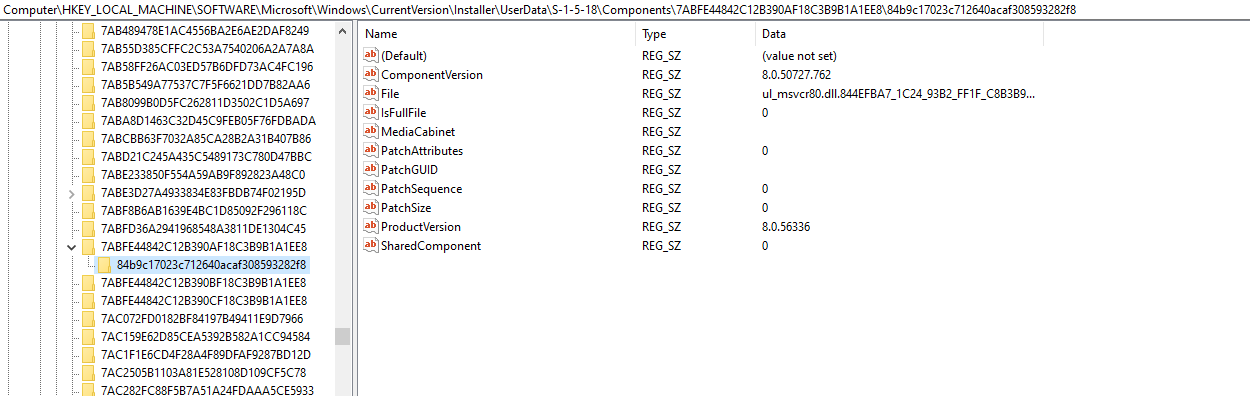
MSI Error: 1402 Could not open key: UNKNOWN\Components\7510101DCAB8C8242AEC21AE1F4B9D4A\E0DECD7172B5A3542B4B4E788B962BA8. Verify that you have sufficient access to that key, or contact your support personnel.
Fun, isn't it? :--( No, it is not!
Again, I turned to Google to look for MSI Error: 1402 Could not open key: UNKNOWN Verify that you have sufficient access to that key, or contact your support personnel. What is interesting is that this time, I get related to all sorts of products: Visual Studio, VMWare, CivilGEO, but also SQL Server. Again Pinal Dave has a blog post: https://blog.sqlauthority.com/2018/04/21/sql-server-fix-error-1402-could-not-open-key-unknowncomponents-system-error-5-another-solution/.
The common thread is that are some permissions issues in the registry.
I don't really have much choice but to leave you to explore these post and try to make as much out them as you can. But two questions:
1) What sort of computer is this? That is, is it your private machine, or is a corporate machine?
2) Are you running any antivirus different from Windows Defender?