Microsoft 365 and Office | Excel | For business | Windows
A family of Microsoft spreadsheet software with tools for analyzing, charting, and communicating data

This browser is no longer supported.
Upgrade to Microsoft Edge to take advantage of the latest features, security updates, and technical support.
A community member has associated this post with a similar question:
DocumentFormat.OpenXml.Spreadsheet while copying from existing excel apply validation if existing excel has hyperlinks download file not opened
Only moderators can edit this content.
' cx='32' cy='32' r='32' /%3E%3Ctext x='50%25' y='55%25' dominant-baseline='middle' text-anchor='middle' fill='%23FFF' %3EHK%3C/text%3E%3C/svg%3E)
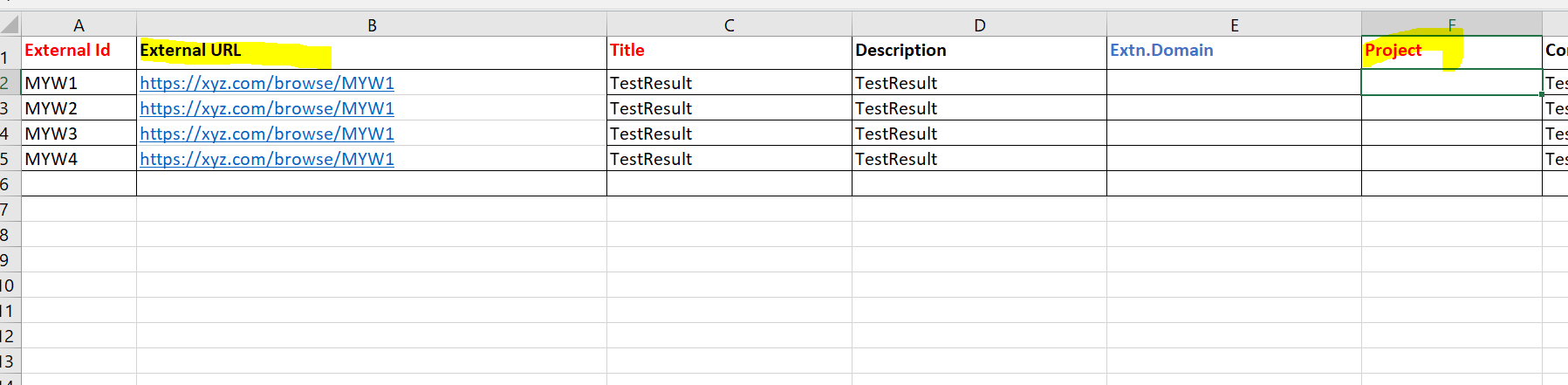
string MyFile = @"C:\Users\Desktop\temp\sample.xlsm";
using (SpreadsheetDocument myDoc = SpreadsheetDocument.Open(MyFile, true))
{
WorkbookPart wbPart = myDoc.WorkbookPart;
Hyperlinks hyperlinks1 = new Hyperlinks();
//var sheetData = new DocumentFormat.OpenXml.Spreadsheet.SheetData();
WorksheetPart worksheetPart = GetWorksheetPartByName(myDoc, "Test");
            DataValidations dataValidations = new DataValidations();
            DataValidation dataValidation = new DataValidation()
            {
                Type = DataValidationValues.List,
                AllowBlank = true,
                SequenceOfReferences = new ListValue<StringValue>() { InnerText = "A1:A1048576" }
            };
            Formula1 formula = new Formula1();
            formula.Text = "\"FirstChoice,SecondChoice,ThirdChoice\"";

            dataValidation.Append(formula);
            dataValidations.Append(dataValidation);

            //insert the dataValidations to the correct place
            worksheetPart.Worksheet.InsertBefore(dataValidations, worksheetPart.Worksheet.Descendants<PageMargins>().FirstOrDefault());
        }
        Console.WriteLine("File Saved to " + MyFile);