Microsoft Security | Intune | Configuration Manager | Other
Other Configuration Manager-related features and issues

This browser is no longer supported.
Upgrade to Microsoft Edge to take advantage of the latest features, security updates, and technical support.
' cx='32' cy='32' r='32' /%3E%3Ctext x='50%25' y='55%25' dominant-baseline='middle' text-anchor='middle' fill='%23FFF' %3EHR%3C/text%3E%3C/svg%3E)
I created a task sequence step by step and deployed for all unknow computers. I create a VM and I am trying to install an OS with PXE, bit when the computer boot the task sequence doesn't appear. The vm boot, show the image os windows, then show this screen but the task sequence wizard doesn't appear. Afeter 3 minutes this screen close and vm boot again and again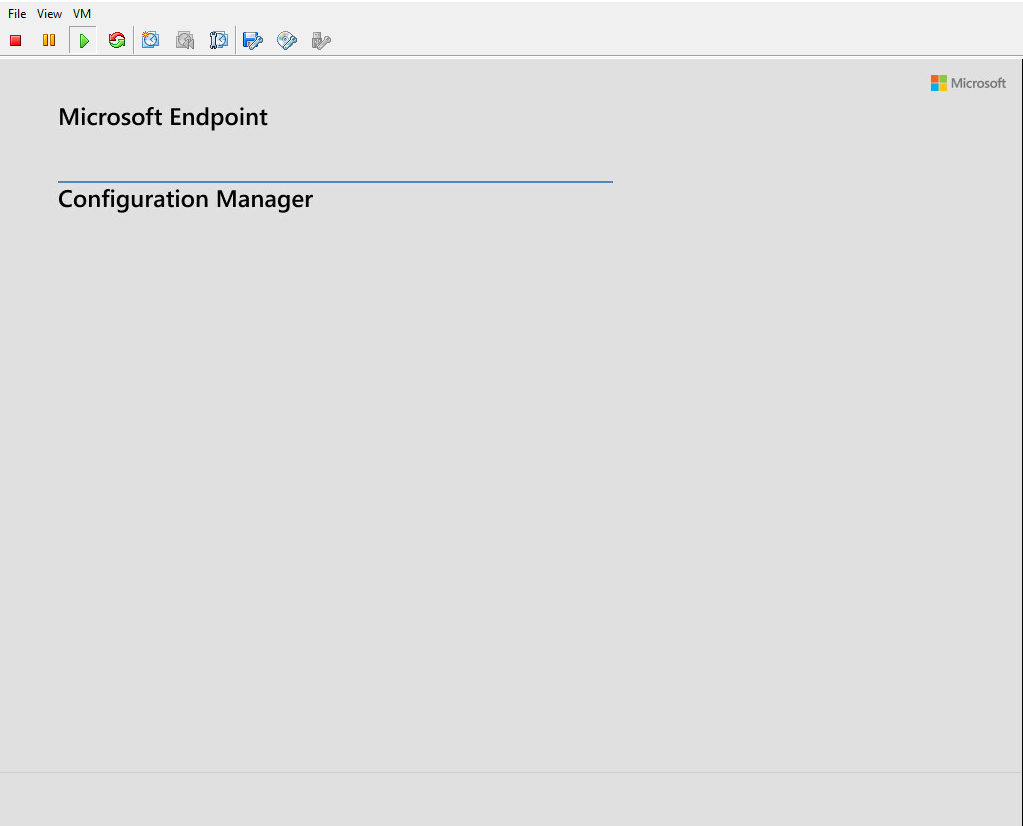
' cx='32' cy='32' r='32' /%3E%3Ctext x='50%25' y='55%25' dominant-baseline='middle' text-anchor='middle' fill='%23FFF' %3ESE%3C/text%3E%3C/svg%3E)
Hello, I also had this problem. I tried to solve this problem by adding the network card driver to the boot image
' cx='32' cy='32' r='32' /%3E%3Ctext x='50%25' y='55%25' dominant-baseline='middle' text-anchor='middle' fill='%23FFF' %3EAG%3C/text%3E%3C/svg%3E)
I recommend checking the network clearances for the IP of your central server, and also with the magement point server, when the network does not display the screen to select your task sequence, you need to validate if you have communication with your MP, if there is an acl rule on your network, the server addresses must be there

1,Please re-distribute your task sequence and all its content to your distribute points to have a try.
2,Please press F8 and type ipconfig /all to see if the VM client gets IP address.
3,Also check the smsts.log on the client and smspxe.log on the server to see if there is any useful information.
Hope it helps. Thanks for your time.
Best regards,
Simon
If the response is helpful, please click "Accept Answer" and upvote it.
Note: Please follow the steps in our documentation to enable e-mail notifications if you want to receive the related email notification for this thread.
Hello,
I have already distributed the content and I check the ip, the clients get an IP. But I checked the smsts.log and I found this issue below
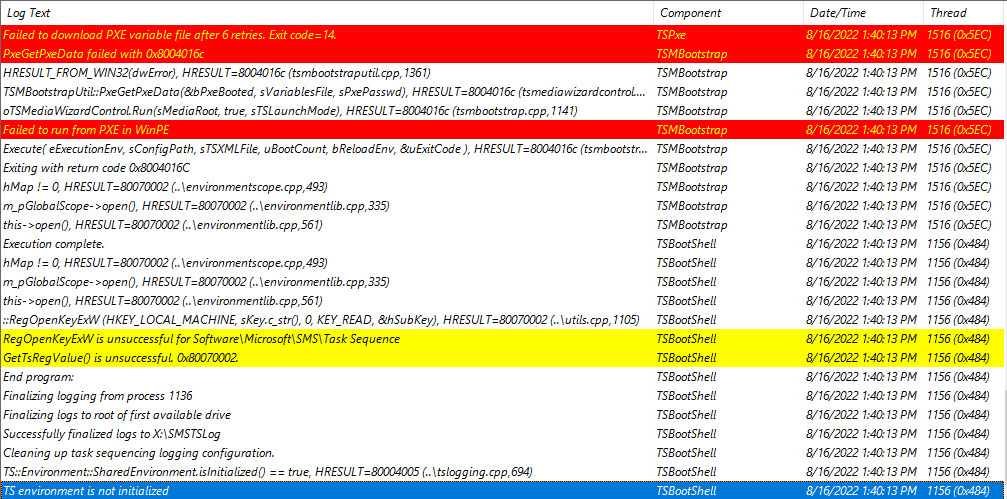
And I checked, the VM and the server with PXE are in the same subnetwork