Azure Functions
An Azure service that provides an event-driven serverless compute platform.
This browser is no longer supported.
Upgrade to Microsoft Edge to take advantage of the latest features, security updates, and technical support.
' cx='32' cy='32' r='32' /%3E%3Ctext x='50%25' y='55%25' dominant-baseline='middle' text-anchor='middle' fill='%23FFF' %3EDJ%3C/text%3E%3C/svg%3E)
Hi, When I create an azure function app using command :
az functionapp create \
    --name "$functionApp"\
    --resource-group "$resourceGroup" \
    --storage-account "$storageAccount" \
    --consumption-plan-location $location \
    --runtime dotnet \
    --runtime-version 6 \
    --functions-version 4 \
I expect the function app to be created to using function app version 4 with runtime version 6 , but in my azure account I see the error that I am using unsupported version (aka 3.1 on v4)
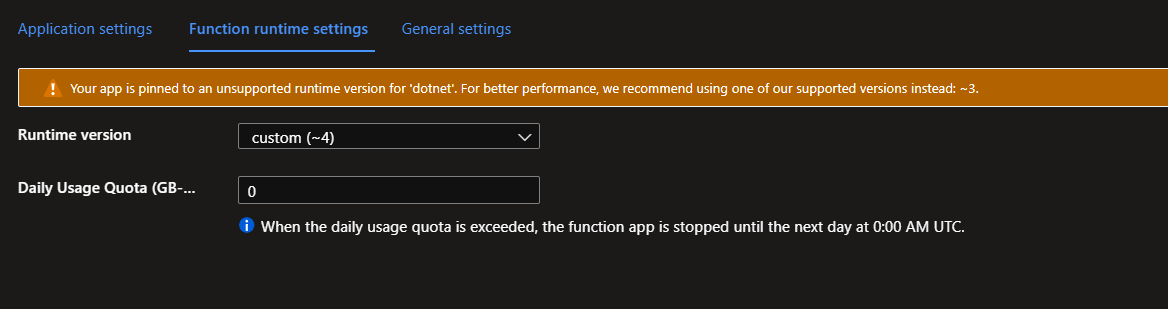
If I leave the optional runtime-version entirely off I see the same behavior, saying unsupported version.
to fix this error I have to manually set the runtime version 6 with command :
az functionapp config set \
    --net-framework-version v6.0 \
    --name "$functionApp"\
    --resource-group "$resourceGroup" \
this then fixes the warning and we correctly use v6:
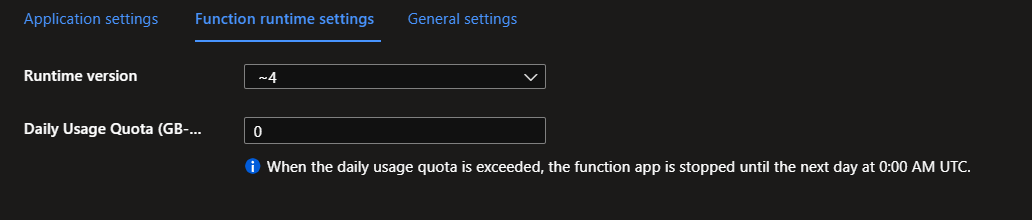
If I do the same process using the azure UI it works as expected and I dont need to run any manual commands after to fix this:
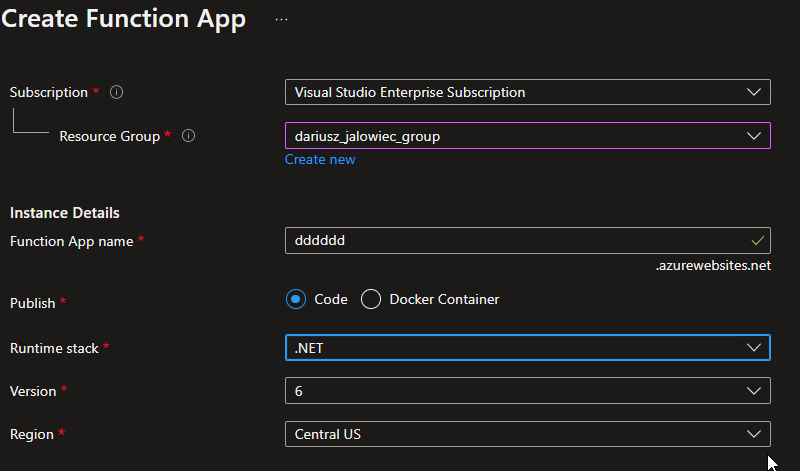
no warning:
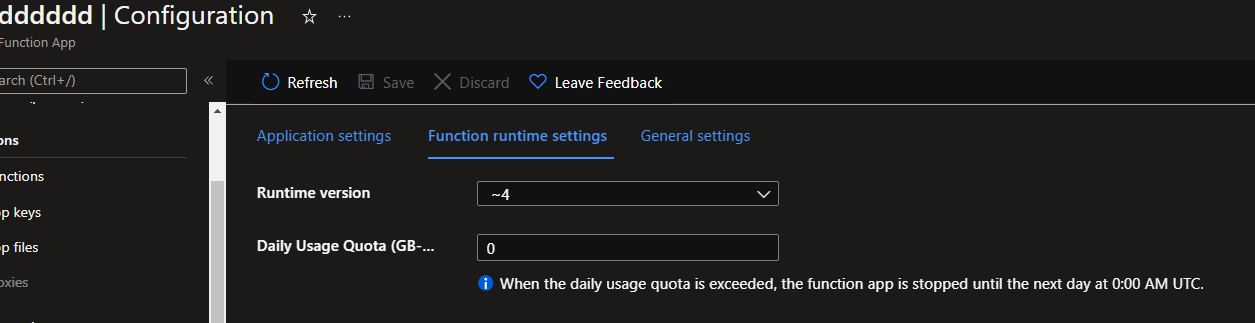
So my question is, why is the setting --runtime-version 6 being ignored when running the command with CLI? Or is there some other way to specify v6 in the create command?

I hit the same issue as you and tried different permutations of the command which yield the same result. But the FUNCTIONS_EXTENSION_VERSION and FUNCTIONS_WORKER_RUNTIME were appropriately set.
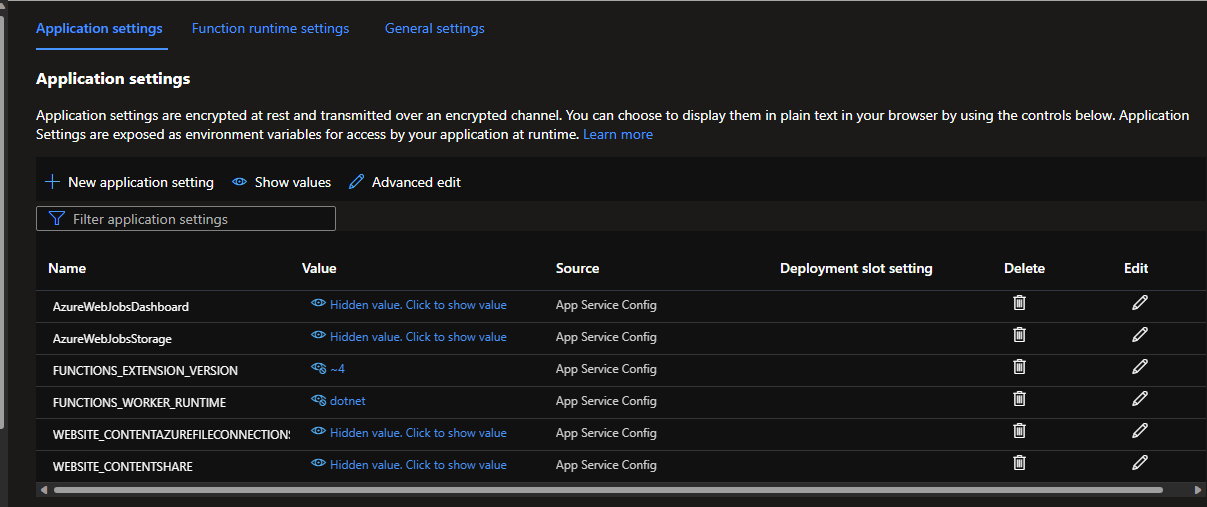
I'm not sure if this is a CLI issue or Portal issue. With the --debug argument, I could see that ~4 and 6 were being passed as part of the request body but somewhere there is a disconnect. I reported the issue.