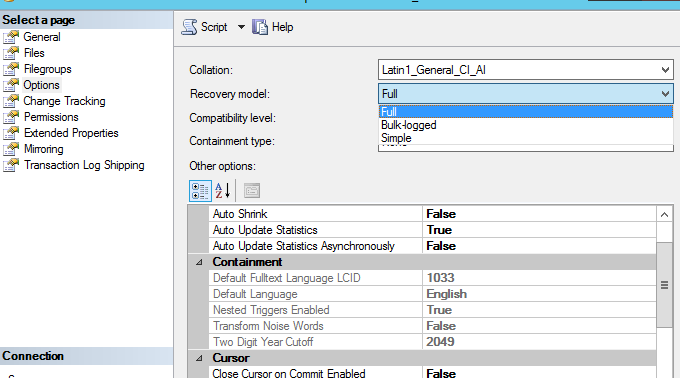
Change the Database Recovery Model to "Simple" under option and Shrink the "temp" data file once more.
Once done, return the Recovery Model option to "Full".
This browser is no longer supported.
Upgrade to Microsoft Edge to take advantage of the latest features, security updates, and technical support.
' cx='32' cy='32' r='32' /%3E%3Ctext x='50%25' y='55%25' dominant-baseline='middle' text-anchor='middle' fill='%23FFF' %3ES%3C/text%3E%3C/svg%3E)
Hi
TempDB file size showing different in disk and database.
In disk tempdev showing the size as 31.2 GB but in tempdb database it is showing 16384.00 MB.
file name is tempdb.mdf
Tried to shrink but not shrinking.

Hi @SVA ,
Have you solved your problem already? If so pls mark the answer and if you still have some poblems, pls feel free to let me know.

Change the Database Recovery Model to "Simple" under option and Shrink the "temp" data file once more.
Once done, return the Recovery Model option to "Full".

And how should he handle this problem if tempdb is already in SIMPLE mode?

If? Tempdb is in simple recovery, period.
As for the original questoin, I wonder if the poster may be looking at two different tempdbs on different instances.

but in tempdb database it is showing 16384.00 MB.
Where is that value shown?
Hi @SVA ,
as @Olaf Helper stated :
It would be nice to see some screenshot of your SSMS and your Filesystem to better understand what you see in which location.
Hi @SVA ,
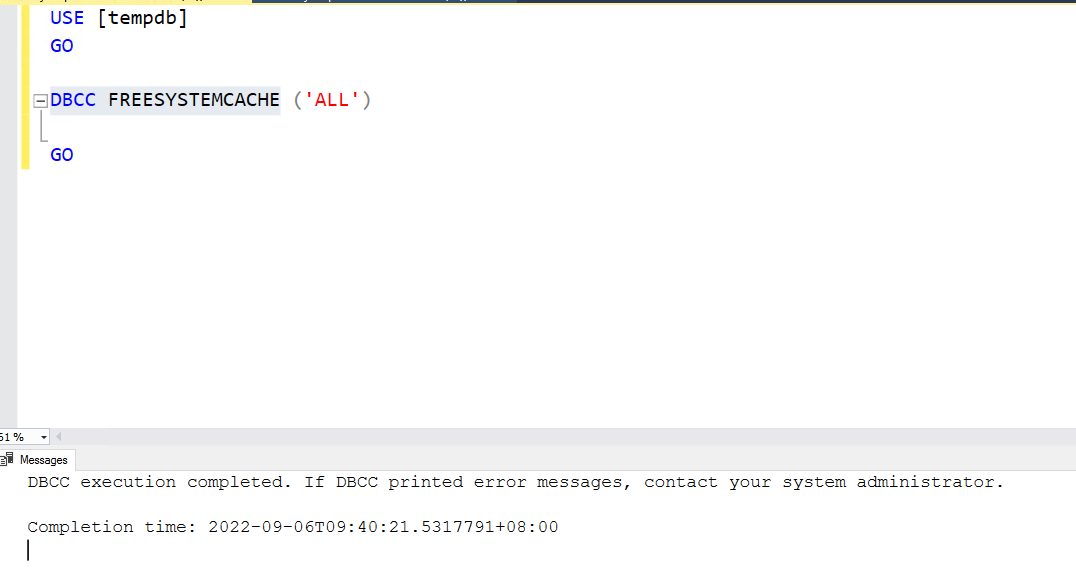
Actually, If you restart the SQL Server, tempdb will rebuild automatically. If you can't restart the SQL Server for some reasons. You may try the following order,which i'm not sure if you had tried already...
USE [tempdb]
GO
DBCC FREESYSTEMCACHE ('ALL')
GO
If the answer is helpful, please click "Accept Answer" and kindly upvote it. If you have extra questions about this answer, please click "Comment"
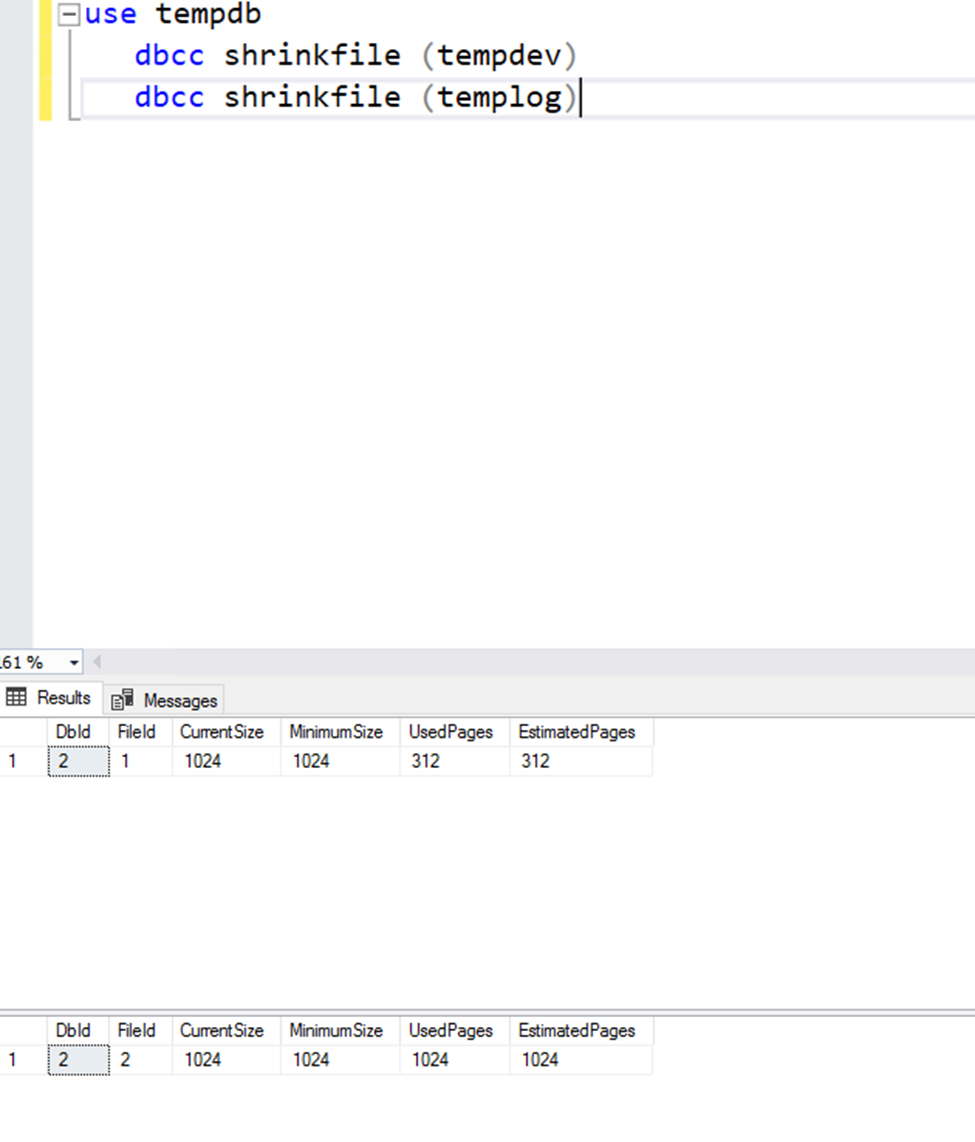
Hello, @SVA , you may use the following order to see if you have shrinked the size of tempdb to the minimal.
use tempdb
dbcc shrinkfile (tempdev)
dbcc shrinkfile (templog)
Why do you think flushing all caches in SQL Server would help to reduce the size on tempd on disk???
Furthermore, since yuo flush lal caches, a lot of data will have to be read from disk, lots of queries be compiled etc. So, this would certainly cause a dip in performance.
Please don't post bad advice! In this case, the poster have given too little information for us to be able to answer, so just await more information.