Restrict access to login for the WordPress running on Azure web app container
For WordPress sites that running on Apache server in Azure web app for containers, here is sample code to restrict access to login pages, such as wp-login.php or wp-admin
1. FTP to files in /home/site/wwwroot, find the file ".htaccess" (create one if it does not exist)
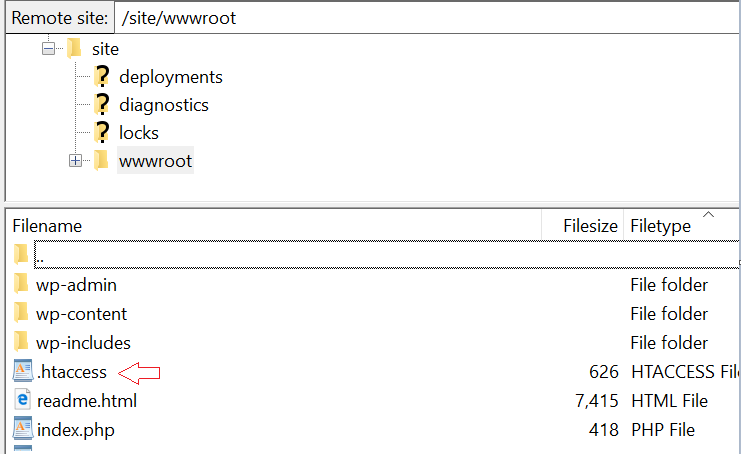
2. Add the code below to ".htaccess", replace the IP "xx.xx.xx.xx" by that you allow to access wp-login.php
 <Files wp-login.php>
Order Deny,Allow
Deny from all
SetENVIf X-Client-IP "xx.xx.xx.xx" AllowAccess
Allow from env=AllowAccess
</Files>
Note: Since /wp-admin will direct to wp-login.php, no need to define the rule for wp-admin