Note
Access to this page requires authorization. You can try signing in or changing directories.
Access to this page requires authorization. You can try changing directories.
This article provides mitigation steps for errors that might arise when you view the test reports in the test runs page in Playwright Workspaces.
User doesn't have permissions to view the test artifacts present in the storage account
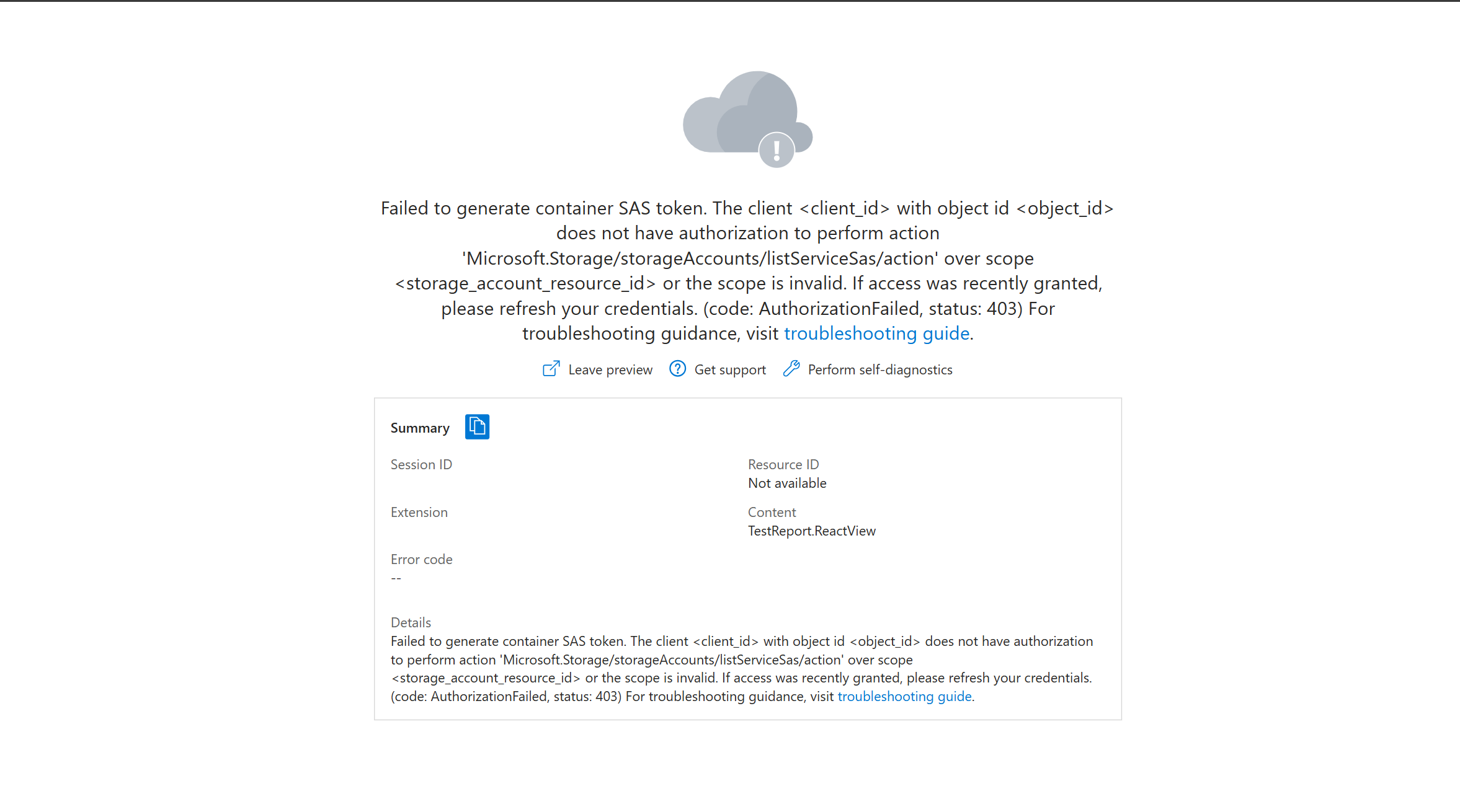
You may not have access to fetch the reporting artifacts from the storage account. Check if you have "Contributor" role to the linked storage account. Learn how to add role assignments to the storage account.
Storage account missing or deleted
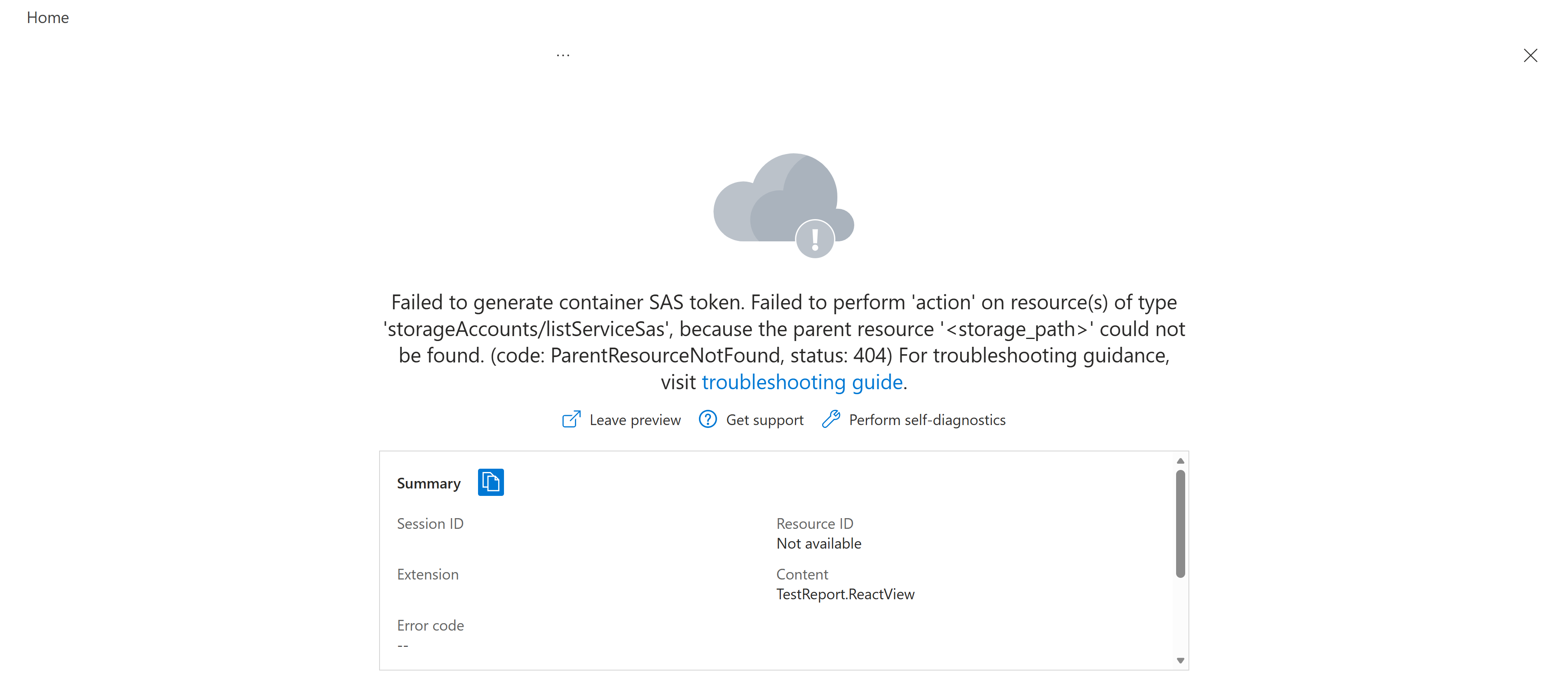
The storage account may not exist or deleted. Check if the storage account exists before trying again.
Playwright Workspaces reporter not configured
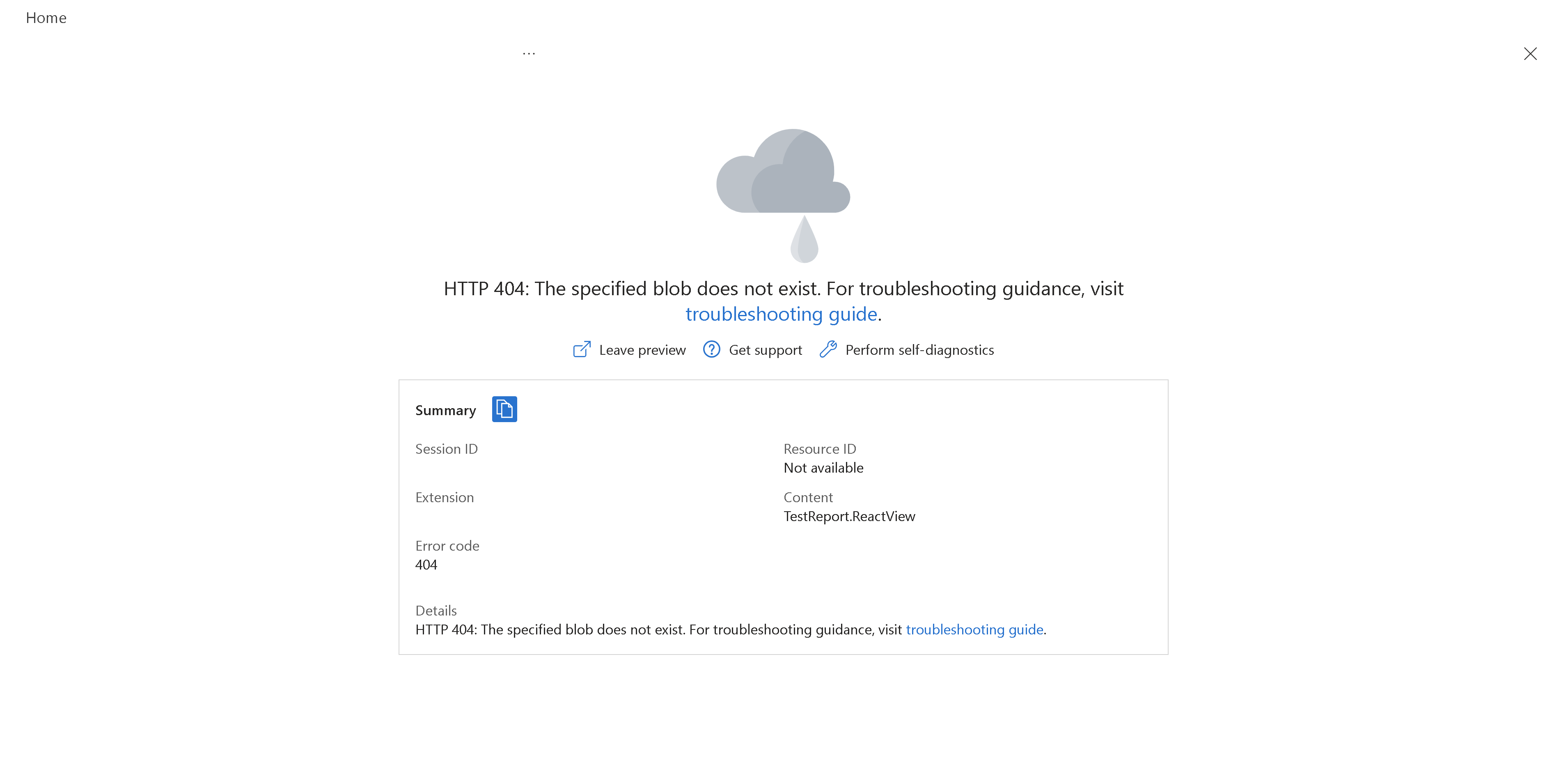
Reporting artifacts not collected for this test run. You haven't configured the Playwright Workspaces reporter correctly. Learn how to configure the Playwright Workspace reporter.
Reporting disabled in the Playwright Workspace

Reporting isn't enabled for this Playwright Workspace. Learn how to enable reporting in your Playwright Workspace.
Trace URL not accessible from the storage account due to CORS error
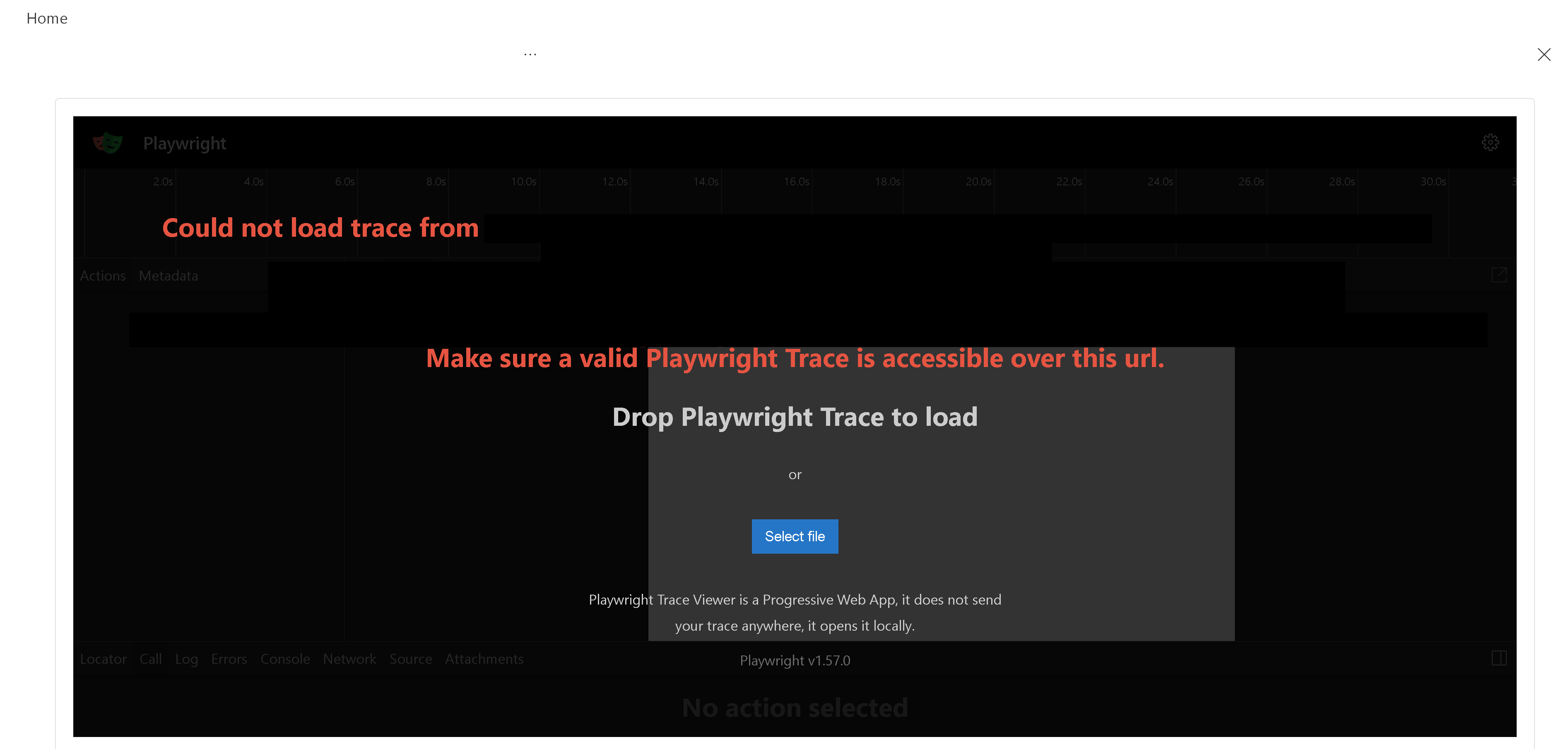
The trace viewer url isn't accessible from the storage account. Learn how to allow-list the url in the storage account.