Note
Access to this page requires authorization. You can try signing in or changing directories.
Access to this page requires authorization. You can try changing directories.
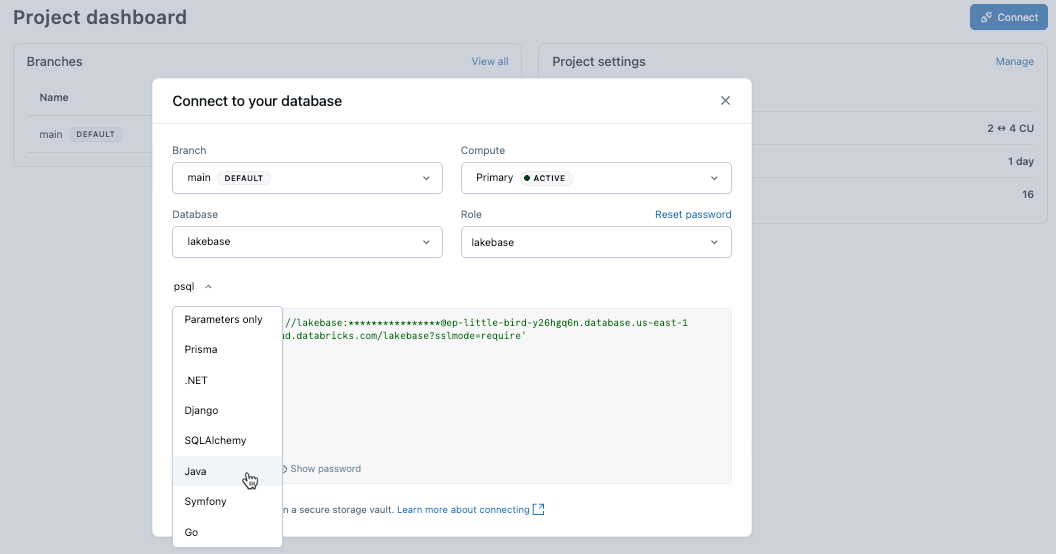
The examples below show how to connect to your Lakebase database from different programming languages and frameworks. You can also get connection snippets for these languages from the Connect dialog in the Lakebase App.
Note
These examples use native Postgres password authentication. Connections using Azure Databricks identities or service principals require OAuth token rotation. See Token rotation examples.
Connection examples
Psql
psql 'postgresql://role_name:password@ep-abc-123.databricks.com/databricks_postgres?sslmode=require'
.env
PGHOST=ep-abc-123.databricks.com
PGDATABASE=databricks_postgres
PGUSER=role_name
PGPASSWORD=password
PGPORT=5432
Prisma
import { PrismaClient } from '@prisma/client';

const prisma = new PrismaClient({
  datasources: {
    db: {
      url: process.env.DATABASE_URL,
    },
  },
});
.NET
// Connection string
"Host=ep-abc-123.databricks.com;Database=databricks_postgres;Username=role_name;Password=password"

// with SSL
"Host=ep-abc-123.databricks.com;Database=databricks_postgres;Username=role_name;Password=password;SSL Mode=Require;Trust Server Certificate=true"

// Entity Framework (appsettings.json)
{
  ...
  "ConnectionStrings": {
    "DefaultConnection": "Host=ep-abc-123.databricks.com;Database=databricks_postgres;Username=role_name;Password=password;SSL Mode=Require;Trust Server Certificate=true"
  },
  ...
}
Django
# settings.py
DATABASES = {
    'default': {
        'ENGINE': 'django.db.backends.postgresql',
        'NAME': 'databricks_postgres',
        'USER': 'role_name',
        'PASSWORD': 'password',
        'HOST': 'ep-abc-123.databricks.com',
        'PORT': '5432',
        'OPTIONS': {
            'sslmode': 'require',
        },
    }
}
SQLAlchemy
from sqlalchemy import create_engine
import os

# Using environment variable
database_url = os.getenv('DATABASE_URL')
engine = create_engine(database_url)

# Or construct the connection string
engine = create_engine(
    'postgresql://role_name:password@ep-abc-123.databricks.com:5432/databricks_postgres?sslmode=require'
)
Symfony
# .env
DATABASE_URL="postgresql://role_name:password@ep-abc-123.databricks.com/databricks_postgres?sslmode=require&charset=utf8"
Go
package main

import (
    "database/sql"
    "fmt"
    "log"
    "os"

    _ "github.com/lib/pq"
    "github.com/joho/godotenv"
)

func main() {
    err := godotenv.Load()
    if err != nil {
        log.Fatalf("Error loading .env file: %v", err)
    }

    connStr := os.Getenv("DATABASE_URL")
    if connStr == "" {
        panic("DATABASE_URL environment variable is not set")
    }

    db, err := sql.Open("postgres", connStr)
    if err != nil {
        panic(err)
    }
    defer db.Close()

    var version string
    if err := db.QueryRow("select version()").Scan(&version); err != nil {
        panic(err)
    }
    fmt.Printf("version=%s\n", version)
}
Note
For applications using OAuth tokens, implement automatic token rotation. See Token rotation examples.