Note
Access to this page requires authorization. You can try signing in or changing directories.
Access to this page requires authorization. You can try changing directories.
Features
Unskippable stages
You can use YAML templates as a security mechanism, for example, to inject a stage that performs malware detection in all pipelines. However, Pipeline end users can choose which stages to run, potentially skipping the malware detection stage.
With this sprint, you can mark a YAML stage as unskippable using the new isSkippable property. By default, the value of this property is true. To prevent skipping a stage, set it to false, as shown in the example below:
- stage: sdl_check_stage
  displayName: SDL Stage
  isSkippable: false
  jobs:
  - job: sdl_check_job
    ...
These stages will always execute and can't be deselected in the Stages to run configuration panel.

Next steps
Note
These features will roll out over the next two to three weeks.
Head over to Azure DevOps and take a look.
How to provide feedback
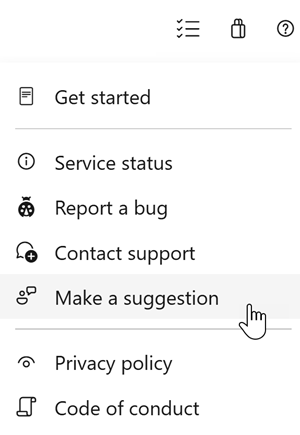
We would love to hear what you think about these features. Use the help menu to report a problem or provide a suggestion.
You can also get advice and your questions answered by the community on Stack Overflow.