Note
Access to this page requires authorization. You can try signing in or changing directories.
Access to this page requires authorization. You can try changing directories.
Features
Commit Search is now generally available
Finding a commit no longer requires remembering its ID. Commit Search is now generally available across Azure DevOps. You can search Git commits by text in the commit title or description across every repository and project you can access.
Use the search box at the top of your project, enter your keywords, and select the Commits tab to see matching commits. You can narrow the results by Project, Repository, Author, and Branch, and sort by commit time or relevance. Select a result to open the commit details, including associated changes, work items, and pull requests.
Commit Search is available alongside Code, Work Item, Wiki, and Package search with no setup required.
Remote MCP in Copilot Cowork (public preview)
Next steps
Note
These features will roll out over the next two to three weeks.
Head over to Azure DevOps and take a look.
How to provide feedback
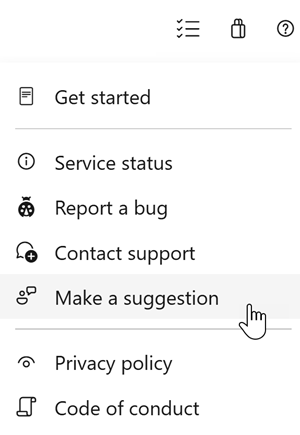
We would love to hear what you think about these features. Use the help menu to report a problem or provide a suggestion.
You can also get advice and your questions answered by the community on Stack Overflow.