Note
Access to this page requires authorization. You can try signing in or changing directories.
Access to this page requires authorization. You can try changing directories.
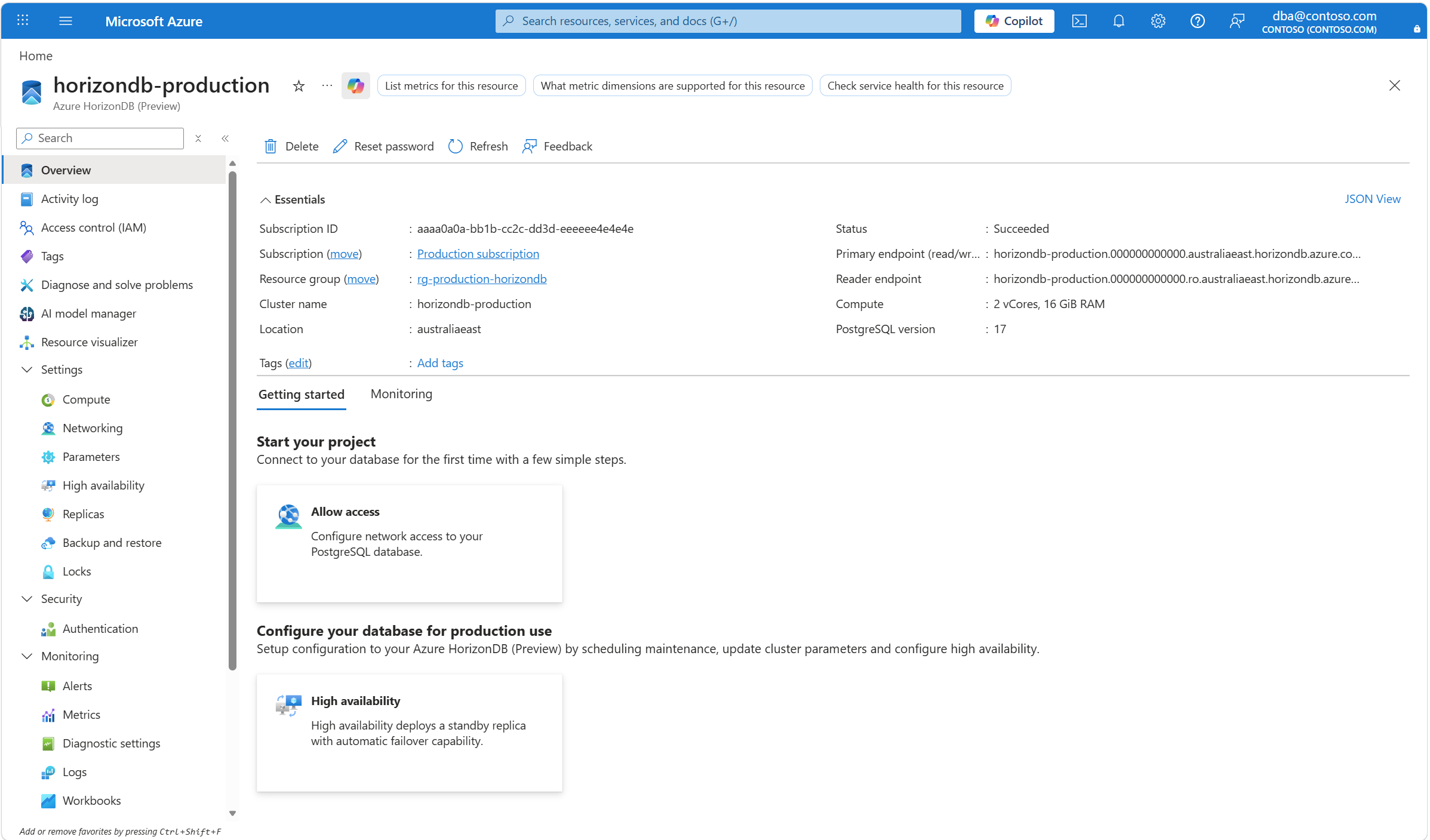
An Azure HorizonDB cluster has two endpoints (primary endpoint and reader endpoint) that are automatically created during cluster provision. You can find those two endpoints in the Overview page.
You can also find them in the Replicas page.
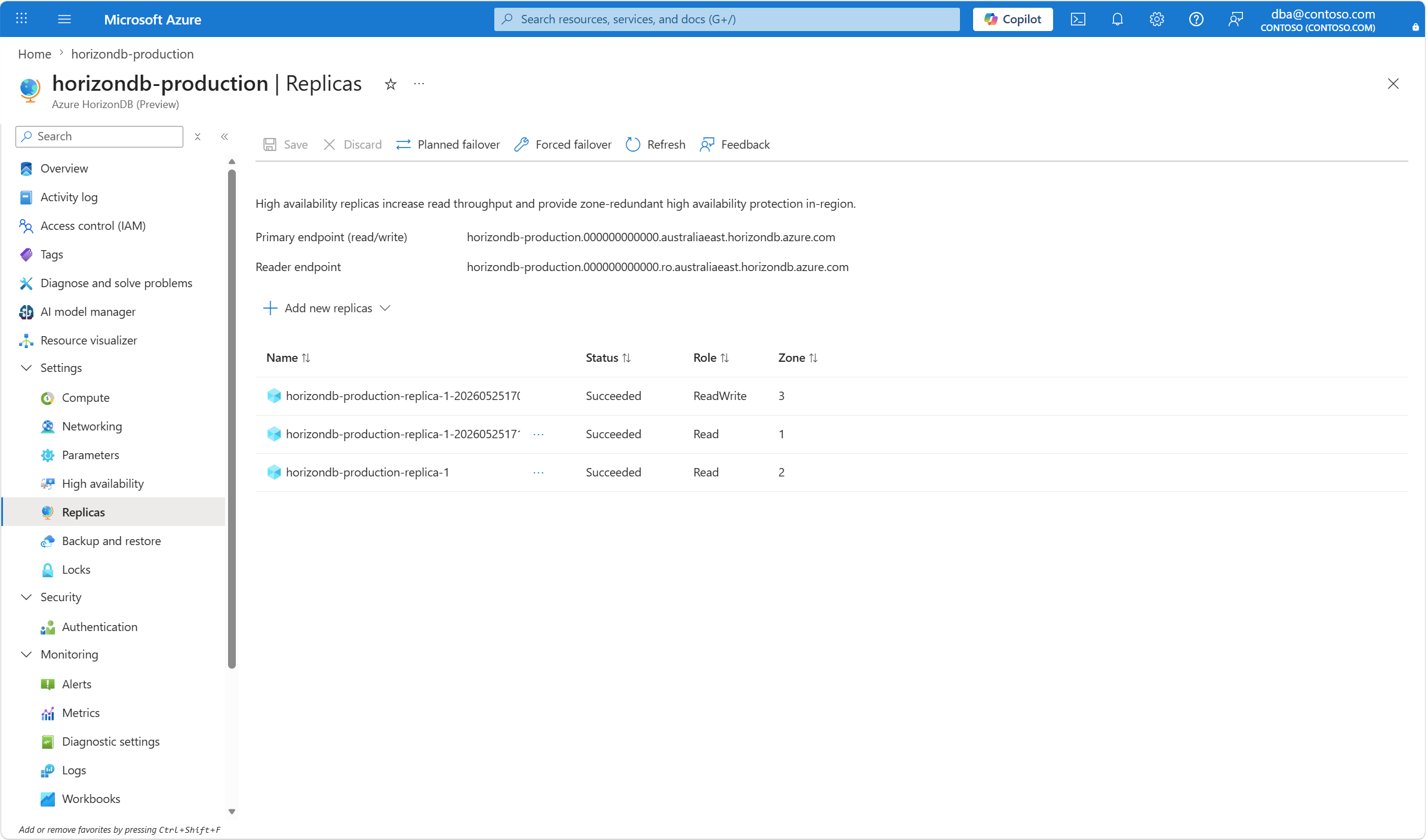
Primary endpoint (read/write)
A primary endpoint for an Azure HorizonDB cluster connects to the primary of the cluster. Each Azure HorizonDB cluster has one primary and one primary endpoint that allows both read and write operations.
You can connect to the Azure HorizonDB cluster using the primary endpoint to perform write operations such as inserts, deletes, updates, and DDL statements. You can also use the primary endpoint for read operations such as SELECT queries.
The primary endpoint is preserved during failover and automatically connects to the new primary after the failover.
Reader endpoint (read-only)
A reader endpoint for an Azure HorizonDB cluster connects to all replicas and provides automatic connection balancing. Each Azure HorizonDB cluster has one reader endpoint that allows read-only operations such as SELECT queries.
The reader endpoint automatically balances connections to all replicas in your Azure HorizonDB cluster to scale out your read-only workloads such as analytical reporting.
If your Azure HorizonDB cluster has only the primary and no replica, the reader endpoint connects to the primary. In this case, the reader endpoint can also perform write operations.
When your Azure HorizonDB cluster has one or more replicas, the reader endpoint automatically connects to the replicas and can only perform read operations.