Note
Access to this page requires authorization. You can try signing in or changing directories.
Access to this page requires authorization. You can try changing directories.
If you have feedback or suggestions that would help us improve the Microsoft Defender for Endpoint client analyzer, use either of these options to submit feedback:
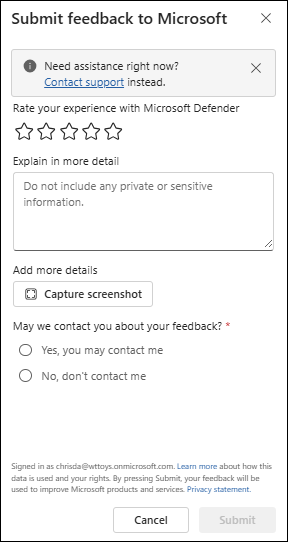
In the Microsoft Defender portal, select Feedback at the top of the page, and then fill out the information in the Submit feedback to Microsoft flyout that opens:
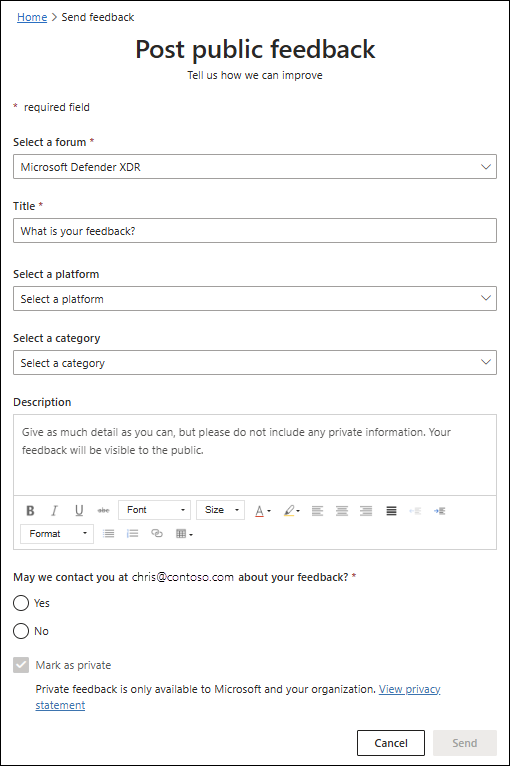
On the centralized feedback platform for Microsoft Defender XDR and related services, select Send feedback, and then fill out the information on the Post public feedback page that opens:
Tip
Do you want to learn more? Engage with the Microsoft Security community in our Tech Community: Microsoft Defender for Endpoint Tech Community.