Note
Access to this page requires authorization. You can try signing in or changing directories.
Access to this page requires authorization. You can try changing directories.
To support the deployment and adoption of Microsoft Edge, see the following collected materials and resources. A zip file of these materials and resources is provided for you to download.
Check back for more materials as they're made available.
Customer adoption kit
Accelerate your organization’s Edge for Business journey with the Microsoft Edge for Business Adoption Kit. This kit has the following resources to standardize on Edge for Business, communicate with your users, and help your users optimize their workday:
- “How to standardize on Microsoft Edge for Business” one-pager: Provides the steps to set Edge for Business as an organization’s primary browser
- Customizable email template: Announces Edge as the preferred browser with getting started instructions
- “Meet Microsoft Edge” video: Provides an overview of Microsoft Edge and its benefits at work
- “Get started with Microsoft Edge” video: Provides step-by-step instructions on transferring data and using foundational features
- Microsoft 365 Copilot Chat in Edge video: Introduces built-in AI chat with Copilot Chat, its benefits, access methods, and work-related use cases
- Organization tip sheet: Offers tips for how to stay organized at work using Edge
- Accessibility tip sheet: Shares how to elevate the browsing experience by improving readability and enhancing focus
- AI tip sheet: Provides tips on how to get started with and use AI for work with Microsoft 365 Copilot Chat in Edge
- Training guide: Provides training on key features
Download the kit here.
Internet Explorer (IE) Retirement Resources
Find valuable resources and expert guidance to help your organization safely and quickly move from IE to Microsoft Edge.

IT Deployment Guide
Use this guide to begin planning deployment and learn how to get started deploying Microsoft Edge in your environment.

How to Get Started User Guide
Use this guide to educate users about Microsoft Edge. The guide includes overviews of the UI, menus, and features. We've also included tips to help users get started.
Adoption Email Templates
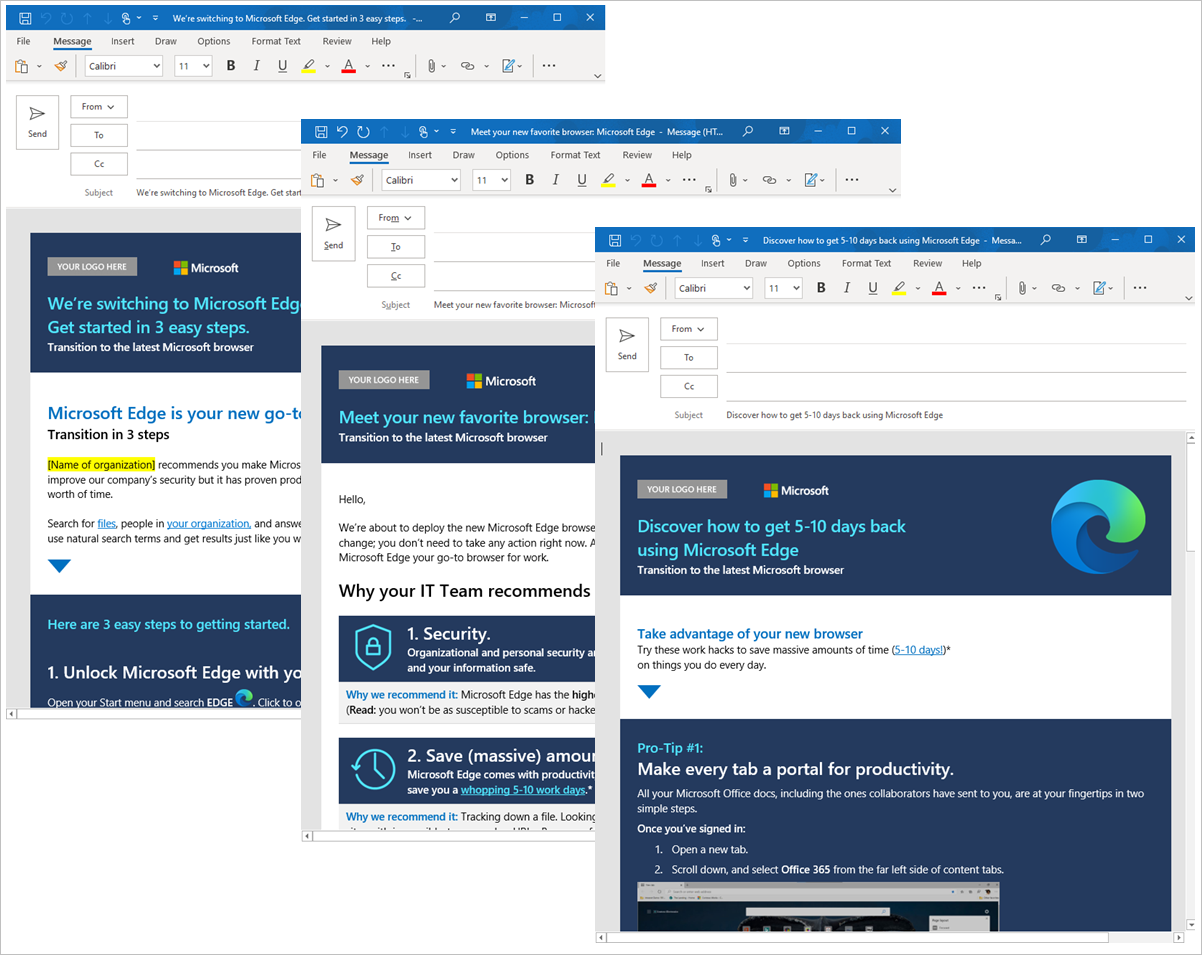
Use email to achieve a smooth transition as you rollout Microsoft Edge to end users. We've packaged a set of emails for you to use as an internal campaign. They provide tips and articulate how Microsoft Edge can save time and simplify their workday. The following screenshot shows an example of these templates.
Digital Signage
Use the following digital signage to inform users about Microsoft Edge:
- Enterprise new tab page
- Multiple Profiles and Cross Platform
- Security

Banners
Use these banners on your internal sites to advertise Microsoft Edge to your employees.

One-pagers
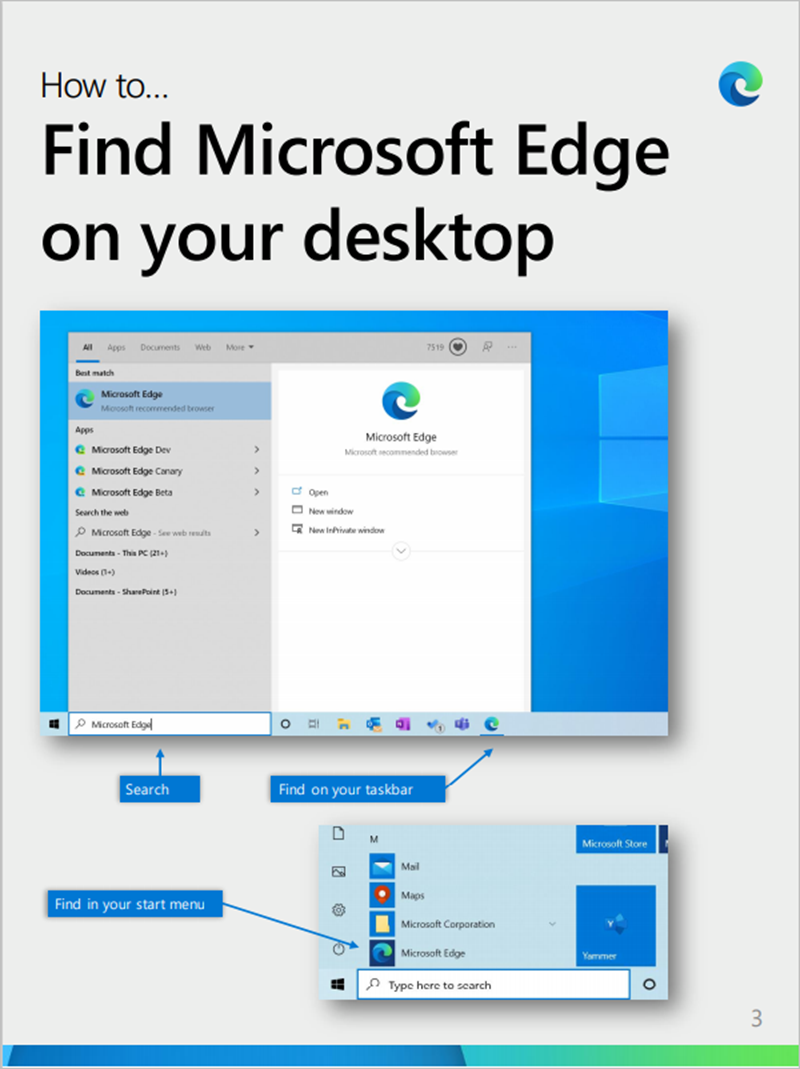
Send or post these one-pagers to help your employees learn about Microsoft Edge and set up the browser for use at work.

Other learning resources
If you're interested in learning more about the benefits of Microsoft Edge, visit our webpage.