Note
Access to this page requires authorization. You can try signing in or changing directories.
Access to this page requires authorization. You can try changing directories.
Applies to these Dynamics 365 apps:
Human Resources
Issue
Microsoft Dynamics 365 Human Resources can experience problems with batch jobs that get stuck in either an Executing or Canceling state and don't finish.
Resolution
When a batch job gets stuck in an Executing or Canceling state, reset the status by forcing the cancellation of the job. After you cancel it, reset the batch job by setting it to a Waiting status. The next scheduled batch run picks it up for execution.
In the System administration workspace, select the Links page, and select Batch jobs.
On the Batch job list page, select the job that you need to reset.
On the action ribbon, select Force cancel, and confirm the action.
Note
The Force cancel action is only available when the selected batch job has a status of either Executing or Canceling, and no batch execution or cancellation processes are running for the job.
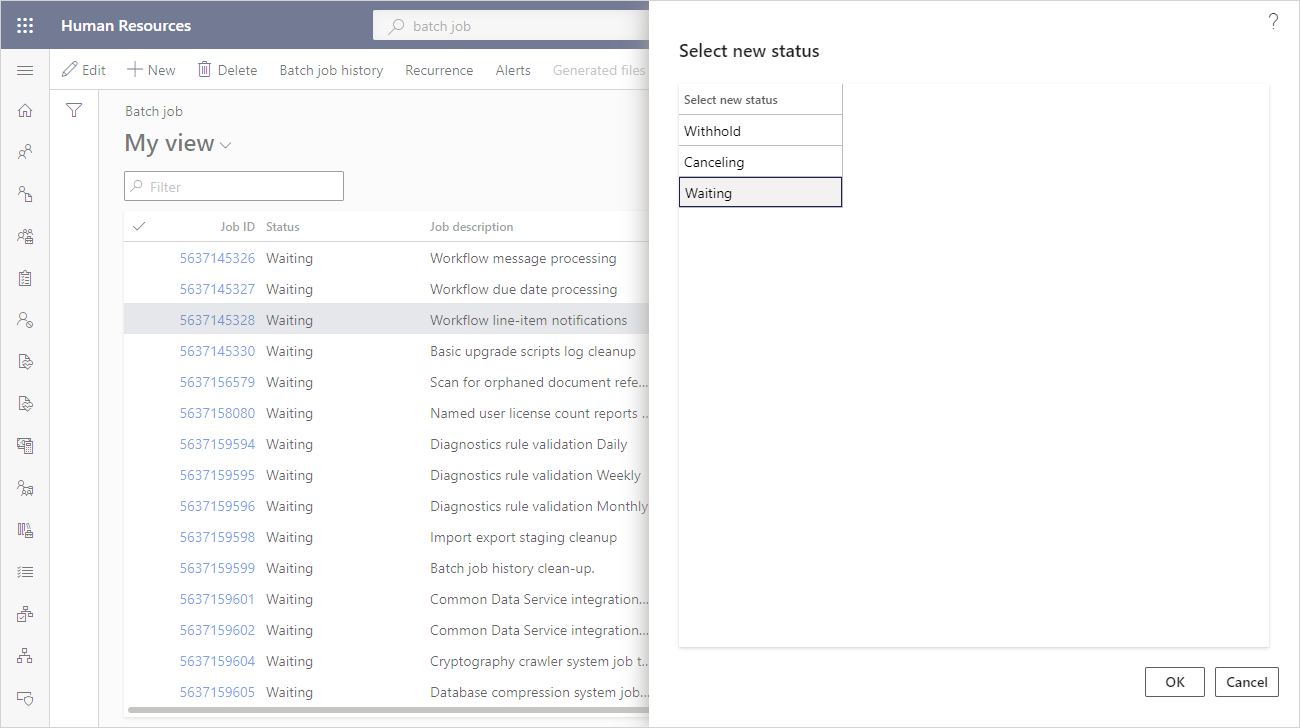
On the action ribbon, select Change status.
On the Select new status page, select Waiting, and then select OK.
See also
Optimize performance by scheduling batch jobs after hours
Optimize performance with auto cleanup tasks