Note
Access to this page requires authorization. You can try signing in or changing directories.
Access to this page requires authorization. You can try changing directories.
The Sales agent is a conversational agent available within Microsoft 365 Copilot. It provides answers to sales-related questions, generates summaries, prepares for meetings and pipeline reviews, and more. For more information about the supported scenarios, prompts you can use, and best practices, see the Sales agent in Microsoft 365 Copilot documentation. By using this integration, you can access the Sales agent from within Dynamics 365 Sales.
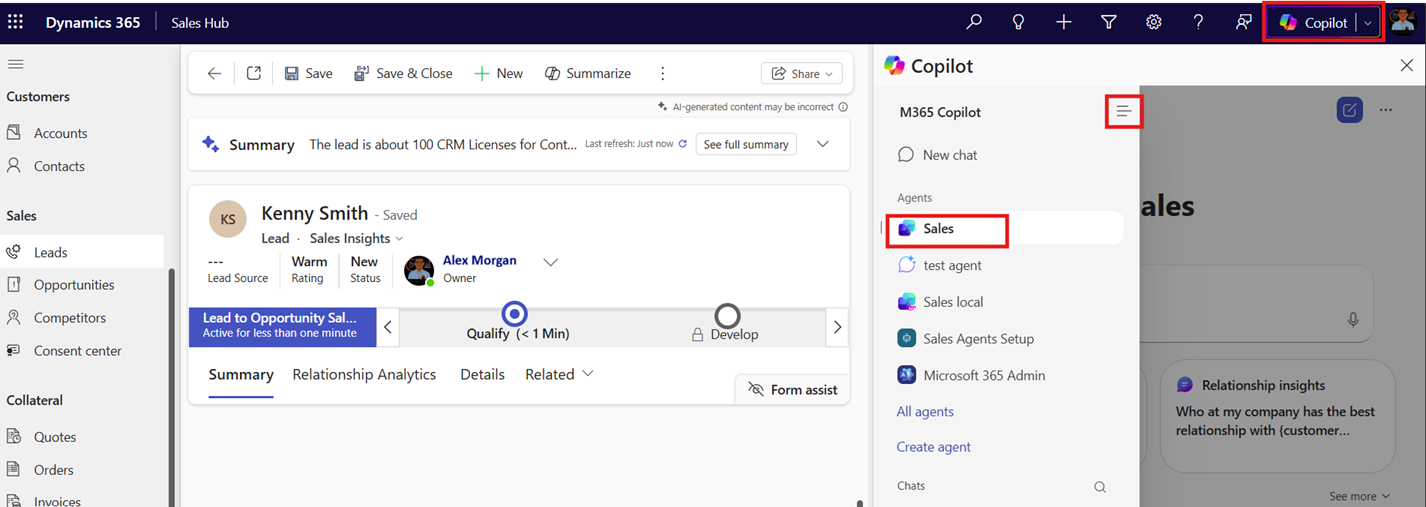
In this article, you learn how to set up a Sales agent in Microsoft 365 Copilot from within the Sales Hub app. You can customize the instructions for generating summaries and add or remove tables that the Sales agent should use to provide responses.
Note
If you already configured the Sales agent in Microsoft 365 Copilot for your Dynamics 365 Sales environment, you don't need to set it up again. The Sales agent automatically uses the existing configuration.
Prerequisites
You must install the Sales agent and connect it to your Dynamics 365 Sales environment.
Open the Sales agent setup experience
Open the Sales Hub app and go to Change area > App Settings.
Under General Settings, select Copilot.
Under Sales agent, select Setup.
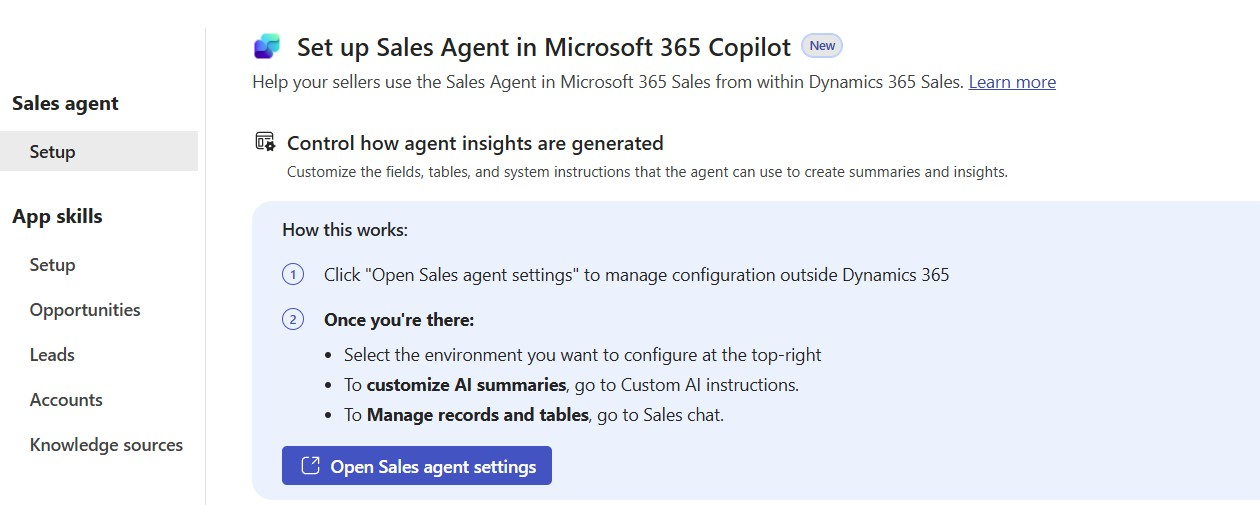
Select Open Sales agent settings to open the Sales agent setup experience in Outlook. You're redirected to the Sales agent settings page in Outlook.
Select the environment for which you want to set up the Sales agent.
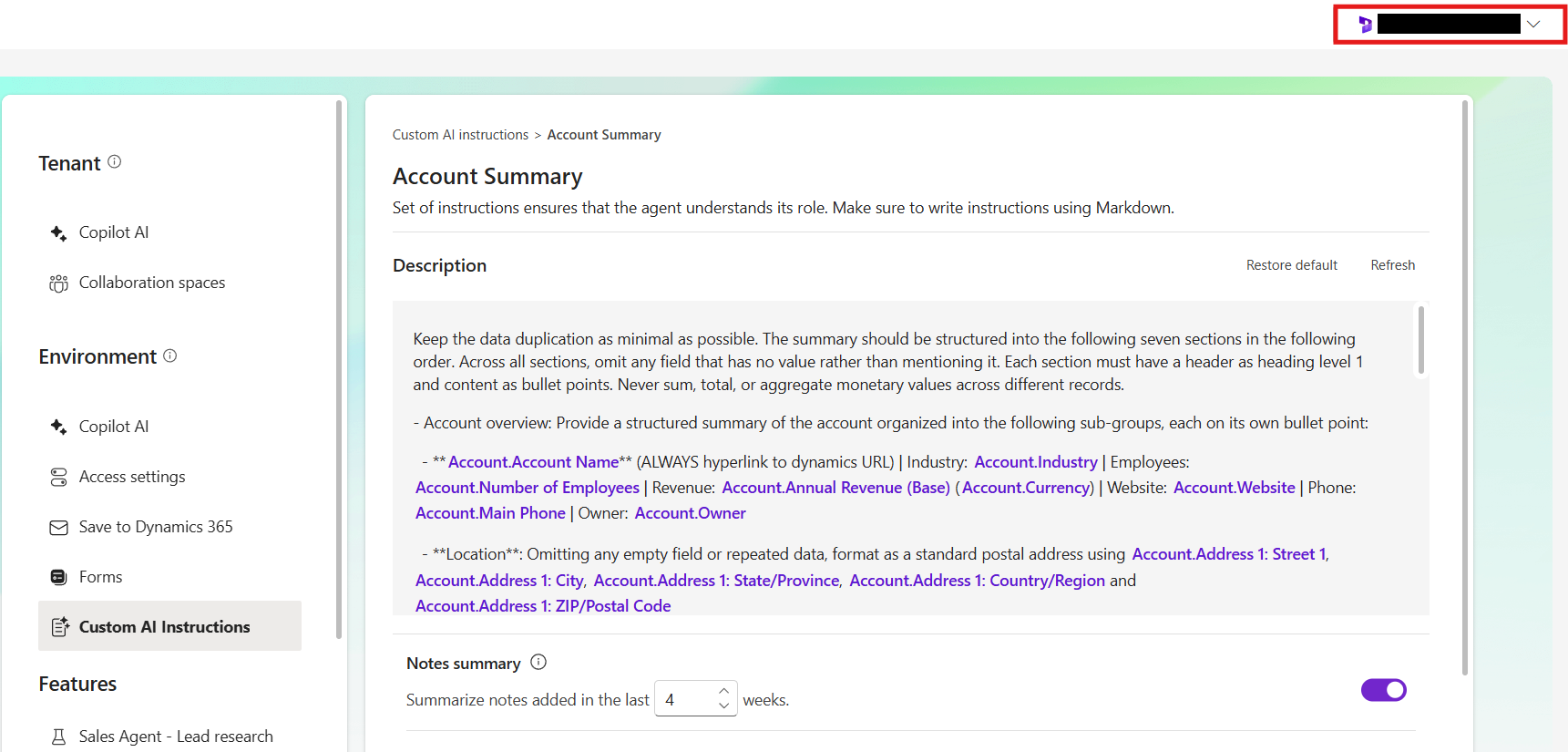
Follow the instructions in the Set up Sales agent in Microsoft 365 Copilot article to customize the instructions.