Note
Access to this page requires authorization. You can try signing in or changing directories.
Access to this page requires authorization. You can try changing directories.
Use SETBOTTOMN to display the bottom N records for a category in a planning sheet. Configure the function in a parameter action to let users switch between different bottom-N views.
Syntax
SETBOTTOMN(category, number, boolean)
Parameters
The following table describes the parameters that the SETBOTTOMN function accepts.
| Parameter | Description |
|---|---|
| category | The category to rank and filter. Select the relevant category field from the available references. |
| number | The number of bottom records to display. For example, use 1 to display the lowest-ranked record or 3 to display the bottom three records. |
| boolean | A Boolean value that enables or disables bottom-N ranking. Use TRUE to enable ranking and FALSE to disable ranking. |
Example
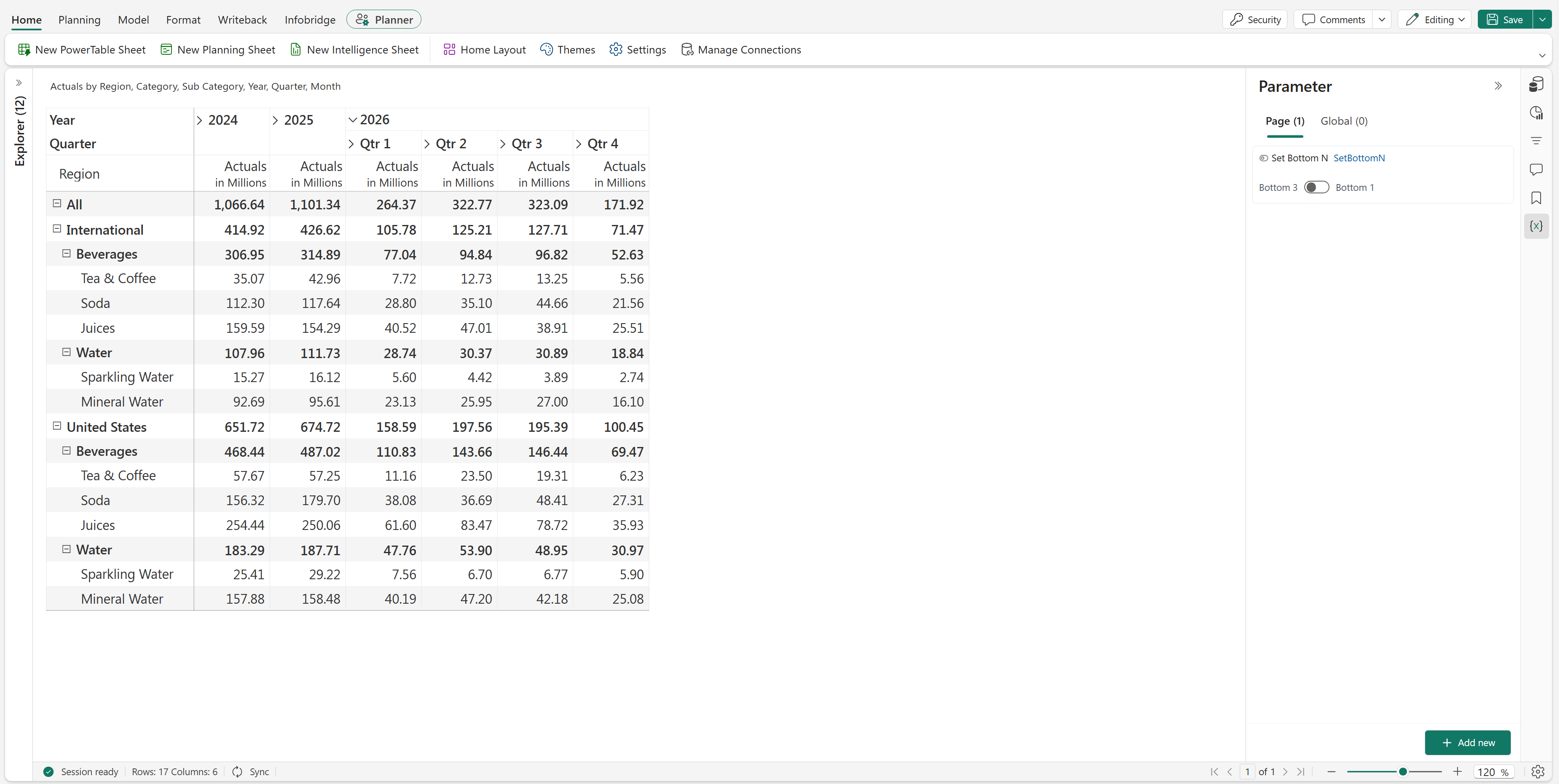
Use a toggle parameter to switch between the bottom one and bottom three records for the Sub-Category category in a planning sheet. Configure the parameter actions as follows.
Create a parameter and set Type to Action.
Enter a name, such as Set Bottom N.
Set Interface Type to Toggle and select Enable Script.
In On State Configuration, set Label to Bottom 1. Set Apply to to Planning, and enter the following formula in Formula Script:
SETBOTTOMN(Sub_Category_D_13871156346345963805, 1, TRUE)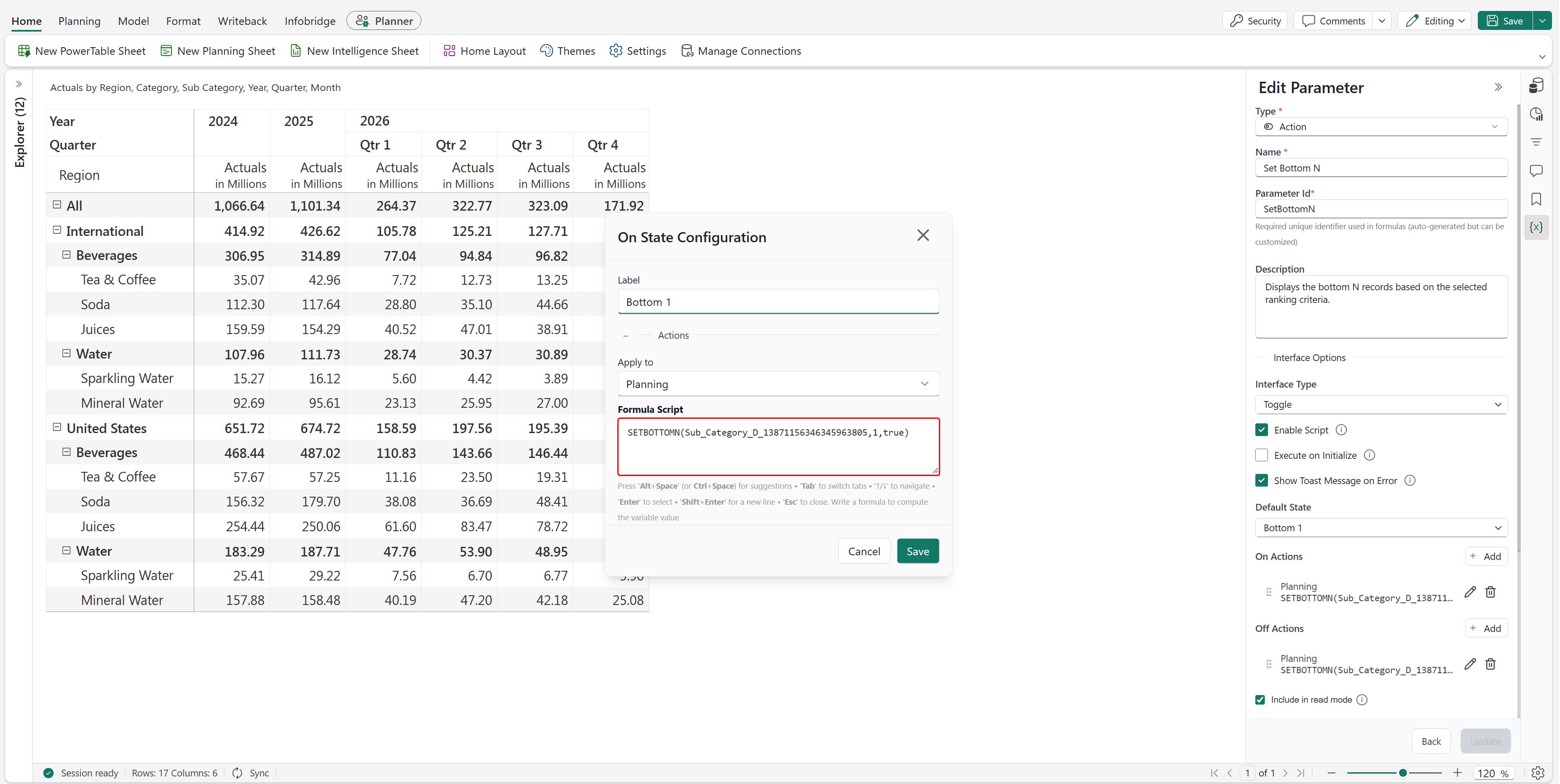
In Off State Configuration, set Label to Bottom 3. Set Apply to to Planning, and enter the following formula in Formula Script:
SETBOTTOMN(Sub_Category_D_13871156346345963805, 3, TRUE)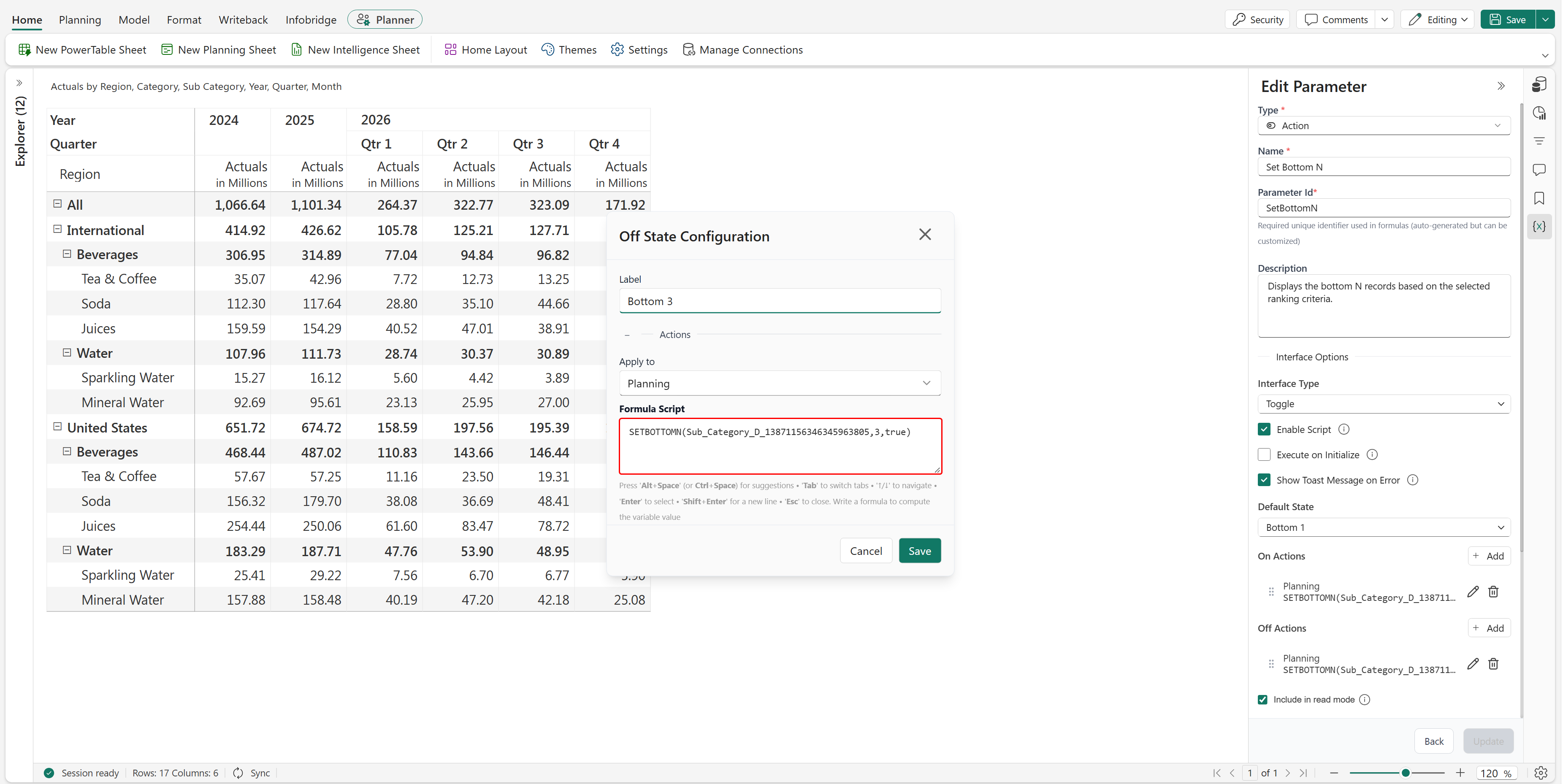
Set Default State to Bottom 1, and save the parameter.
When the toggle is set to Bottom 1, the planning sheet displays the lowest-ranked subcategory records within each parent category.
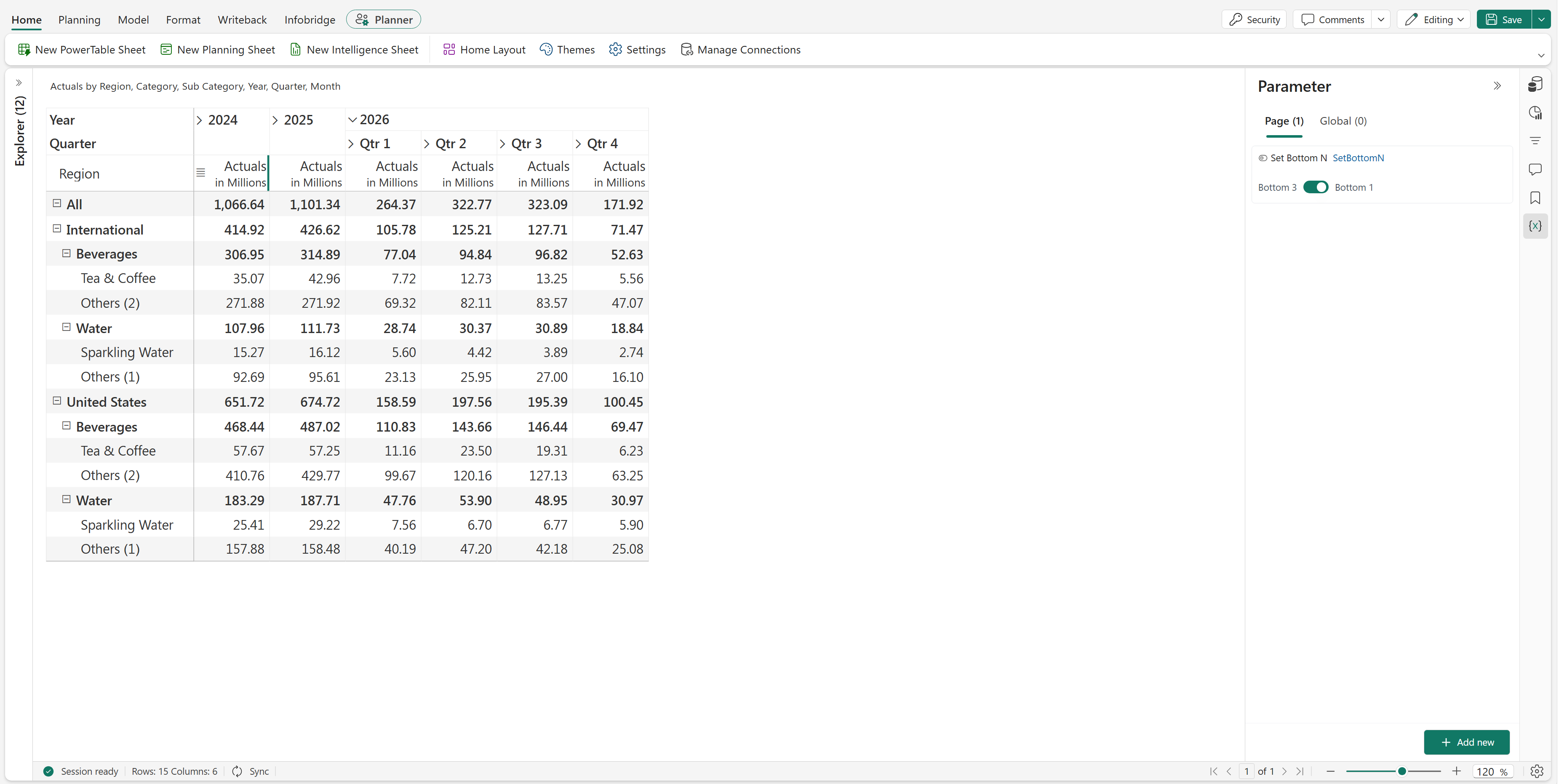
When the toggle is set to Bottom 3, the planning sheet displays the three lowest-ranked subcategory records within each parent category.