Introduction
Depreciation allocates the cost of fixed assets over their depreciable life. You can calculate and post fixed asset depreciation by using two methods:
- Manual
- Automatic
You can use the fixed asset G/L journal or the fixed asset journal to post depreciation manually. For the automatic method, run the Calculate Depreciation batch job.
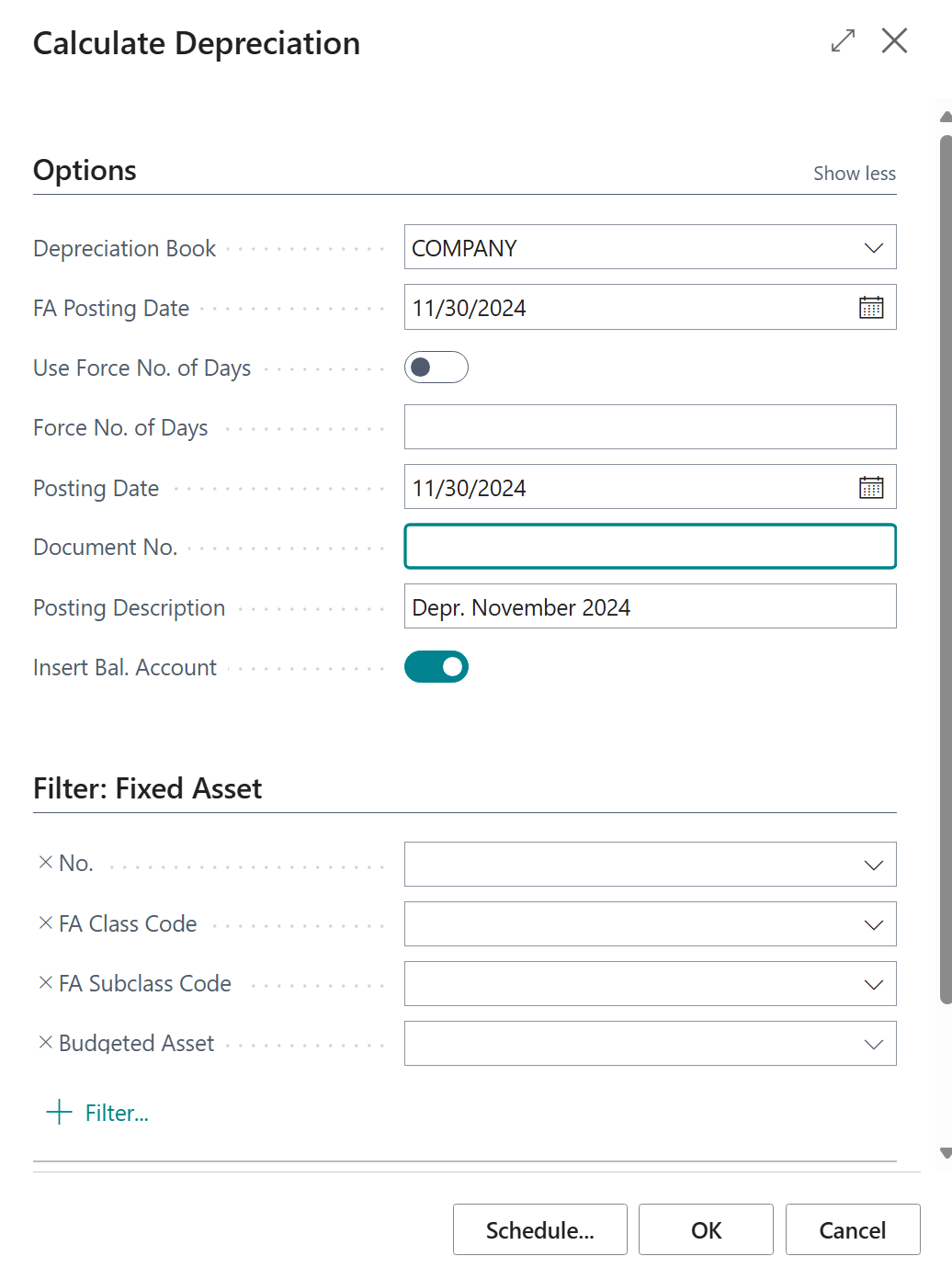
The Calculate Depreciation batch job calculates depreciation based on the conditions that you set up on the batch job request page. Sold, blocked, or inactive assets, and assets that use the manual depreciation method, are excluded from the automatic depreciation calculation. The batch job creates journal lines for you to review and post.
If you post an incorrect depreciation, use the Cancel FA Ledger Entries batch job to cancel the entries, and then run the Calculate Depreciation batch job again to post the correct amount. The canceled entries are posted as fixed asset error ledger entries.
If you use multiple depreciation books, run the Calculate Depreciation batch job for each depreciation book separately.
Watch the following video for a demonstration of how to calculate depreciation.