Note
Access to this page requires authorization. You can try signing in or changing directories.
Access to this page requires authorization. You can try changing directories.
Keep applicants informed by sending real-time notifications about actions taken on their job applications, using the Job application lifecycle actions API. LinkedIn supports the following types of applicant notifications:
- Application viewed
- Resume downloaded
- Application rejected
- Application screened
- Application interviewed
- Application hired
As a partner, once your customer posts a job to LinkedIn with LinkedIn Easy Apply, send these application lifecycle events to keep the applicants updated about their job applications. Send a unique event for every action taken on an application.
Note
LinkedIn will only send these events to the applicant if your customer has given consent through the "Applicant notifications" checkbox within the Customer Onboarding widget.
Job application lifecycle actions API
Use the Job application lifecycle actions API to send these status updates for applications submitted through LinkedIn Apply: application viewed, resume downloaded, application rejected, application screened, application interviewed, or application hired. Each action triggers a notification email that keeps the applicant informed of their application status. LinkedIn automatically sends the application submitted event when it receives the application, so that status doesn't require an API call.
JobApplicationLifecycleAction request body fields
| Field | Description | Type | Required |
|---|---|---|---|
| jobApplicationId | The LinkedIn job application ID for which an action is taken. | String | Yes |
| action | The action which was taken on the given job application. Possible enum values: APPLICATION_VIEWED, RESUME_DOWNLOADED, APPLICATION_REJECTED, SCREENED, INTERVIEWED, or HIRED. |
Enum | Yes |
| performedAt | The timestamp for when the action was taken, in milliseconds since epoch. | Long | Yes |
| integrationContext | The organization URN that must be of the form urn:li:organization:12345. |
OrganizationUrn | Yes, if received during customer enablement from Customer Configuration Plugin. |
Sample header
Authorization: Bearer {access_token}
x-restli-method: create
Sample request
POST https://api.linkedin.com/v2/jobApplicationLifecycleActions
Sample request body
{
  "jobApplicationId":  "urn:li:jobApplication:12345678",
  "action": "APPLICATION_VIEWED",
  "performedAt": 1604600000017,
  "integrationContext": "urn:li:organization:12345"
}
Applicant notification experience
When you update the job applications with the available actions, an applicant will view statuses or receive the notifications. They can view or receive the following types of application statuses:
- Application submitted
- Application viewed
- Resume downloaded
- Application rejected
- Application screened
- Application interviewed
- Application hired
Each of these statuses is described in the following sections.
Application submitted
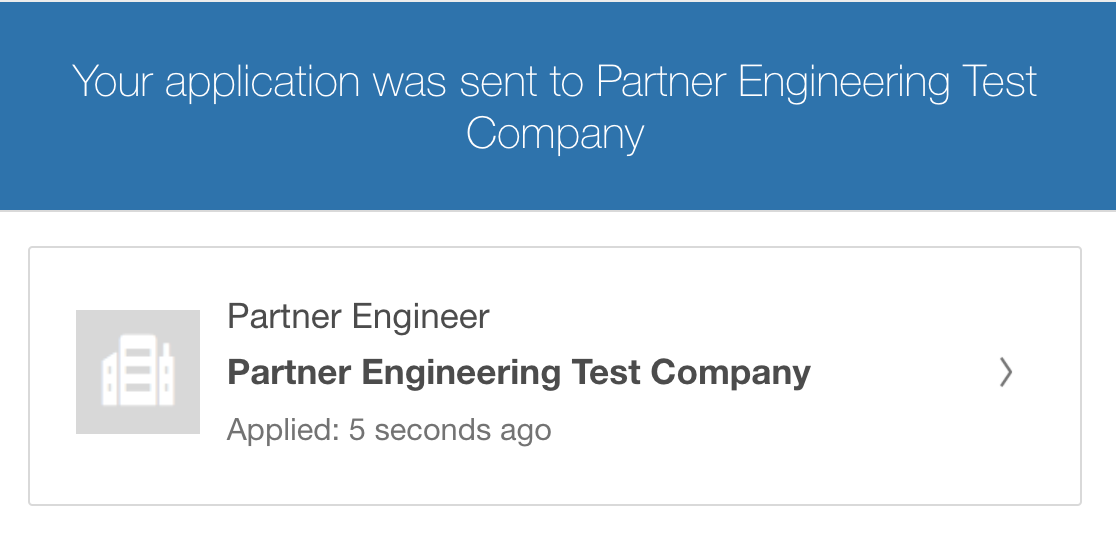
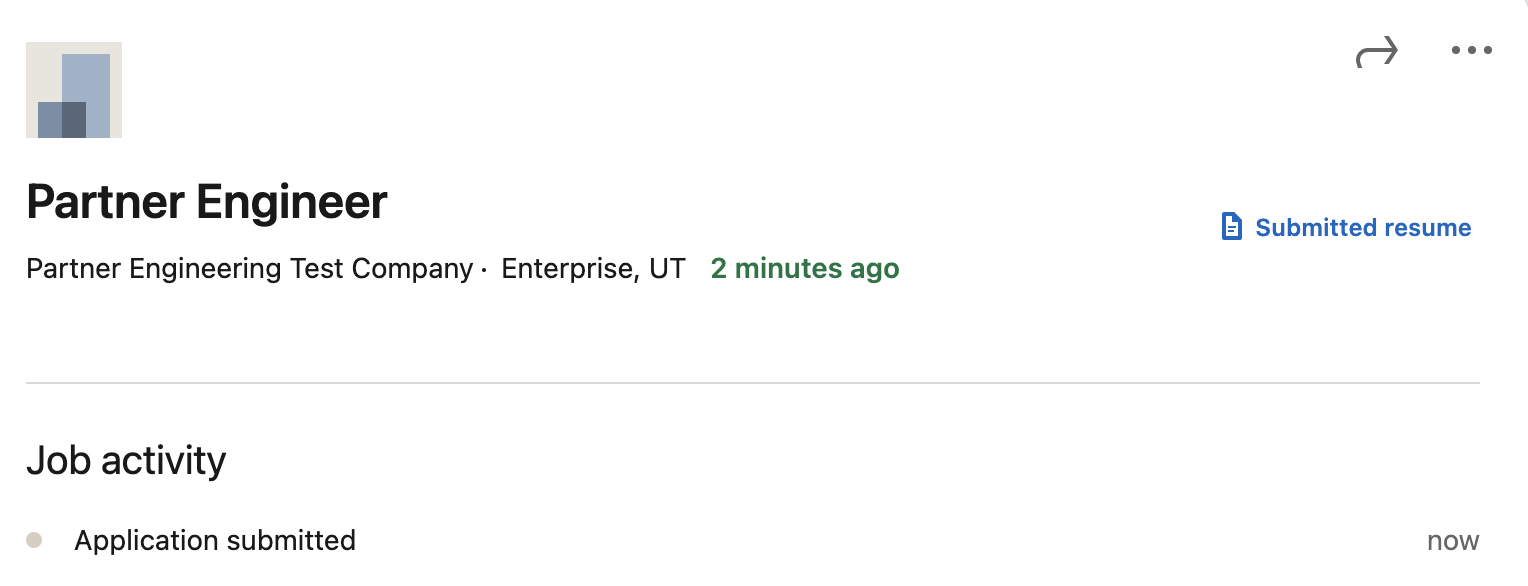
Once an applicant submits the job application, they can view the Application submitted status in three places—LinkedIn email notification, LinkedIn job posting they applied to, and the My Jobs section, as shown in the following screenshots.
LinkedIn email notification
LinkedIn job posting
My Jobs

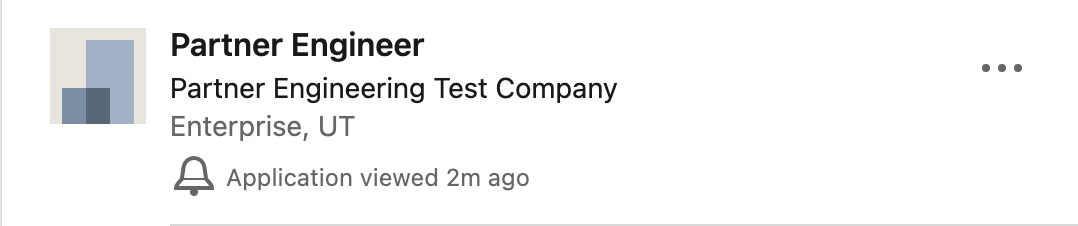
Application viewed
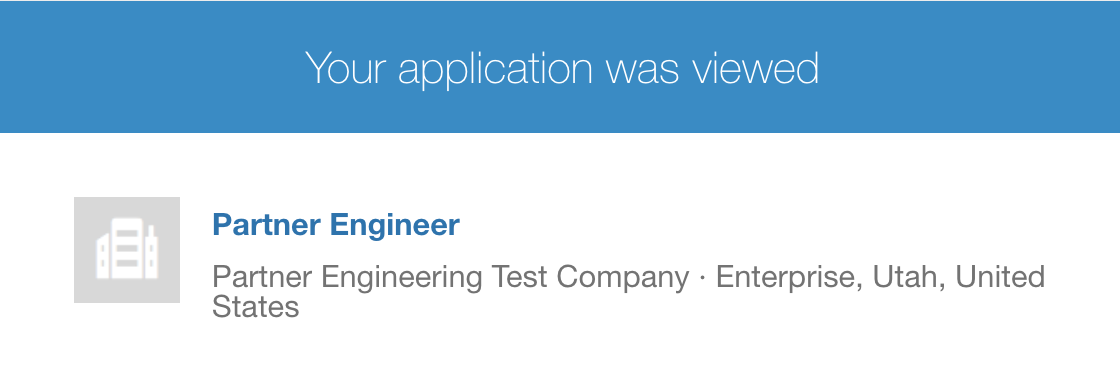
The status of the application changes to Application viewed once an application record is viewed within your ATS. An applicant can view this status in three places—LinkedIn email notification, LinkedIn job posting they applied to, and in the My Jobs section, as shown in the following screenshots.
LinkedIn email notification
LinkedIn job posting
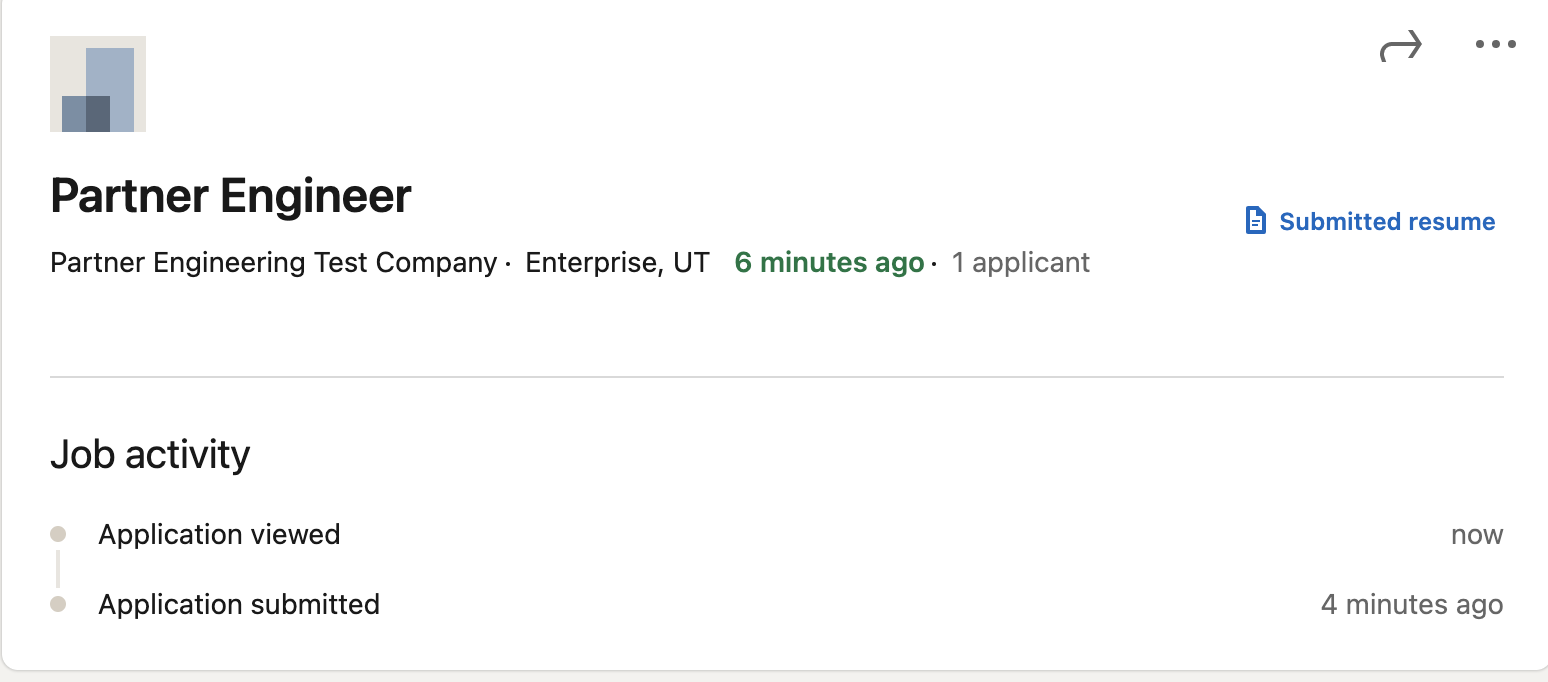
My Jobs
Resume downloaded
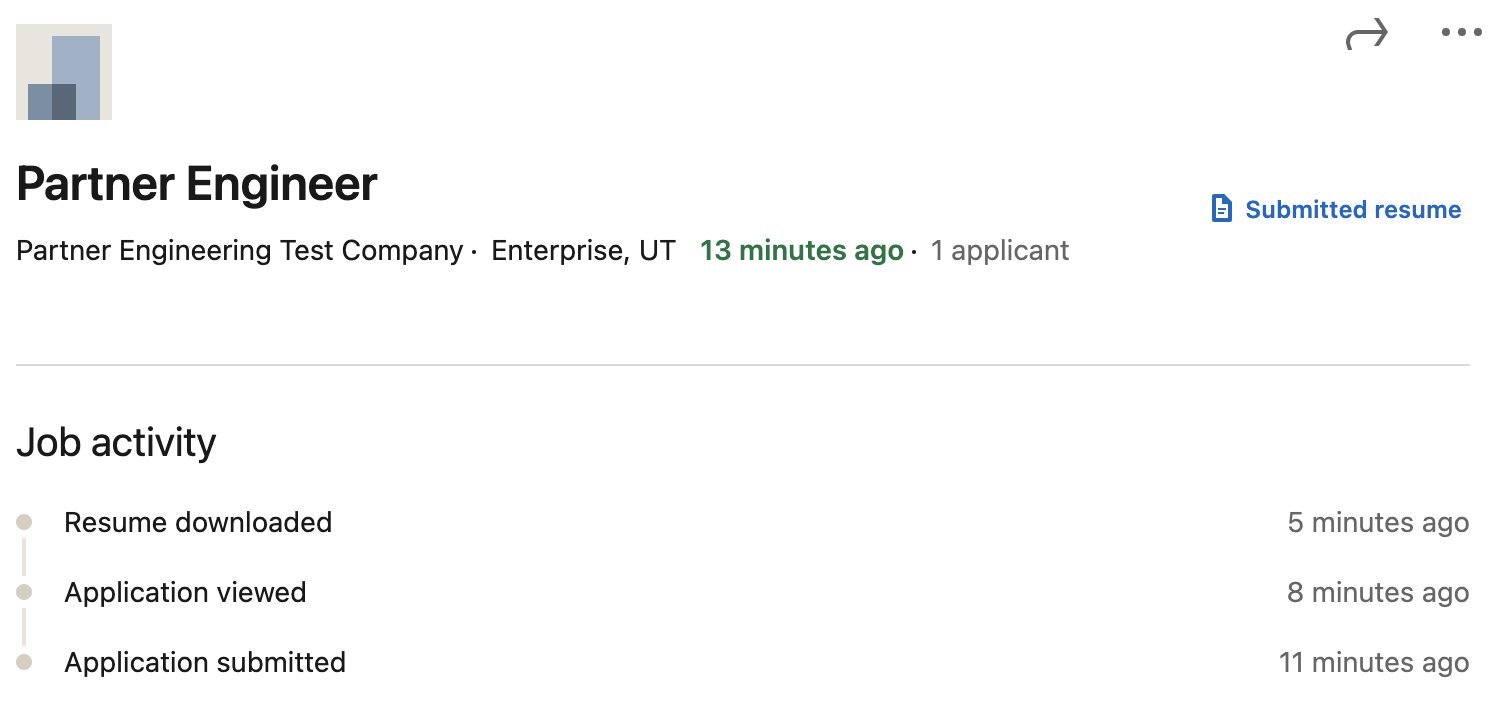
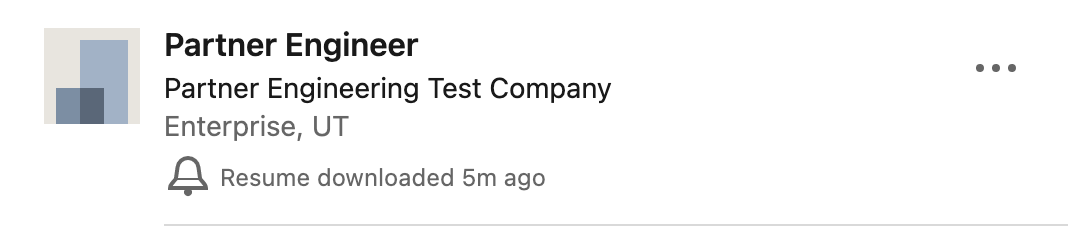
The status of the application changes to Resume downloaded once an application resume is downloaded or displayed within a document viewer in your ATS. An applicant can view this status in two places—LinkedIn job posting they applied to and in the My Jobs section, as shown in the following screenshots.
LinkedIn job posting
My Jobs
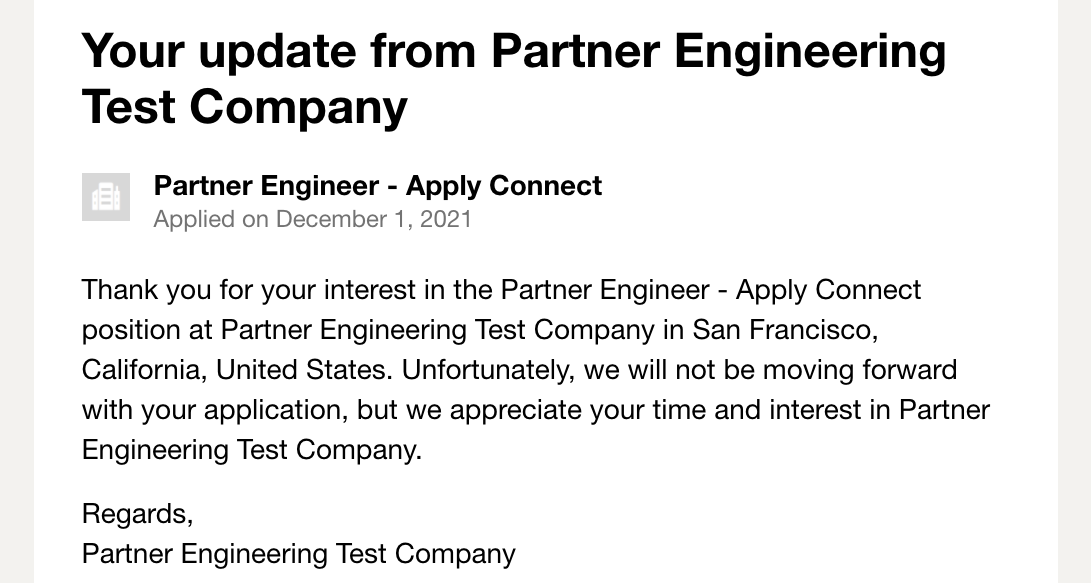
Application rejected
The status of the application changes to Application rejected once an application is rejected within your ATS. An applicant will receive a LinkedIn email notification after 72 hours of the action being updated, as shown in the following screenshot.
Application screened
The status of the application changes to Application screened once an application record moves into the screening stage within your ATS. Send the SCREENED action to let the applicant know their application is being actively reviewed.
Application interviewed
The status of the application changes to Application interviewed once an applicant is moved to the interview stage within your ATS. Send the INTERVIEWED action after an interview is scheduled or completed to keep the applicant updated on their progress.
Application hired
The status of the application changes to Application hired once an applicant is hired for the role within your ATS. Send the HIRED action to notify the applicant that they were selected for the position.