Note
Access to this page requires authorization. You can try signing in or changing directories.
Access to this page requires authorization. You can try changing directories.
Copilot controls provide an integrated framework for Microsoft Copilot and agents. Use them to help secure data that Copilot and agents create or reference, manage Copilot and agent experiences, and measure and analyze adoption and impact across your organization.
They provide a governance structure for the use of:
- Microsoft Copilot
- Copilot Chat
- Microsoft 365 prebuilt agents
- Agents your organization creates in Microsoft Copilot Studio and publish to Microsoft 365 channels
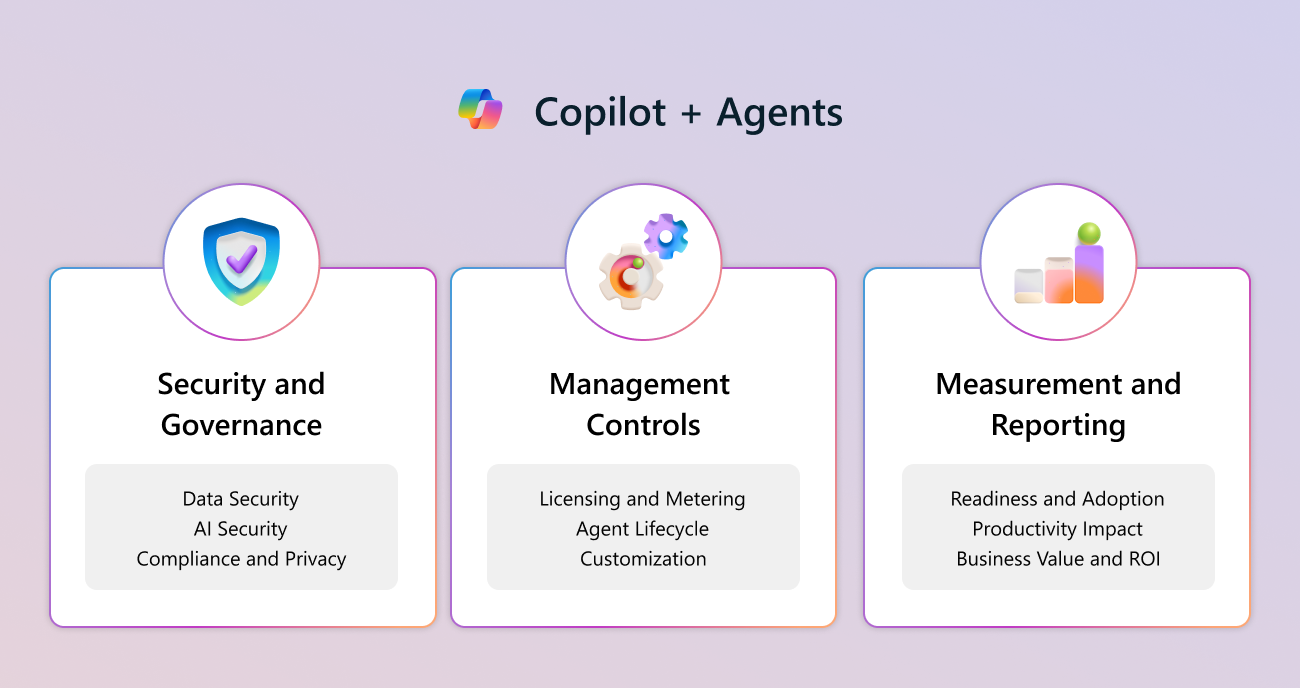
Copilot controls consist of three main pillars:
- Security and governance
- Management controls
- Measurement and reporting
Tip
These articles provide an overview and key points for each pillar, which then link out to supporting content with more detailed information and implementation instructions.
Key capabilities
Security and governance
When you implement Copilot and agents, you might face new and amplified risks related to data security, compliance, and governance. This security and governance framework helps you mitigate these issues.
The security and governance pillar of Copilot controls focuses on the following key capabilities:
- Data security
- AI security
- Compliance and privacy
For more information, see Security and governance.
Management controls
Copilot controls help you decide how to deploy your Microsoft Copilot licenses and agents to fit your organization's unique needs. You can find related management settings mainly in the Microsoft 365 admin center, Power Platform admin center, and Copilot Studio.
The management pillar of Copilot controls focuses on the following key capabilities:
- Licensing and metering
- Agent lifecycle
- Customization
For more information, see Management controls.
Measurement and reporting
Copilot controls measurement and reporting capabilities help you understand adoption and business impact. These capabilities primarily come together as part of Copilot Analytics.
The measurement and reporting pillar of Copilot controls focuses on the following key capabilities:
- Readiness and adoption
- Productivity impact
- Business value and return on investment (ROI)
For more information, see Measurement and reporting.
End user guidance and support
Microsoft Support offers many resources to help you get your entire organization on board and help users adopt these processes. You'll find short videos, articles specific to each Microsoft 365 app, AI prompting information, and other training resources.
For more information, see Microsoft Copilot help & learning.