Note
Access to this page requires authorization. You can try signing in or changing directories.
Access to this page requires authorization. You can try changing directories.
A custom skill is a modular, reusable component that you add to a declarative agent to help it perform a specific packaged task. A skill is a directory that contains a required SKILL.md file with instructions, plus optional resource files and scripts. This article describes how to add a custom skill to your declarative agent by uploading a skill package in Agent Builder.
To learn what custom skills are, why to use them, and the full support matrix, supported file types, sandbox behavior, and governance, see Custom skills in declarative agents.
Important
Custom skills in declarative agents are in preview for organizations that are part of the Microsoft Frontier Preview. For more information, see Explore AI Early Access in Microsoft 365.
Prerequisites
- A qualifying Microsoft 365 Copilot license, or access through pay-as-you-go.
- Your organization must be enrolled in the Microsoft Frontier Program.
Note
In Agent Builder, you can add up to eight skills per agent, and each skill package is a compressed .zip file of up to 50 MB. For the full support matrix and limits, see Custom skills in declarative agents.
Create a skill from a description
You can ask Agent Builder to create a reusable skill from a natural-language description.
In Copilot chat, select Agents & Skills, and then select New agent.
Select the Message Agent Builder text box and ask Agent Builder to create a reusable workflow.
Create an agent that helps my team write release notes. Add a reusable skill that always follows the same steps:

1. Takes a list of merged changes (a pasted list or an uploaded  .csv  of PR titles).
2. Groups them into Features, Fixes, and Other.
3. Runs a script to format them into a clean Markdown changelog with a version heading and today's date.

Package this as a skill with clear instructions and the formatting script so the output looks the same every time.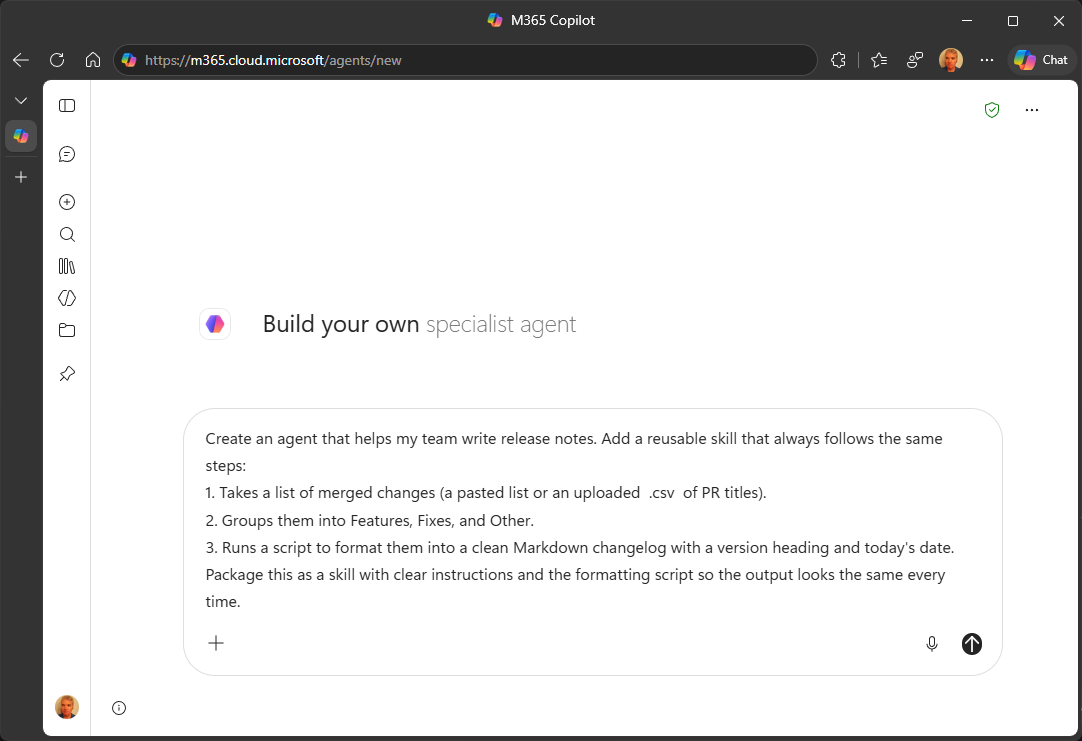
Review the agent in Configure to confirm a skill was created.
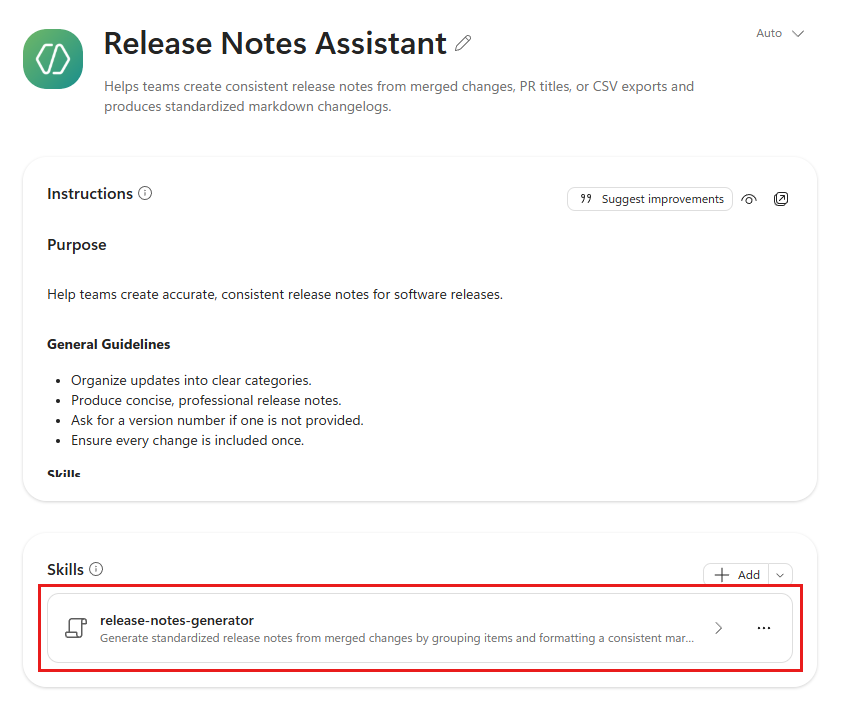
Select the skill to review its details.
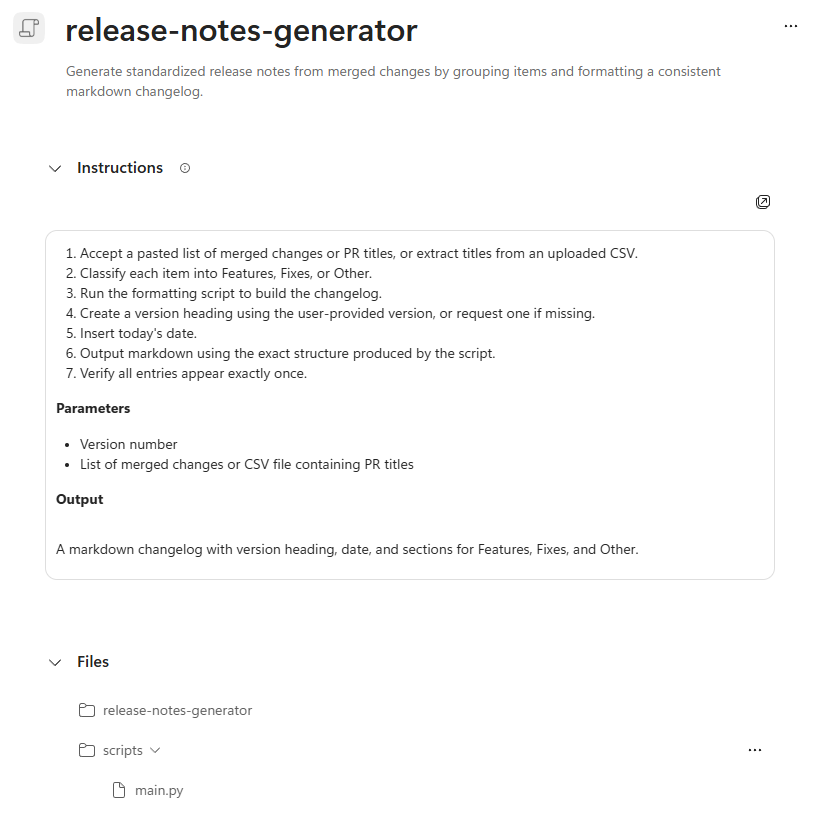
If the skill isn't added, you can explicitly add skills by uploading a skill package.
Upload a skill package
To add a skill package, first create the package, and then upload it in Agent Builder.
Create your skill package
Before you add a skill in Agent Builder, package the skill as a .zip file that contains:
- A required
SKILL.mdfile. - A skill name and description in the
SKILL.mdYAML front matter. - Optional supported resource files.
- Optional supported scripts and supporting folders.
- Skill instructions under 20,000 characters.
Your package resembles the following directory structure:
my-skill.zip
|-- SKILL.md              # required
|-- <resource files>      # optional
`-- <scripts or folders>  # optional
For the supported file and script types, see Supported file and script types.
Important
Upload the complete .zip package. Don't upload SKILL.md by itself.
Upload your skill package
Open or create a declarative agent in Agent Builder.
Open Configure, expand Skills, and then select Add.
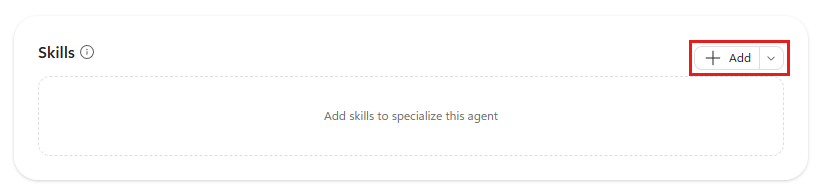
Upload the complete
.zipskill package.Review the skill name, description, instructions, and included files.
Open Preview and try a prompt that should use the skill.