Note
Access to this page requires authorization. You can try signing in or changing directories.
Access to this page requires authorization. You can try changing directories.
This tutorial demonstrates how to use the programmability tools to create cross-tenant isolation reports.
In this tutorial, learn how to:
- Create a report
- List all reports for the tenant
- Fetch a single report
- Locate the environment for a reported connection
Important
For more details about tenant isolation, see Cross-tenant inbound and outbound restrictions.
Create a report
Use the following information to find various ways in which you can create a new report.
Note
You can only create one report per tenant per calendar day.
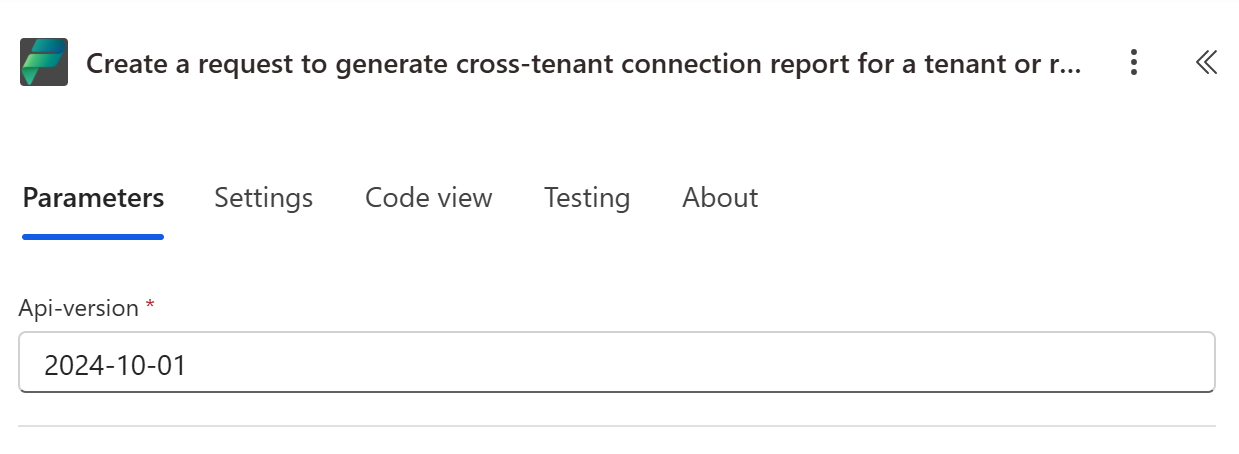
Add a new action to the canvas, searching for "Create a request to generate a cross-tenant connection report for a tenant, or return an existing report". The action doesn't require any parameters.
List all reports for the tenant
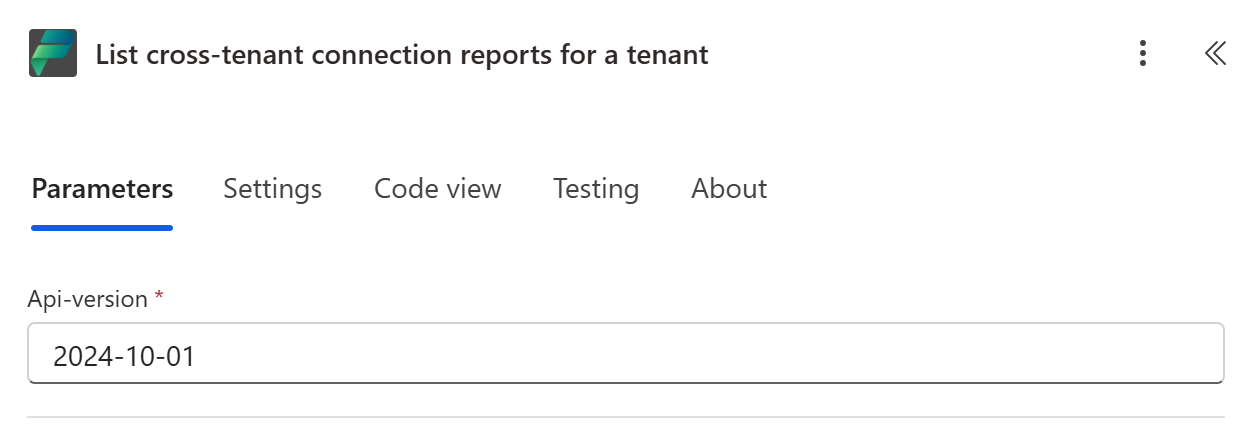
Add a new action to the canvas, and search for List cross-tenant connection reports for a tenant. The action doesn't require any parameters.
Fetch a single report
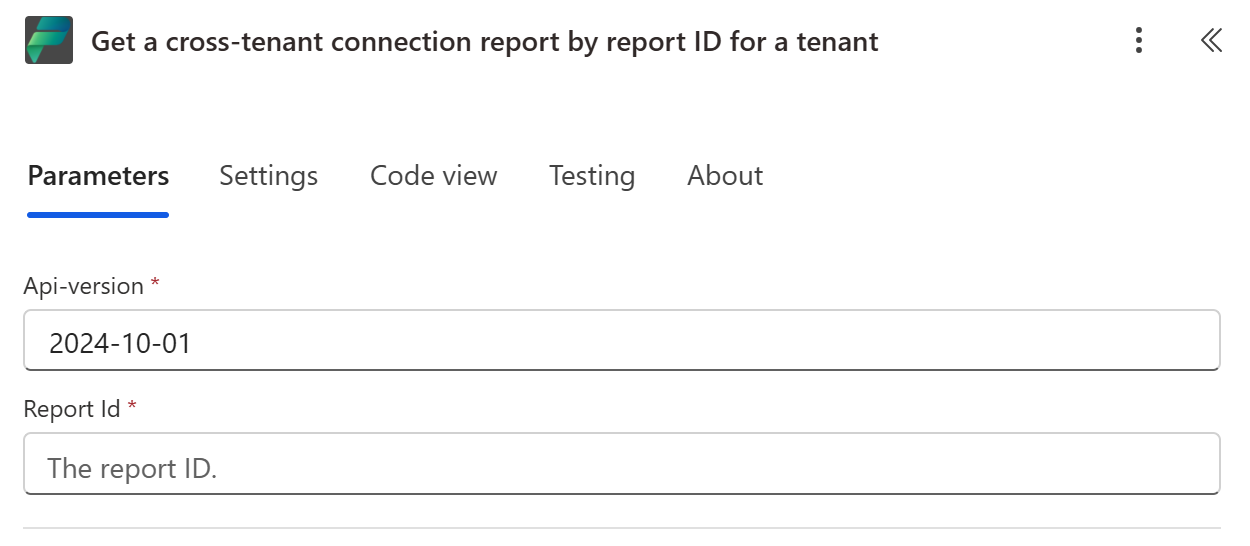
Add a new action to the canvas, and search for Get a cross-tenant connection report by report ID for a tenant. Provide the report ID from earlier steps.
Understand what the report contains
Each completed report includes a connections array. Every entry describes a cross-tenant connection observed during the reporting window and includes:
tenantId: the external tenant that the connection reaches.connectionType: the direction of the connection, eitheroutbound(from your tenant to the external tenant) orinbound.connectionId: the identifier of the connection. This value matches the connection'sname(the last segment of the connection's resource ID) in the environment where the connection lives.
Note
The report logs cross-tenant connection attempts observed during the reporting window, not only connections that currently exist. This connection type includes attempts that were blocked by tenant isolation on your tenant or on the target tenant. As a result, a connectionId in the report might not correspond to a connection that exists in any of your environments today. You can't locate blocked connection attempts (and connections that were later deleted) by using the steps in the next section.
Locate the environment for a reported connection
A report identifies each connection by connectionId, but it doesn't include the environment where the connection lives. To find the environment, enumerate the environments in your tenant, list each environment's connections, and match on the connection name.
Use the following PowerShell script to search your environments for a reported connectionId. Enumerate your environment IDs however you prefer—for example, from the Power Platform admin center or an environments API—and provide the connectionId values from the report.
Import-Module "MSAL.PS"
$AuthResult = Get-MsalToken -ClientId '<client id of your Microsoft Entra ID application registration>' -Scope 'https://api.powerplatform.com/.default'
$Headers = @{Authorization = "******"}

# The connectionId values from the report you fetched in the previous step.
$reportConnectionIds = @('<connectionId-1>', '<connectionId-2>')

# The environments in your tenant to search.
$environmentIds = @('<environment-id-1>', '<environment-id-2>')

foreach ($environmentId in $environmentIds)
{
    try
    {
        # List the connections in the environment.
        $uri = "https://api.powerplatform.com/connectivity/environments/$environmentId/connections?api-version=2024-10-01"
        $connections = (Invoke-RestMethod -Method Get -Uri $uri -Headers $Headers).value

        foreach ($connectionId in $reportConnectionIds)
        {
            # The report's connectionId matches the connection's 'name'.
            $match = $connections | Where-Object { $_.name -eq $connectionId }
            if ($match)
            {
                Write-Host "connectionId $connectionId is in environment $environmentId (connector: $($match.properties.apiId), display name: $($match.properties.displayName))"
            }
        }
    }
    catch
    {
        Write-Host "Could not list connections for environment ${environmentId}: $($_.Exception.Message)"
    }
}
If a reported connectionId isn't found in any environment, it was most likely a blocked attempt (see the previous note) or a connection that was deleted after the report was generated.
Power Platform API reference: List connections in an environment
Related content
Power Platform API reference - Cross-Tenant Connection Reports