Copilot credits fund agent and Copilot usage that you build with Copilot Studio across your Power Platform environments. As an administrator, you allocate credits to the environments that need them and decide what happens when an environment runs out of its allocated credits. In addition to the Power Platform admin center experience, you can manage Copilot credit allocations with code by using the Power Platform API and the administration (Admin) SDKs. Automating credit allocation is useful when you distribute capacity across many environments, standardize overage behavior, or manage allocations as part of a deployment pipeline.
In this tutorial, learn how to:
- Manage Copilot credits in the Power Platform admin center.
- Authenticate by using Power Platform API.
- View the Copilot credits available to allocate.
- Allocate Copilot credits to an environment.
- Control whether an environment draws from tenant capacity.
Copilot credits are represented by the entitlement ID MCSMessages and are managed through the licensing/allocationsV2 operations of the Power Platform API. The allocationsV2/availability operation reports how much capacity is available to allocate, and the allocationsV2 operation writes an environment's allocation. All programmatic examples in this article use API version 2024-10-01.
Each environment allocation carries a set of enforcement rules that determine what happens when the environment consumes its allocated credits. The Draw from the available capacity in my tenant option in the admin center maps to the TenantPool enforcement rule: when it's enabled, the environment continues to draw from unallocated tenant capacity after its own allocation is exhausted; when it's disabled, the environment is capped at its allocation.
Prerequisites
An app registration configured for Power Platform API. Note the app registration's application (client) ID and directory (tenant) ID.
Permission to manage licensing and capacity. Sign in as a user with the Power Platform Administrator or Global Administrator role, or an equivalent role that can manage licensing and capacity.
For the SDK examples, install the SDK that ships monthly on its public gallery:
dotnet add package Microsoft.PowerPlatform.Management
pip install powerplatform-management
Manage Copilot credit allocations
This section shows the same end-to-end flow—check what's available, allocate credits to an environment, and control whether the environment draws from tenant capacity—in the Power Platform admin center and in each SDK. Use the tabs to switch between the admin center and your preferred language.
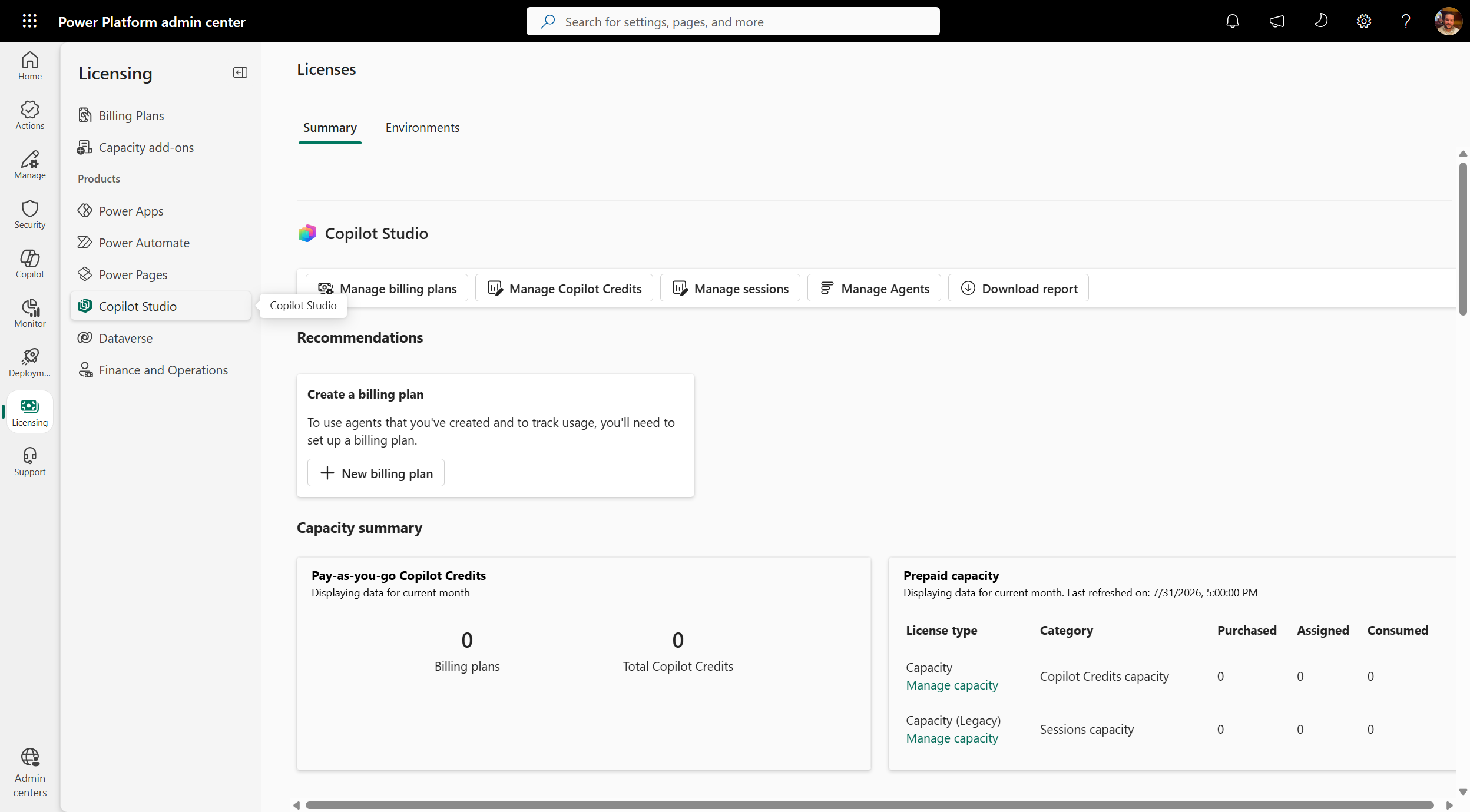
Sign in to the Power Platform admin center.
In the navigation pane, select Licensing.
Under Products, select Copilot Studio, and then select Manage Copilot Credits.
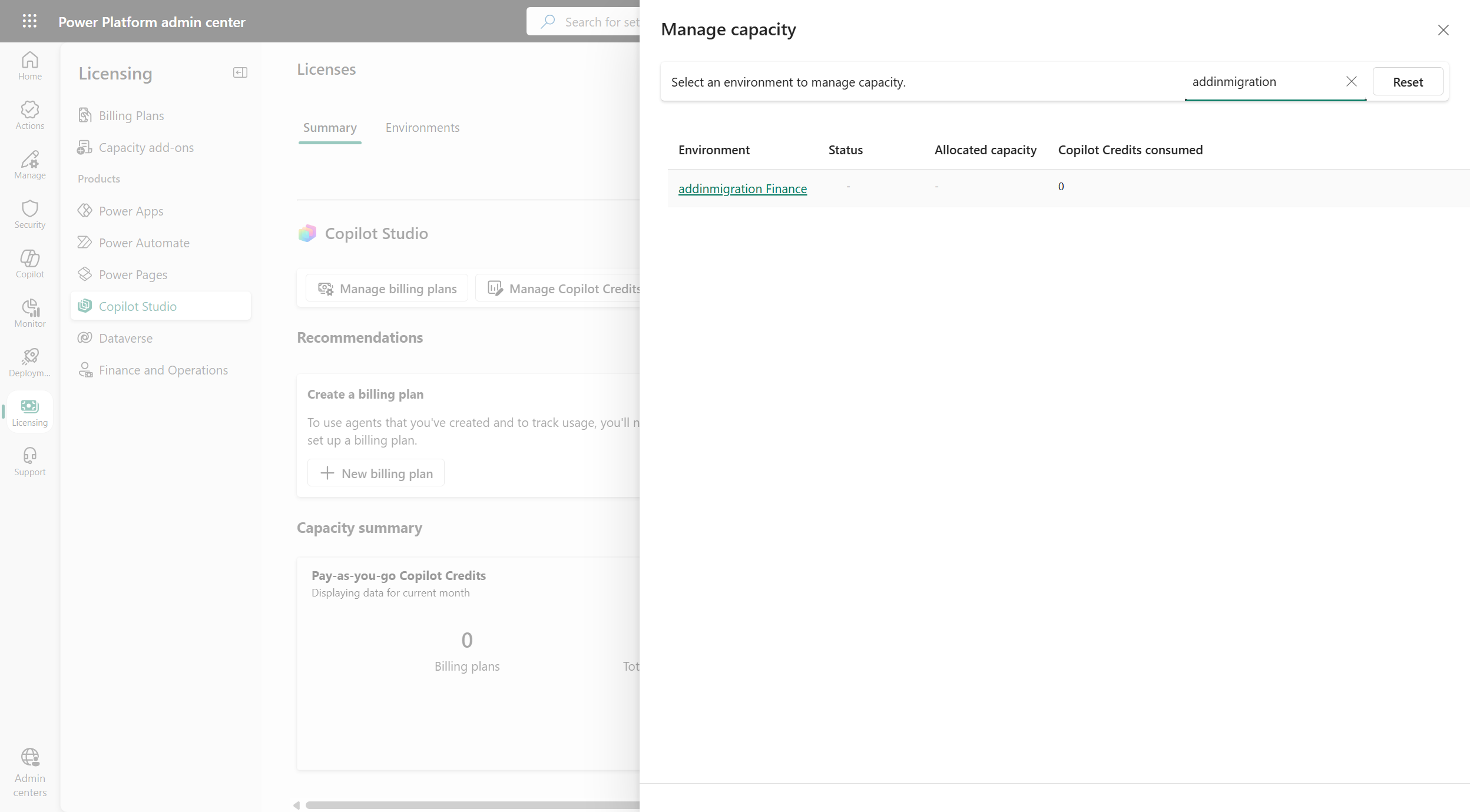
Select the environment that you want to manage. Use the Search box to find an environment by name.
Under Allocate capacity, enter the number of Copilot credits to allocate to the environment. The pane shows how many credits are consumed, how many are already allocated, and how many are available to be allocated from your tenant.
Under Capacity overages, select or clear Draw from the available capacity in my tenant to control what happens when the environment exhausts its allocation:
- Selected: after the environment's allocated credits are consumed, it continues to draw from your tenant's unallocated capacity.
- Cleared: the environment is capped at its allocation and stops consuming when the allocation is exhausted.
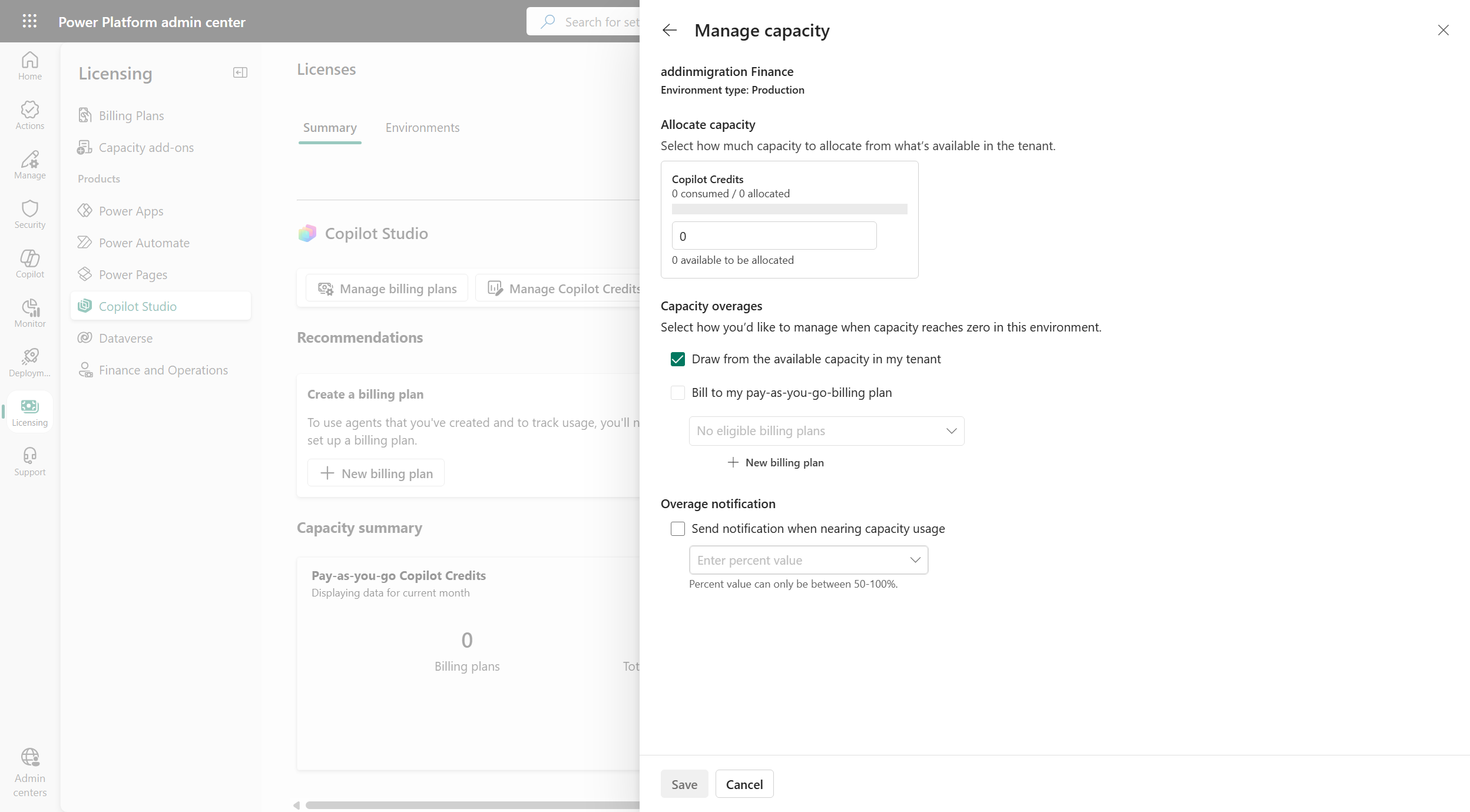
Select Save.
The following example signs in interactively as the current user, reads the Copilot credits available to allocate, allocates credits to an environment, and turns off Draw from the available capacity in my tenant so the environment is capped at its allocation.
# Requires the MSAL.PS module: Install-Module MSAL.PS -Scope CurrentUser
Import-Module "MSAL.PS"

$clientId      = "<application (client) ID of your app registration>"
$tenantId      = "<directory (tenant) ID>"
$environmentId = "<environment ID>"
$apiBaseUrl    = "https://api.powerplatform.com"
$apiVersion    = "2024-10-01"

# Sign in interactively and request a token for the Power Platform API
$auth = Get-MsalToken -ClientId $clientId -TenantId $tenantId -Scope "https://api.powerplatform.com/.default" -Interactive
$headers = @{ Authorization = "Bearer $($auth.AccessToken)" }

# 1. View the Copilot credits available to allocate for the environment
$filter = [uri]::EscapeDataString("environmentId eq '$environmentId' and EntitlementId in ('MCSMessages')")
$availability = Invoke-RestMethod -Method Get `
    -Uri "$apiBaseUrl/licensing/allocationsV2/availability?api-version=$apiVersion&`$filter=$filter" `
    -Headers $headers
$availability.entitlementAllocationsAvailable |
    ForEach-Object { Write-Host "$($_.entitlementId): $($_.availableQuantity) available" }

# 2. Allocate Copilot credits to the environment and turn off tenant capacity draw
$allocationBody = @{
    scope = @{ environmentId = $environmentId }
    allocatedEntitlements = @(
        @{
            entitlementId    = "MCSMessages"
            allocation       = @{ quantity = 5000 }
            enforcementRules = @(
                # Disable TenantPool so the environment is capped at its allocation.
                # Set enabled = $true to let the environment draw from tenant capacity.
                @{ ruleType = "TenantPool"; enabled = $false }
            )
        }
    )
} | ConvertTo-Json -Depth 10

Invoke-RestMethod -Method Put `
    -Uri "$apiBaseUrl/licensing/allocationsV2?api-version=$apiVersion" `
    -Headers $headers -ContentType "application/json" -Body $allocationBody
Write-Host "Updated Copilot credit allocation for environment $environmentId"
The following example signs in interactively by using your app registration's client ID, reads the Copilot credits available to allocate, allocates credits to an environment, and turns off Draw from the available capacity in my tenant so the environment is capped at its allocation.
using Microsoft.PowerPlatform.Management;
using Microsoft.PowerPlatform.Management.Models;

// Create an interactive client using your app registration's client ID.
// A browser window opens for sign-in.
var factory = new ServiceClientFactory();
var client = factory.Create("YOUR_CLIENT_ID");

var environmentId = "<environment ID>";
var apiVersion = "2024-10-01";

// 1. View the Copilot credits available to allocate for the environment
var availability = await client.Licensing.AllocationsV2.Availability.GetAsync(config =>
{
    config.QueryParameters.ApiVersion = apiVersion;
    config.QueryParameters.Filter =
        $"environmentId eq '{environmentId}' and EntitlementId in (MCSMessages)";
});

foreach (var entitlement in availability.EntitlementAllocationsAvailable)
{
    Console.WriteLine($"{entitlement.EntitlementId}: {entitlement.AvailableQuantity} available");
}

// 2. Allocate Copilot credits to the environment and turn off tenant capacity draw
var request = new AllocationPutRequestModel
{
    Scope = new ScopeModel { EnvironmentId = environmentId },
    AllocatedEntitlements = new List<EntitlementAllocationModel>
    {
        new EntitlementAllocationModel
        {
            EntitlementId = "MCSMessages",
            Allocation = new AllocationModel { Quantity = 5000 },
            EnforcementRules = new List<AllocationEnforcementRule>
            {
                // Disable TenantPool so the environment is capped at its allocation.
                // Set Enabled = true to let the environment draw from tenant capacity.
                new AllocationEnforcementRule
                {
                    RuleType = AllocationEnforcementRuleTypes.TenantPool,
                    Enabled = false
                }
            }
        }
    }
};

await client.Licensing.AllocationsV2.PutAsync(request, config =>
{
    config.QueryParameters.ApiVersion = apiVersion;
});
Console.WriteLine($"Updated Copilot credit allocation for environment {environmentId}");
The following example signs in interactively by using your app registration's client ID, reads the Copilot credits available to allocate, allocates credits to an environment, and turns off Draw from the available capacity in my tenant so the environment is capped at its allocation.
import asyncio
from azure.identity import InteractiveBrowserCredential
from kiota_abstractions.base_request_configuration import RequestConfiguration
from kiota_authentication_azure.azure_identity_authentication_provider import (
    AzureIdentityAuthenticationProvider,
)
from kiota_http.httpx_request_adapter import HttpxRequestAdapter
from mspp_management.service_client_base import ServiceClientBase
from mspp_management.licensing.allocations_v2.allocations_v2_request_builder import (
    AllocationsV2RequestBuilder,
)
from mspp_management.licensing.allocations_v2.availability.availability_request_builder import (
    AvailabilityRequestBuilder,
)
from mspp_management.models.allocation_put_request_model import AllocationPutRequestModel
from mspp_management.models.scope_model import ScopeModel
from mspp_management.models.entitlement_allocation_model import EntitlementAllocationModel
from mspp_management.models.allocation_model import AllocationModel
from mspp_management.models.allocation_enforcement_rule import AllocationEnforcementRule
from mspp_management.models.allocation_enforcement_rule_types import (
    AllocationEnforcementRuleTypes,
)

API_VERSION = "2024-10-01"


async def manage_copilot_credits(client: ServiceClientBase, environment_id: str):
    # 1. View the Copilot credits available to allocate for the environment
    query_params = AvailabilityRequestBuilder.AvailabilityRequestBuilderGetQueryParameters(
        api_version=API_VERSION,
        filter=f"environmentId eq '{environment_id}' and EntitlementId in (MCSMessages)",
    )
    availability = await client.licensing.allocations_v2.availability.get(
        request_configuration=RequestConfiguration(query_parameters=query_params)
    )
    for entitlement in availability.entitlement_allocations_available:
        print(f"{entitlement.entitlement_id}: {entitlement.available_quantity} available")

    # 2. Allocate Copilot credits to the environment and turn off tenant capacity draw
    # Disable TenantPool so the environment is capped at its allocation.
    # Set enabled = True to let the environment draw from tenant capacity.
    tenant_pool_rule = AllocationEnforcementRule()
    tenant_pool_rule.rule_type = AllocationEnforcementRuleTypes.TenantPool
    tenant_pool_rule.enabled = False

    entitlement = EntitlementAllocationModel()
    entitlement.entitlement_id = "MCSMessages"
    entitlement.allocation = AllocationModel()
    entitlement.allocation.quantity = 5000
    entitlement.enforcement_rules = [tenant_pool_rule]

    request = AllocationPutRequestModel()
    request.scope = ScopeModel()
    request.scope.environment_id = environment_id
    request.allocated_entitlements = [entitlement]

    put_params = AllocationsV2RequestBuilder.AllocationsV2RequestBuilderPutQueryParameters(
        api_version=API_VERSION,
    )
    await client.licensing.allocations_v2.put(
        request, request_configuration=RequestConfiguration(query_parameters=put_params)
    )
    print(f"Updated Copilot credit allocation for environment {environment_id}")


async def main():
    # Sign in interactively using your app registration's client ID.
    credential = InteractiveBrowserCredential(client_id="YOUR_CLIENT_ID")
    auth_provider = AzureIdentityAuthenticationProvider(
        credentials=credential,
        scopes=["https://api.powerplatform.com/.default"],
    )
    adapter = HttpxRequestAdapter(authentication_provider=auth_provider)
    client = ServiceClientBase(adapter)

    await manage_copilot_credits(client, environment_id="<environment ID>")


asyncio.run(main())