Note
Access to this page requires authorization. You can try signing in or changing directories.
Access to this page requires authorization. You can try changing directories.
This refactoring applies to:
C#
Visual Basic
What: Lets you rename identifiers for code symbols, such as fields, local variables, methods, namespaces, properties, and types.
When: You want to safely rename something without having to find all instances, and copy/paste the new name.
Why: Copy and pasting the new name across an entire project would likely result in errors. This refactoring tool accurately performs the renaming action.
How-to
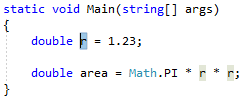
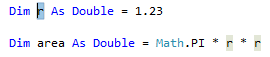
Highlight or place the text cursor inside the item to be renamed:
C#:
Visual Basic:
Next, use your keyboard or mouse as follows:
- Keyboard
- Press Ctrl+R, then Ctrl+R. (Your keyboard shortcut may be different based on which profile you selected.)
- Mouse
- Select Edit > Refactor > Rename.
- Right-click the code and select Rename.
- Keyboard
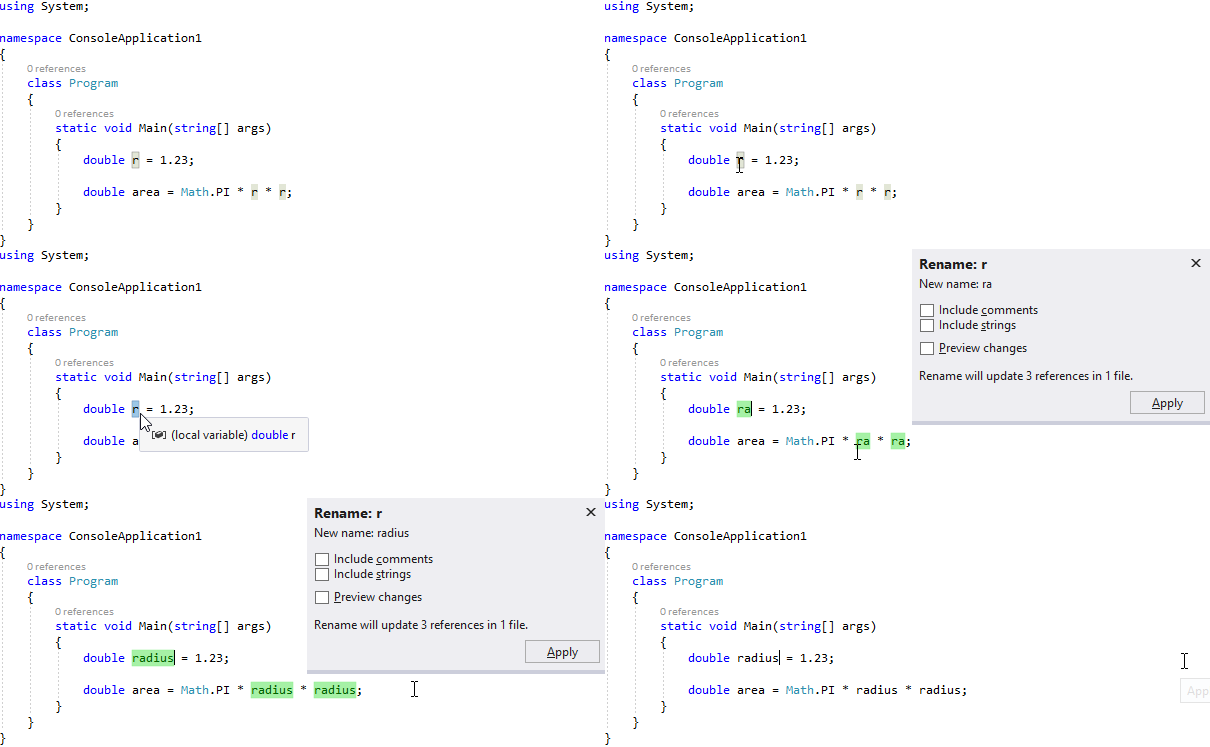
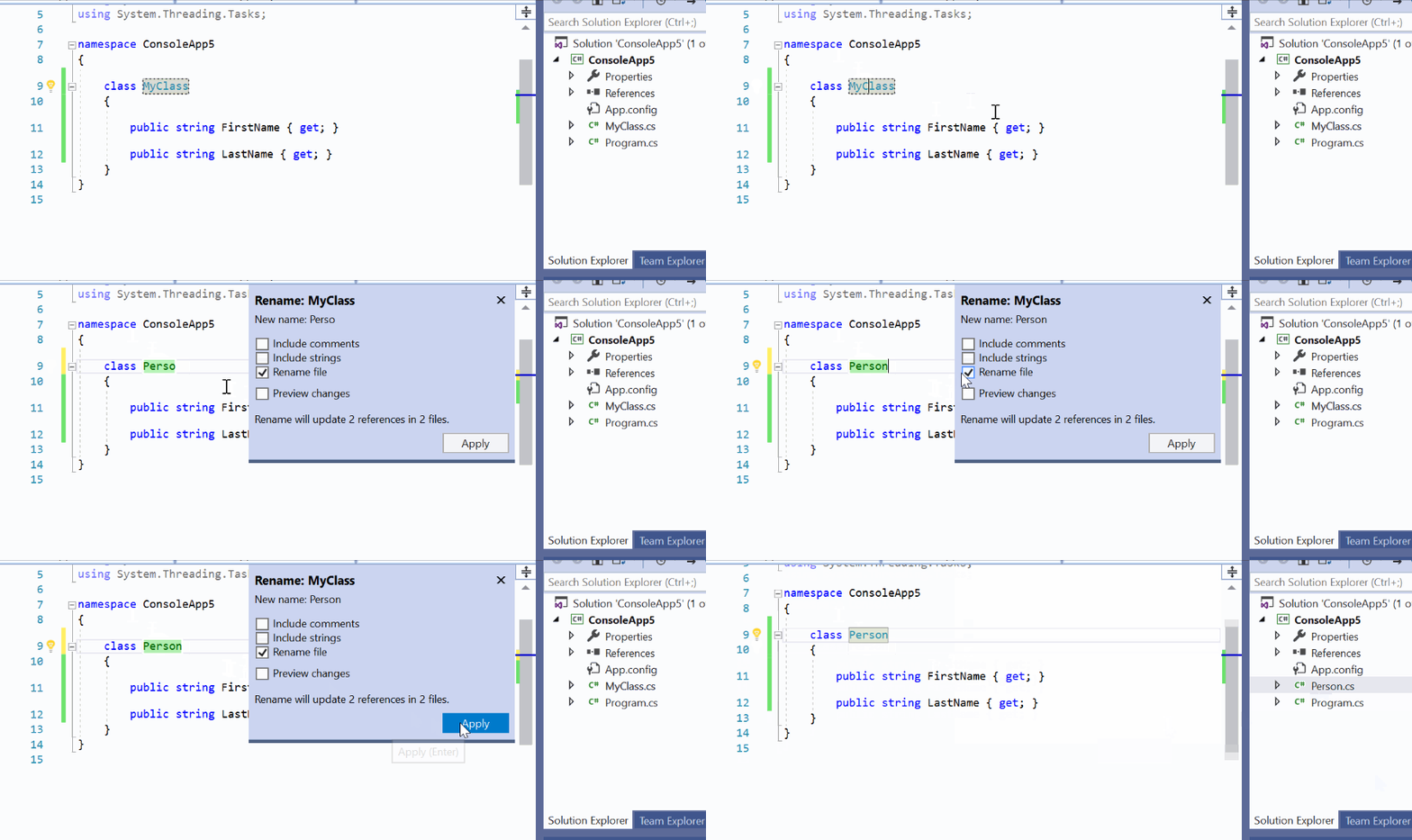
Rename the item simply by typing the new name.
C#:
Visual Basic:

When you're happy with the change, choose the Apply button or press Enter and the changes are committed.
Remarks
Starting in Visual Studio 2019 version 16.3, when you rename a type that matches the name of the file it's in, a checkbox appears that enables you to rename the file at the same time. This option appears when you rename a class, interface, or enumeration. This option isn't supported for partial types with multiple definitions.
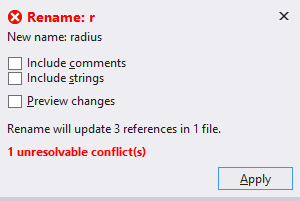
If you use a name that already exists which would cause a conflict, the Rename box warns you.
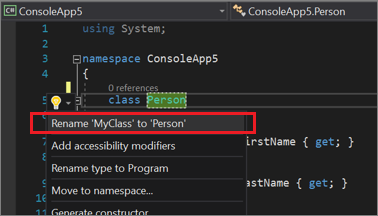
Another way to rename a symbol is to change its name in the editor. Then, with the cursor in the symbol name, press Ctrl+. or just expand the light bulb icon menu that appears and choose Rename <old name> to <new name>.