Note
Access to this page requires authorization. You can try signing in or changing directories.
Access to this page requires authorization. You can try changing directories.
Overview: Displays driver delays in an event graph, as shown in the following screen shot.
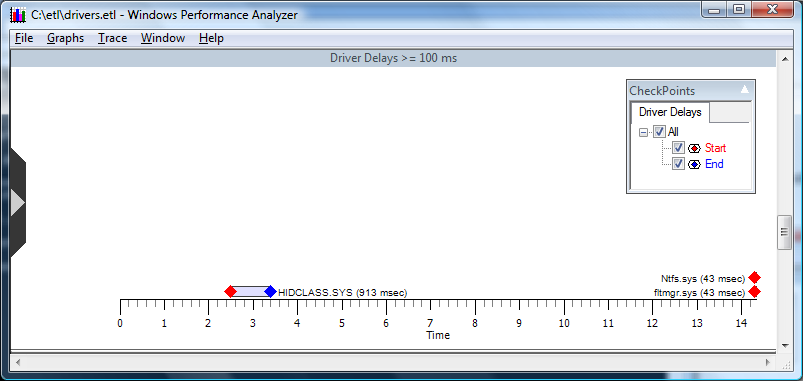
Graph Type: Event graph.
Y-axis Units: Drivers
Required Flags: DRIVERS+ CSWITCH+PROC_THREAD+LOADER
Events Captured: Driver delays greater than or equal to 100 milliseconds
Legend Description: Displays start and stop times for callbacks into a driver.
Graph Description: Displays how long drivers took to process Input/Output Controls, which are also referred to as ioctls. Delays in loading drivers can have a significant effect on system and application performance.
This graph allows the user to set a minimum driver delay by right clicking to open the context menu and selecting Set Delay Threshold. The following box appears, as shown in the following screen shot.