.NET MAUI - Map Features
This sample demonstrates the Maps features introduced in .NET MAUI 11 for the Map control.
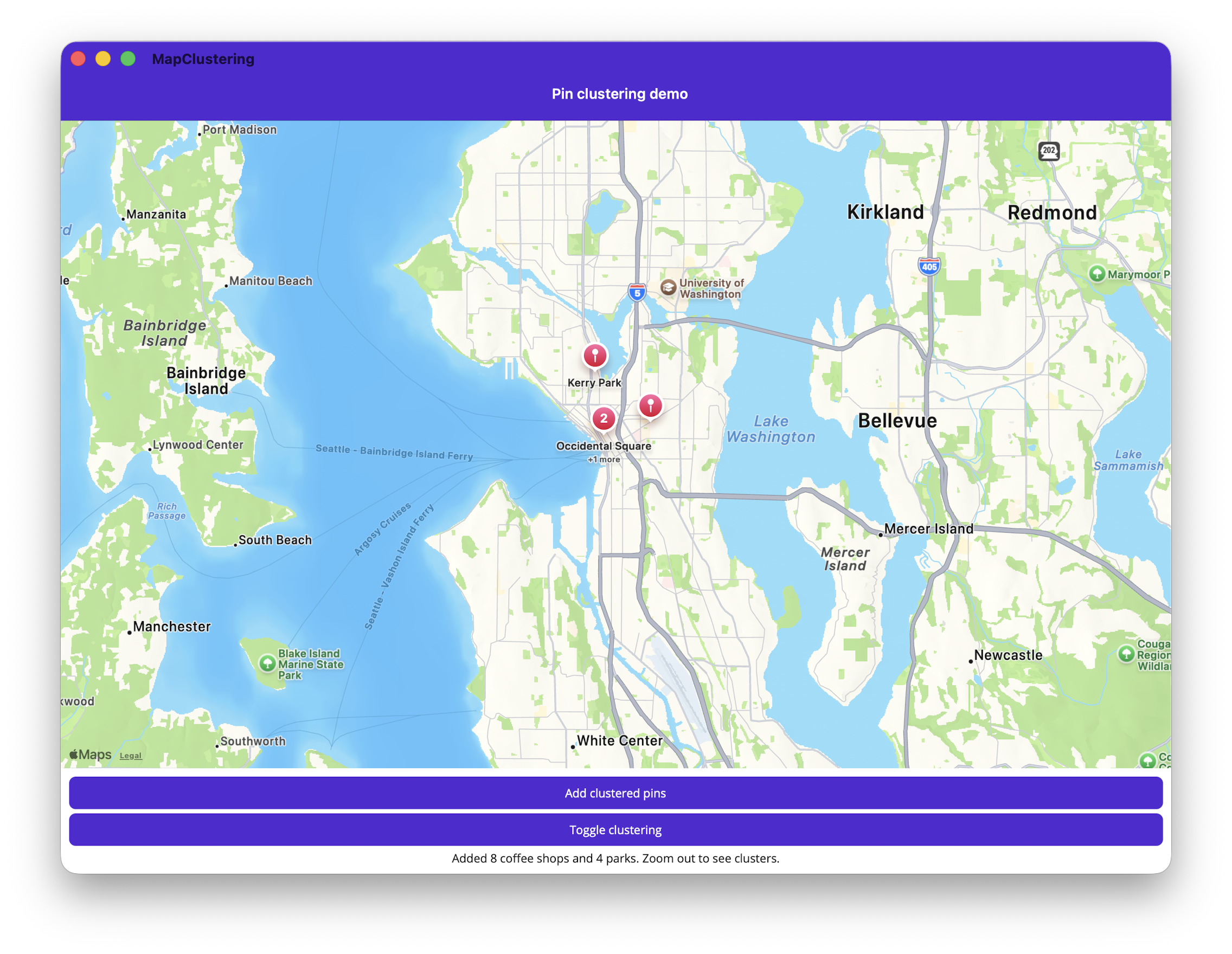
Features
- Pin clustering — Set
Map.IsClusteringEnabledto group nearby pins into cluster markers, withPin.ClusteringIdentifierfor separate clustering groups. - Cluster tap handling — Handle the
Map.ClusterClickedevent to display cluster details or suppress the default zoom behavior. - Custom pin icons — Use
Pin.ImageSourceto set any image as a pin marker. - Long press to drop pins — Handle the
Map.MapLongClickedevent to add pins interactively. - Circle and Polygon overlay click events — Handle
Circle.CircleClickedandPolygon.PolygonClickedto respond to overlay taps. - Overlay visibility — Toggle
MapElement.IsVisibleto show/hide overlays without removing them. - ZIndex layering — Control overlay draw order with
MapElement.ZIndex. - Animated map navigation — Use
Map.MoveToRegionwithMapSpan.FromCenterAndRadiusfor smooth camera transitions.
Prerequisites
- .NET 11 Preview 3 or later
- .NET MAUI workload installed
- Android: Google Maps API key configured in
AndroidManifest.xml - iOS/Mac Catalyst: No additional configuration required
Build and run
- Open
MapClustering.slnin Visual Studio 2022 or later. - For Android, add your Google Maps API key to
Platforms/Android/AndroidManifest.xml. - Select a target platform and run.
Key APIs
Map.IsClusteringEnabledPin.ClusteringIdentifierMap.ClusterClickedPin.ImageSourceMap.MapLongClickedCircle.CircleClickedPolygon.PolygonClickedMapElement.IsVisibleMapElement.ZIndexMap.MoveToRegionMapSpan.FromCenterAndRadius
Platform support
| Platform | Supported |
|---|---|
| Android | ✅ |
| iOS | ✅ |
| Mac Catalyst | ✅ |
| Windows | ❌ Not yet supported |