Note
Access to this page requires authorization. You can try signing in or changing directories.
Access to this page requires authorization. You can try changing directories.
Security Store provides a curated catalog of vetted security integrations for Microsoft Security products. Use Security Store to find, purchase, and deploy integrations that enhance your security operations.
Find and get security integrations
Go to the Security Store portal.
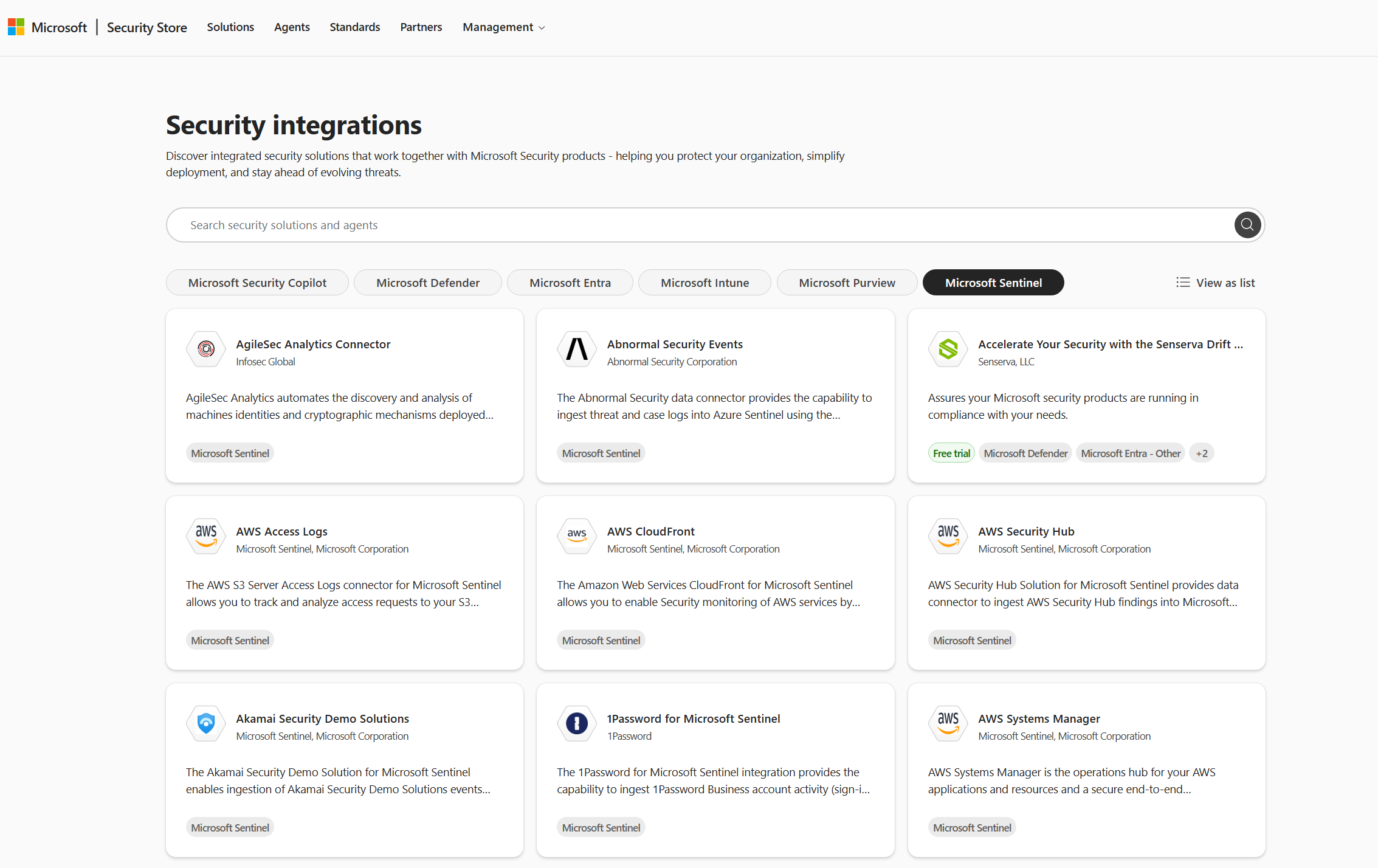
Select Explore solutions on the Security integrations card.
Select Microsoft Security product filters to view integrations for your product. For example, Microsoft Sentinel solutions that also appear in Microsoft Sentinel Content hub.
Select a solution to view its details.
Select Get solution to purchase and deploy the integration.